How to reset settings in CS 1.6 (CS 1.6)
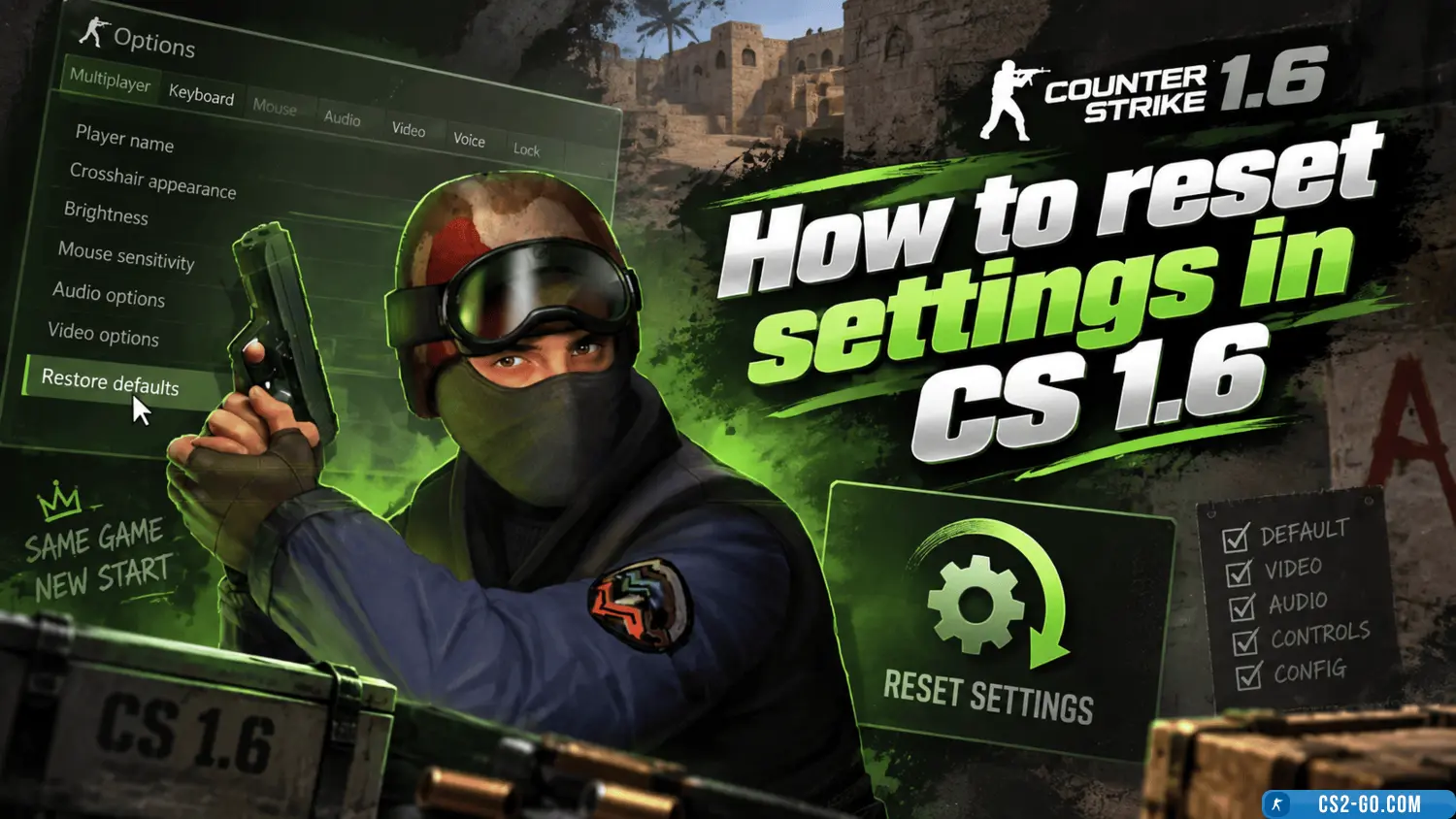
Resetting settings in CS 1.6 may be necessary if you want to restore the game’s default parameters or if the game starts behaving unstable after changing settings. Here’s how to do it.
1. Reset settings via console
-
Open the console by pressing the ~ (tilde) key. If it’s not enabled, go to the game settings and enable it under Controls.
-
Enter the command:
exec defaultThis will reset all settings to default.
2. Deleting custom configurations
-
Go to the game folder. Usually, it is:
- Steam:
C:\Program Files (x86)\Steam\steamapps\common\Half-Life\cstrike\ - Non-Steam: wherever you installed the game, in the
cstrikefolder.
- Steam:
-
Delete or rename the config.cfg file. This is the main configuration file where all game settings are stored.
-
When you start the game again, CS 1.6 will create a new config.cfg with default settings.
3. Reset video settings
- In the CS 1.6 main menu, go to Options → Video.
- Click the Default Settings button to reset all graphics settings.
If the issue is with drivers, you can try updating them or reinstalling them.
4. Using Steam
If you are using Steam, you can completely reset the game settings through the client:
- Go to your Steam Library.
- Find CS 1.6 in the list of games.
- Right-click the game and select Properties.
- Go to the Local Files section and select Verify Integrity of Game Files. This will restore all game files, including settings.
5. Сброс настроек управления
Если вы хотите сбросить только настройки управления:
- Перейдите в Настройки управления.
- Нажмите на Назначить по умолчанию, чтобы вернуть настройки клавиш.