How to enable damage display in CS2 (CS 2)
Why enable damage display in CS2?
Damage display in Counter-Strike 2 helps players analyze their actions, adjust tactics, and improve team coordination. Knowing how much damage you have dealt to an opponent makes it easier to make decisions in combat.
How to enable damage via the console
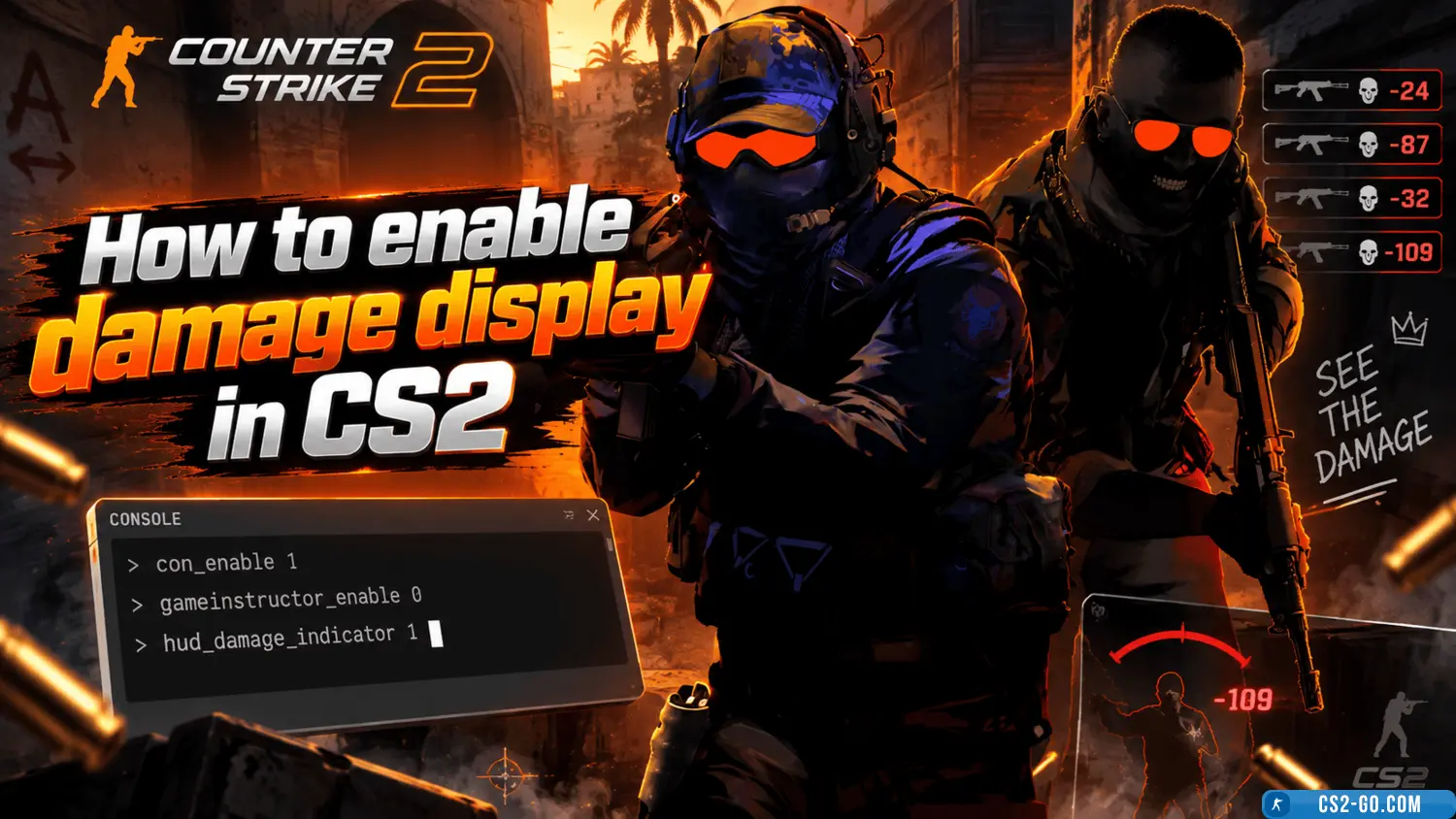
To activate damage display in CS2, you need to use console commands.
-
Open the console
-
Press the
~(tilde) key or set it in the settings if the console does not open. -
In the menu Settings → Game → Enable Developer Console select “Yes”.
-
-
Enter the command
Copy
Download
weapon_debug_print_accuracy 2
This command enables damage details, including information about hits and damage dealt.
-
Additional useful commands
-
con_filter_text "Damage"– filters damage messages in the console. -
con_filter_enable 1– enables filtering.
-
Alternative ways to track damage
If standard methods do not suit you, you can use:
-
Mods and plugins (only for private servers).
-
Third-party program overlays (for example, Leetify or CS Stats).
Tips for using damage data
-
Analyze statistics – after each round, check how much damage you dealt.
-
Adjust your shooting – if damage is low, train accuracy in Aim Lab or on training maps.
-
Work as a team – tell your teammates how much damage you dealt to the enemy.
Conclusion
Enabling damage display in CS2 is a useful feature for those who want to improve their skills. Use console commands or third-party tools to always see damage details and increase your effectiveness in the game.