In the game CS GO, there are many console commands that allow you to activate various functions in training mode. Among them, people are especially often interested in the ability to enable AIM (auto-aiming) and WH (the ability to see enemies through walls). However, it is important to understand that such commands work only in offline mode or on private servers with cheats enabled. They do not work on official servers, and using third-party software can result in a VAC ban.
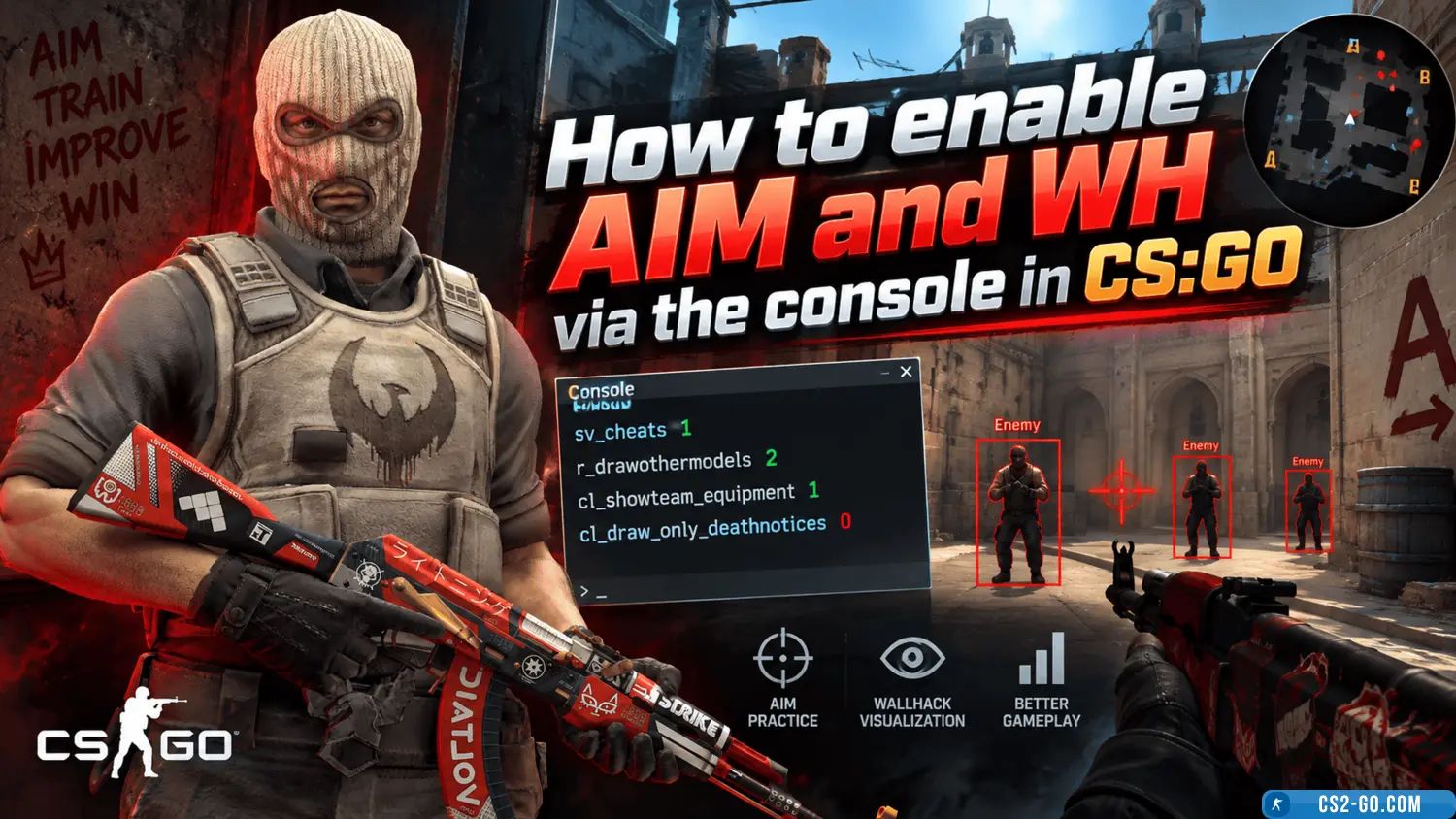
To enable cheats, you need to open the console (the ~ key) and enter the command:
sv_cheats 1
This activates cheat mode and allows you to use additional commands for training and experiments.
To activate WH (WallHack), the following command is most often used:
r_drawothermodels 2
It allows you to see player models through walls. To disable the effect, you need to enter r_drawothermodels 1.
Additional commands for displaying players:
mat_wireframe 1 — displays the world and players as a wireframe
enable_skeleton_draw 1 — enables the display of character skeletons
As for AIM, it cannot be enabled directly via the console. However, there are ways to imitate such effects. For example:
bot_mimic 1 — bots repeat the player’s movements
bot_mimic_yaw_offset 0 — adjusts the direction they are looking
ent_fire player addoutput "modelscale 0" — makes the player model invisible, creating the effect of aiming only at the hitbox
These commands are useful for training and testing, but they are not real cheats in the competitive sense. A real aimbot or full-fledged WH can only be activated using third-party programs, the use of which is strictly prohibited and punishable by an account ban.
Use console commands responsibly — only for learning, practice, or entertainment in offline mode.