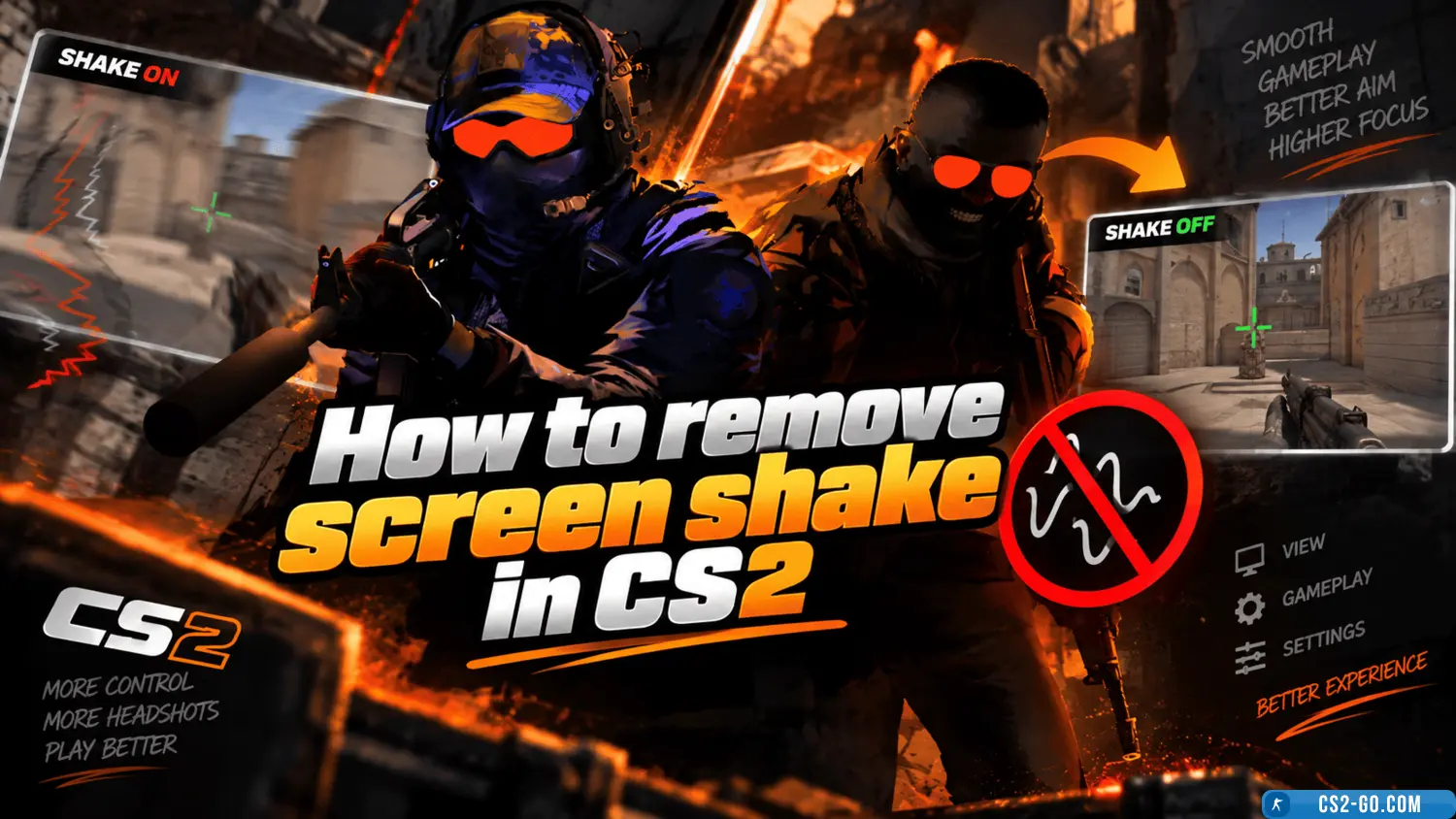
How to remove screen shake in CS2 (CS 2)
In "CS2" you can remove screen shake using console commands. This is useful for improving gameplay comfort, especially in fast-paced moments. Here's the guide:
-
Enable the console
Go to the game settings, select the "Game" tab, and enable the "Enable Developer Console" option. Then assign a convenient key to open the console, for example, the tilde (~). -
Enter the commands
To remove screen shake, open the console and enter the following commands:viewmodel_recoil 0This command disables visual recoil on the weapon model.
If you want to reduce the overall impact of shaking, add:
The default value is "18".view_punch_decay 999 -
Additional adjustment
These commands minimize the camera shake effect and help you focus on aiming. The settings work in local games and on servers where console commands are allowed.
Download Counter-Strike 2 (CS2)
🎥 Видеообзор How to remove screen shake in CS2 (CS 2)