How to remove hands in CS2 (CS 2)
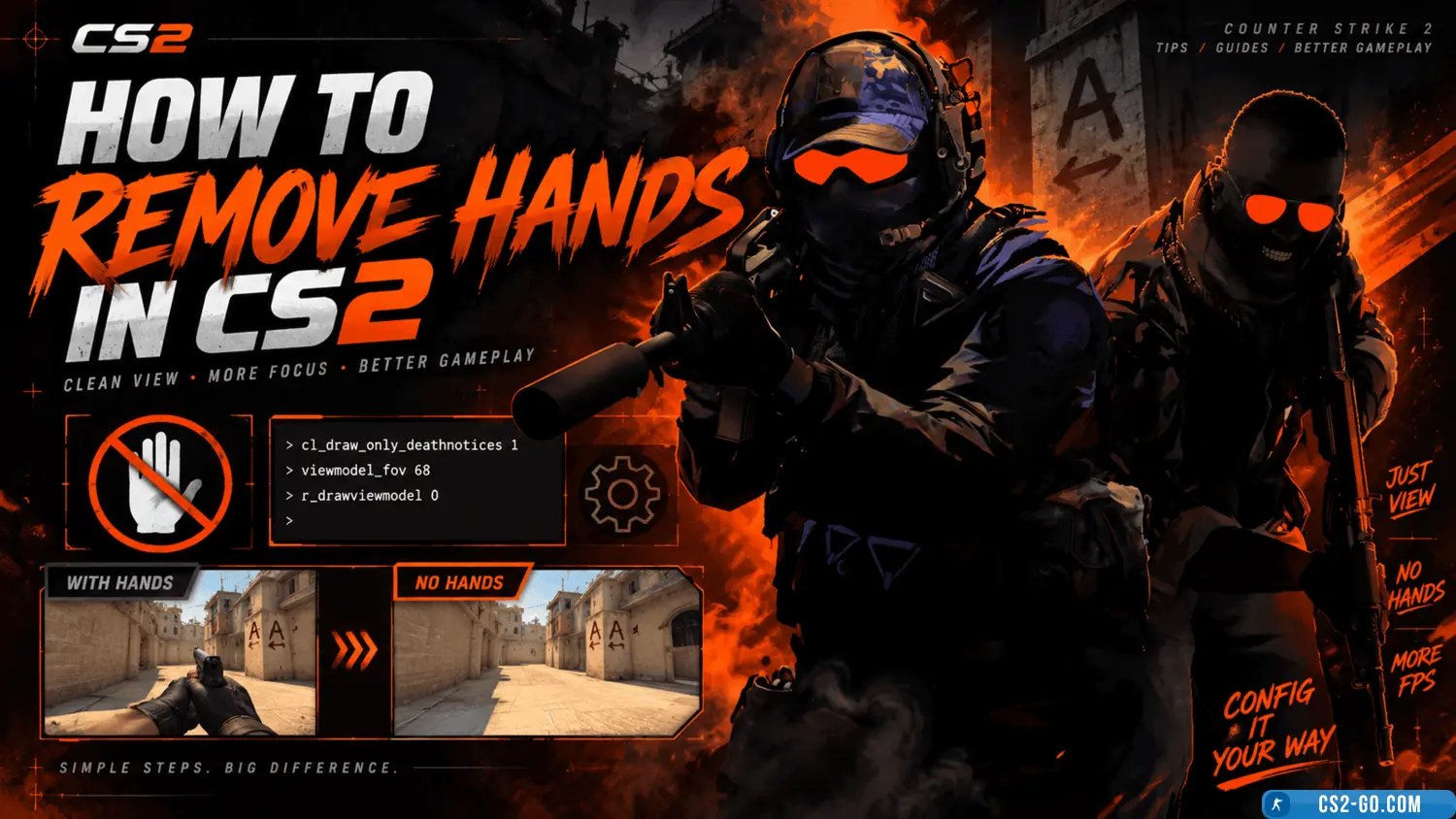
In "CS2" you can remove the display of hands and weapons using console commands. This is useful for recording videos, taking screenshots, or testing.
Here's how to do it:
-
Enable the console
Go to the game settings, select the "Game" tab, and enable the "Enable Developer Console" option. Then assign a convenient key to open the console, for example, the tilde (~). -
Enter the command
Open the console in-game and enter the command:cl_drawhud 0This will disable the HUD, including weapons and hands.
-
Additional commands
To remove only the weapons and hands while keeping the HUD, use:r_drawviewmodel 0To restore hands and weapons, enter:
r_drawviewmodel 1
These commands are allowed and suitable for local use. However, they may be disabled on official servers, so use them in custom modes or single-player games.