How to Bind a Key in CS:S v34 (CSS v34)
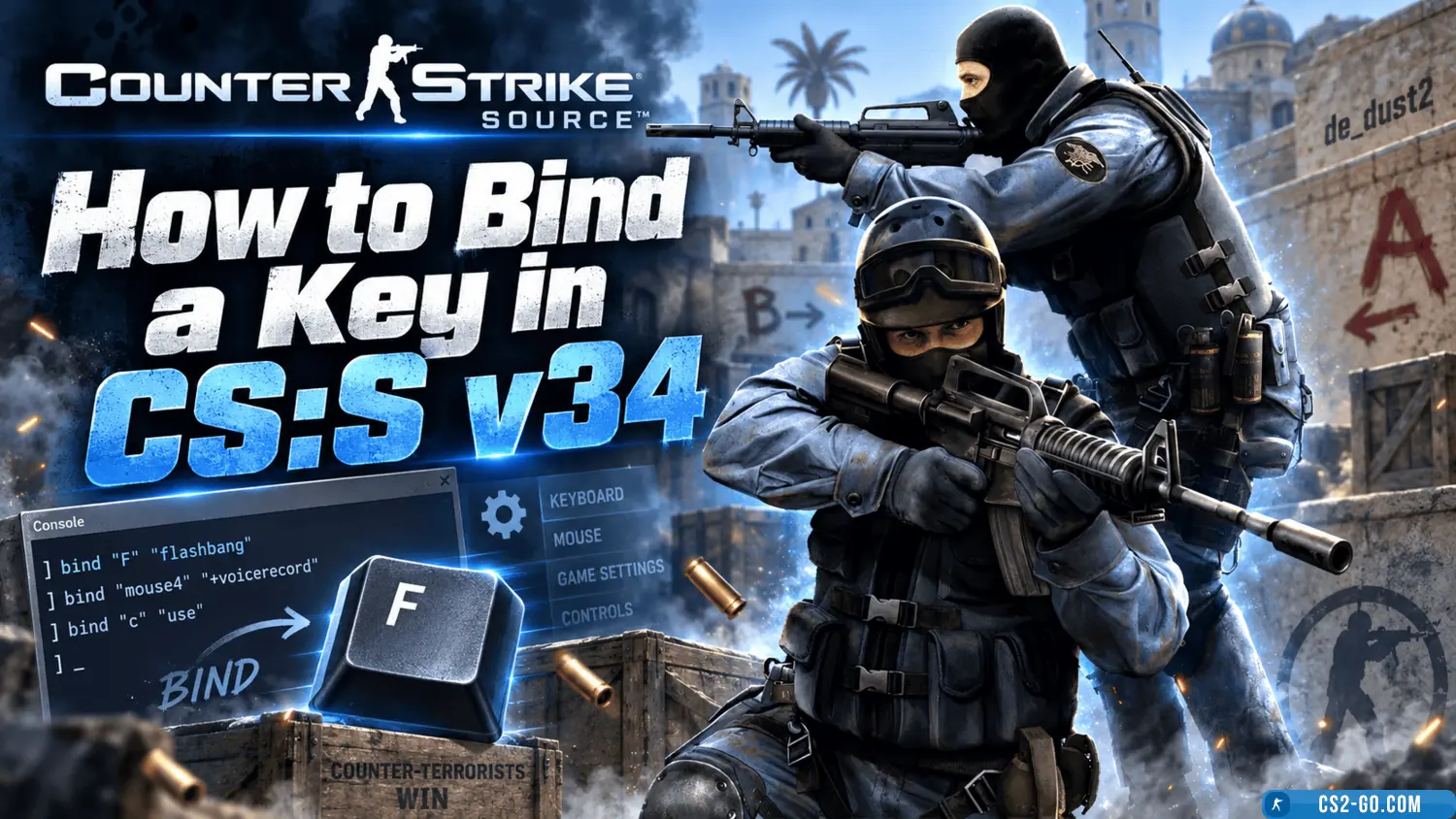
To bind a key in CS Source v34, first enable the console. To do this, go to the settings, open the "Keyboard" section, click the "Advanced" button, and check "Enable Console." After that, press the tilde key (usually ~ or Ё) to open the console.
In the console, use the bind command with the following template:
bind "key" "command"
For example:
bind "F1" "buy ak47; buy vesthelm" — buys an AK-47 and armor
bind "F2" "buy flashbang" — buys a flashbang
bind "F3" "toggle cl_righthand 0 1" — switches hands
bind "F4" "say_team Going B" — sends a message to the team chat
bind "space" "+jump; +duck" — jump with crouch (for a hard jump)
bind "F5" "crosshair 0" — disables the crosshair
To remove a bind, use the command:
unbind "key"
For example:
unbind "F1"
If you want your binds to be permanent, you can add them to the config.cfg file located in the game folder — usually in cstrike/cfg. Open the file with a text editor and add the desired commands. Save the file and make sure to set it to "read-only" so the settings are not reset.