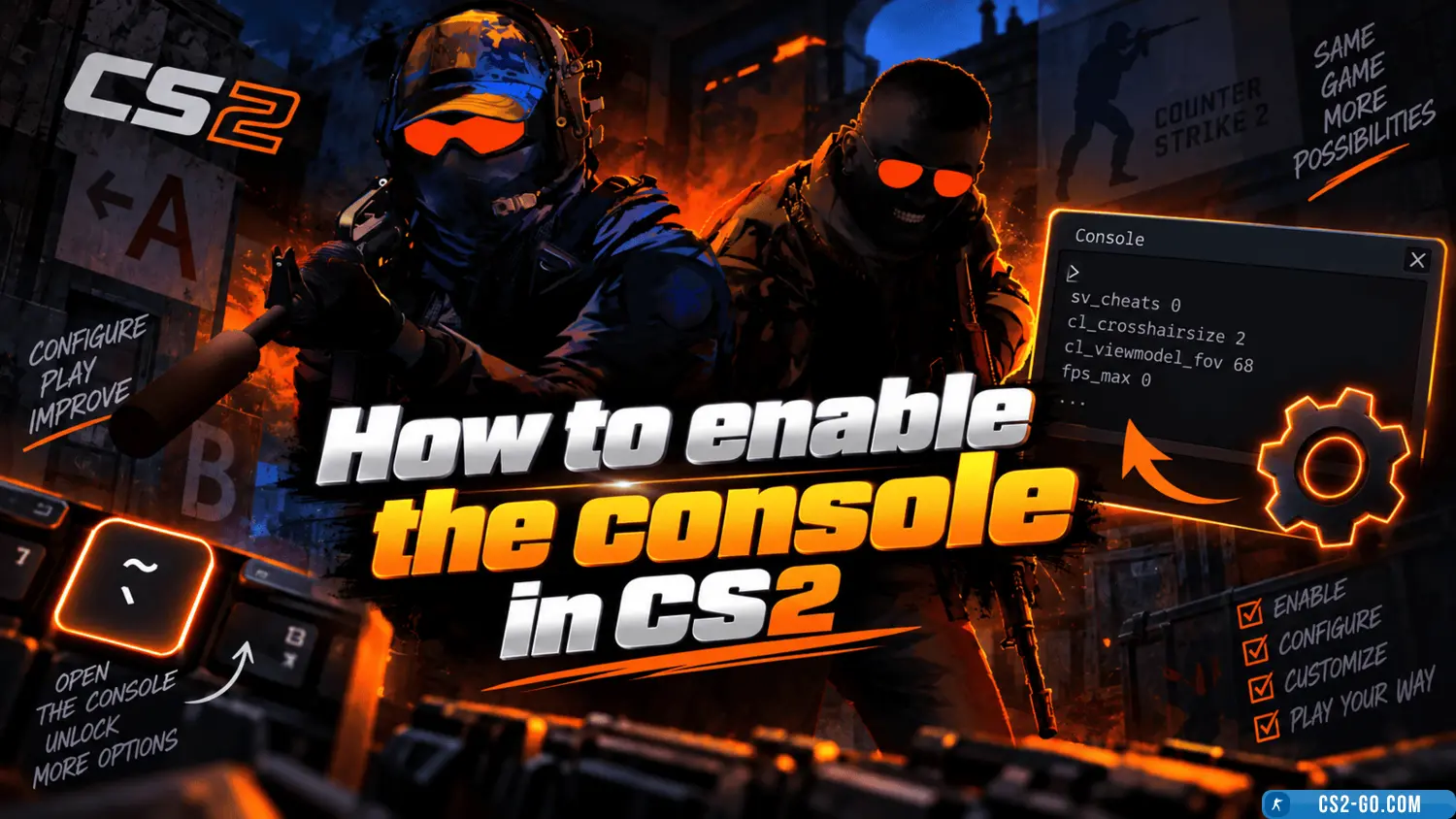
How to enable the console in CS2 (CS 2)

  • 👨‍🦱 Добавил: admin 📆 14.01.2025 ⏰ 15:12


Enabling the console in «CS2» allows you to use commands to customize the game and enhance gameplay. Follow these steps:

1. Open game settings

Go to the main menu, click the settings icon (gear), and select the «Game» tab.

2. Enable the developer console

Find the option «Enable Developer Console (~)» and select «Yes».

3. Assign a key for the console

Go to the «Keyboard/Mouse» tab and find the «Keys» section. Scroll down to «Open Console» and assign a convenient key, for example, the tilde (~).

4. Open the console

Press the chosen key (e.g., ~) during the game or in the main menu to open the console. You can now enter commands to customize settings.

Download CS2


Категория: Статьи по игре CS 2