Counter-Strike 1.6: a classic that remains relevant — game description
  • 👨‍🦱 Добавил: admin 📆 22.04.2024 ⏰ 01:06


  • Counter-Strike 1.6 — a cult classic game released back in 2000. Despite its age, it is still very popular among gamers. What is the secret of its success?
  • First, Counter-Strike 1.6 is an excellent shooter that offers engaging gameplay. Players are divided into two teams: counter-terrorists and terrorists. The counter-terrorists’ task is to prevent a bomb from exploding or rescue hostages, while the terrorists aim to plant the bomb or eliminate all opponents. The game offers several modes, including Classic, Competitive, and Deathmatch.
  • Second, Counter-Strike 1.6 has great graphics and sound. Even though the game was released over 20 years ago, it still looks quite good. The sound design is also excellent: gunfire, explosions, and player voices create a tense battle atmosphere.
  • Finally, Counter-Strike 1.6 has a large community. There are many servers where players can play together. There are also numerous mods that allow you to customize the game to your liking.
  • Of course, Counter-Strike 1.6 has some drawbacks. For example, the game may seem too simple for modern gamers. Nevertheless, it remains popular among fans of classic games and shooters.
  • Overall, Counter-Strike 1.6 is an excellent game worth checking out. It offers engaging gameplay, great graphics and sound, and a large community. If you haven’t played Counter-Strike 1.6 yet, be sure to try it—you might become the next fan of this iconic game.

Download CS 1.6


Категория: Статьи по игре CS 1.6
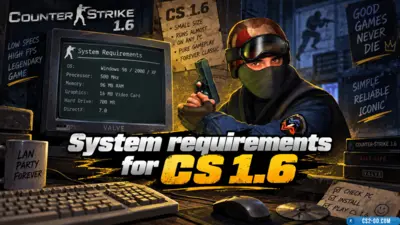
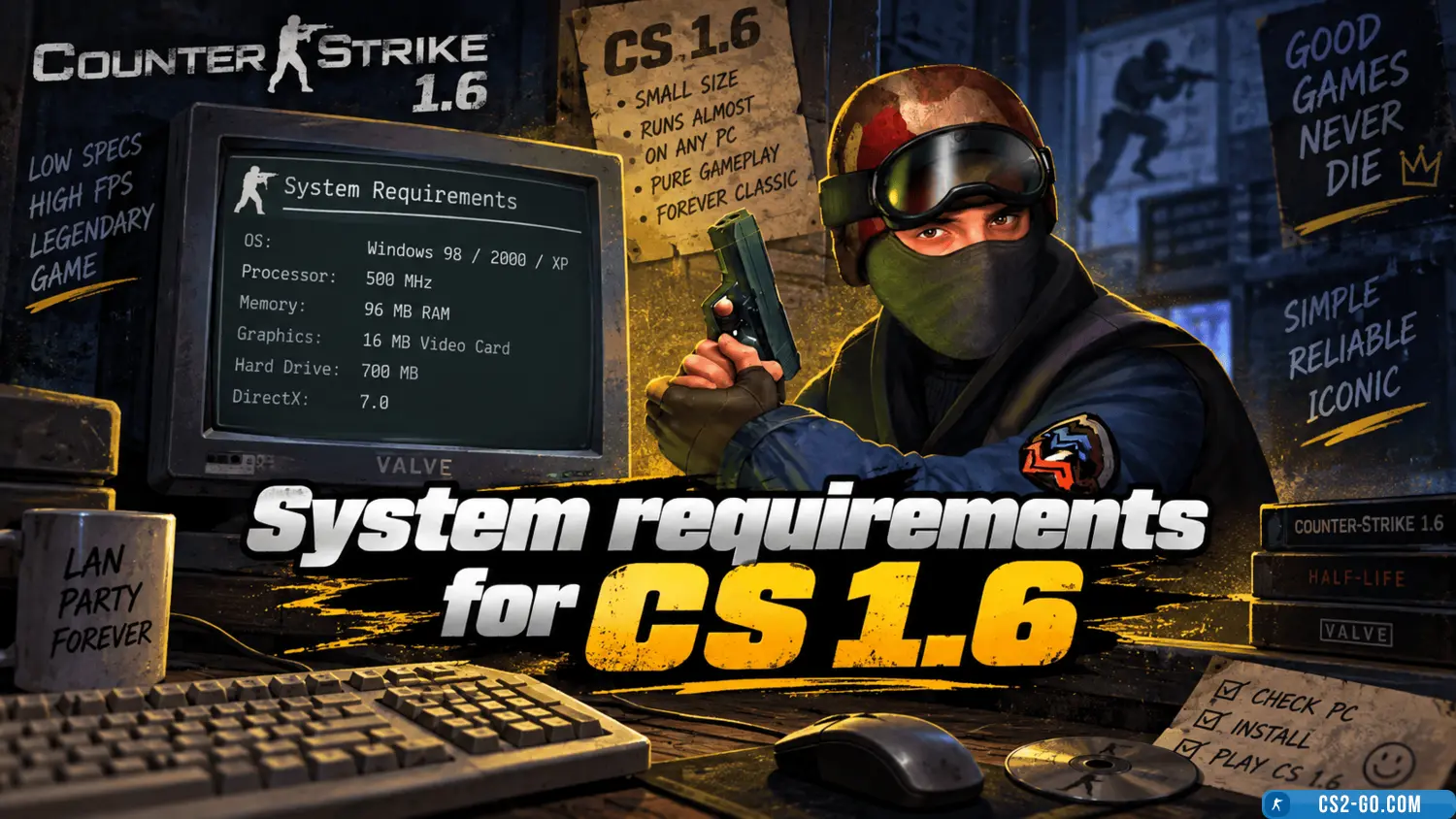
    System requirements for CS 1.6
    System requirements for CS 1.6
    This article provides a description of the system requirements for Counter-Strike 1.6.

    The complete history of CS 1.6 — creators of Counter-Strike
    The complete history of CS 1.6 — creators of Counter-Strike
    The history of the creation of “Counter-Strike” and who created it.

    How to install weapon and C4 models on a CS 1.6 server
    How to install weapon and C4 models on a CS 1.6 server
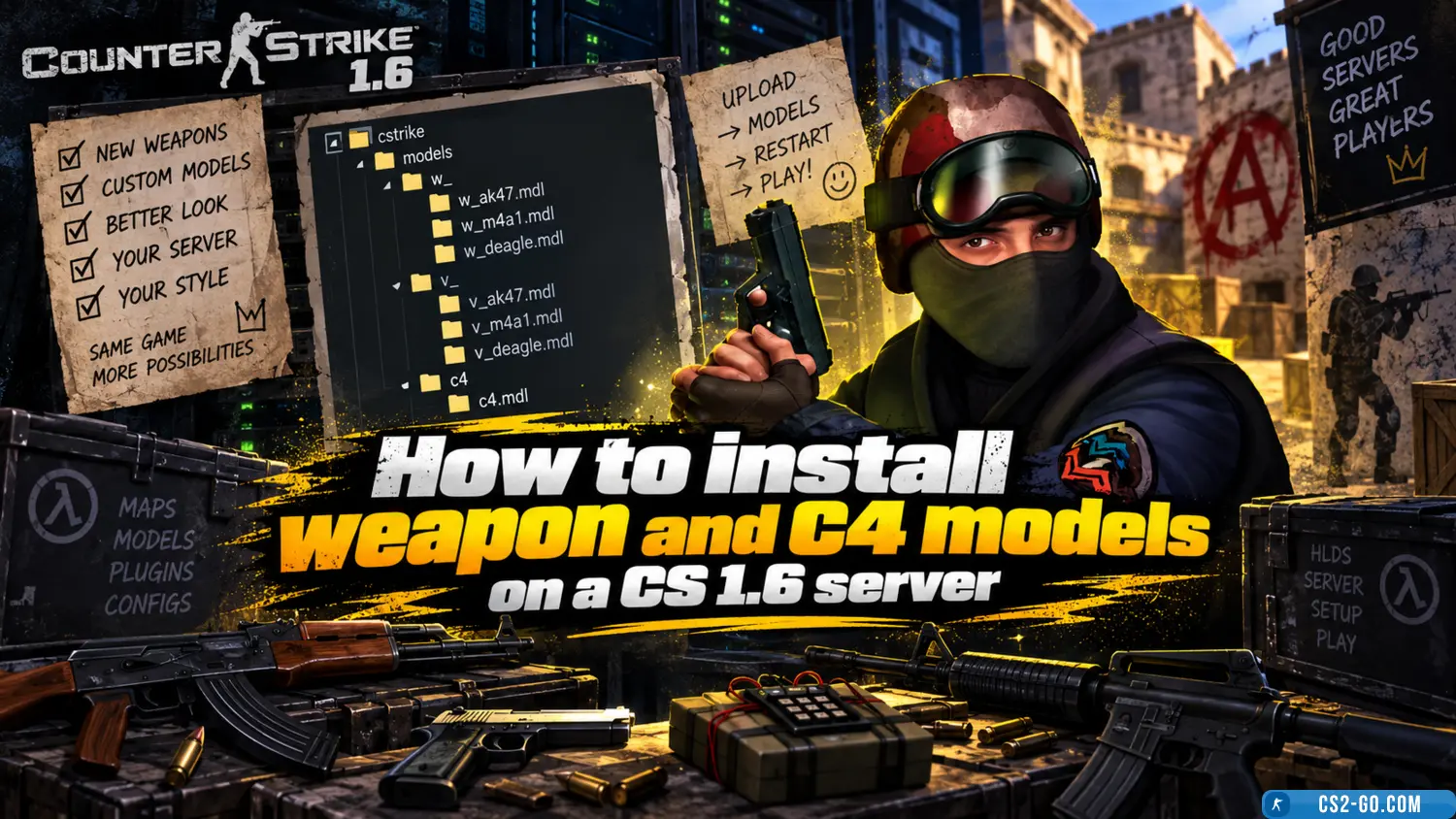
    In this manual, we will look at how to install weapon models for all players, as well as how to set up weapon skins for admins and VIPs. You will be able to customize all skins for yourself. Weapon skin installation is done using various plugins – all of them are availa...

    How to install a map on a CS 1.6 server
    How to install a map on a CS 1.6 server
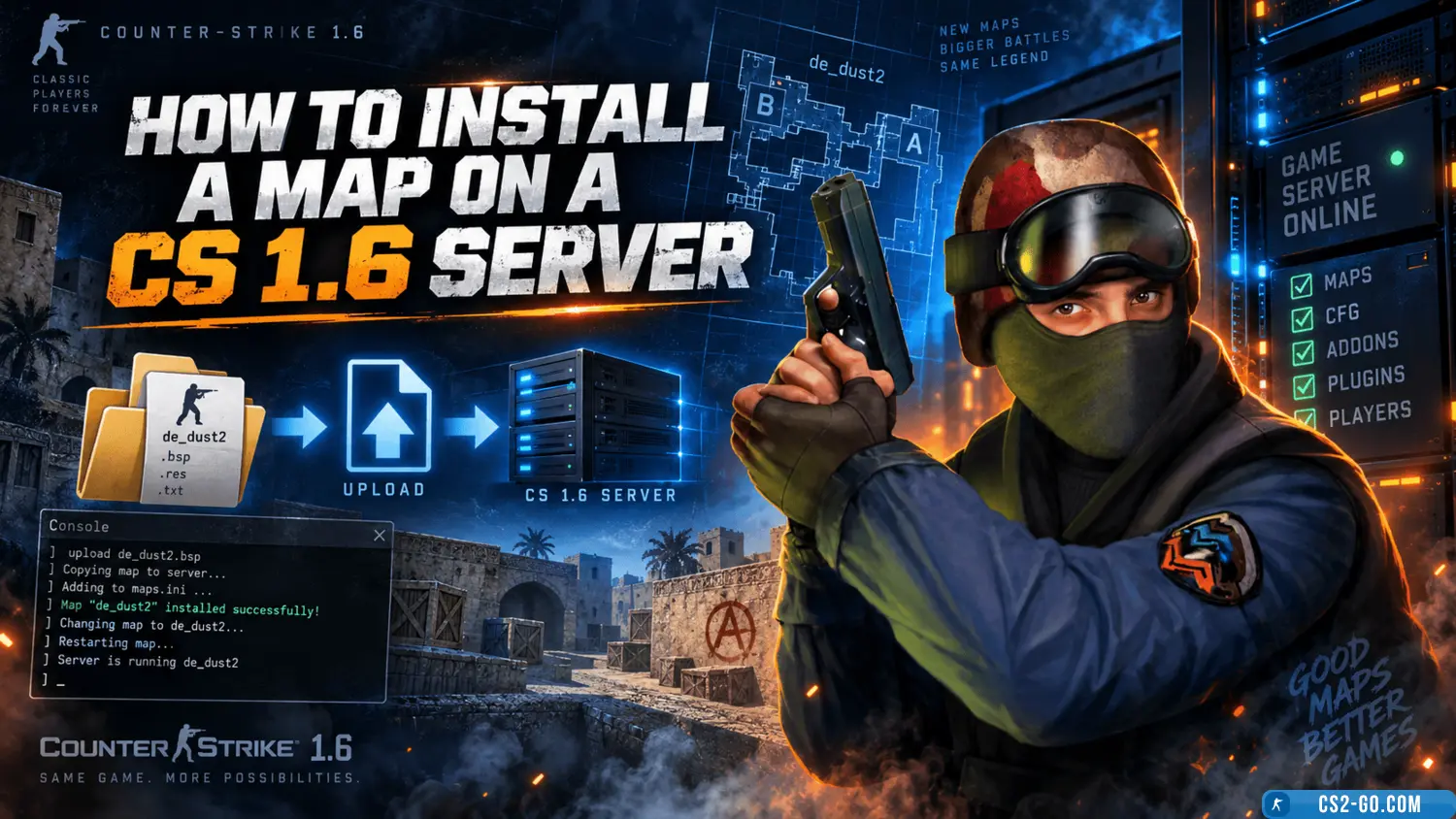
    In this article, we will take a detailed look at how to correctly install a map on a CS 1.6 game server. We will go over all file formats and which folders they should be placed in, as well as how to display the map list in AMX Mod Menu and organize the map cycle on the...

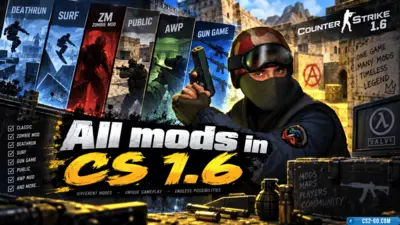
    All mods in CS 1.6
    All mods in CS 1.6
    A list and description of all Counter-Strike 1.6 mods.

    Mouse settings in CS 1.6 (CS 1.6)
    Mouse settings in CS 1.6 (CS 1.6)
    Mouse settings in CS 1.6 are one of the key aspects that directly affect the quality of your gameplay. Proper mouse configuration helps improve shooting accuracy, reaction speed, and overall effectiveness on the battlefield. Here are the main parameters you should adjus...

    How to make a console in CS 1.6 (CS 1.6)
    How to make a console in CS 1.6 (CS 1.6)
    How to activate and use the console in CS 1.6: open the game settings, enable the "Enable Developer Console" option, and then open it using the ~ key to enter commands and configure the game.