How to install a map on a CS 1.6 server
  • 👨‍🦱 Добавил: Admin 📆 25.12.2021 ⏰ 17:18


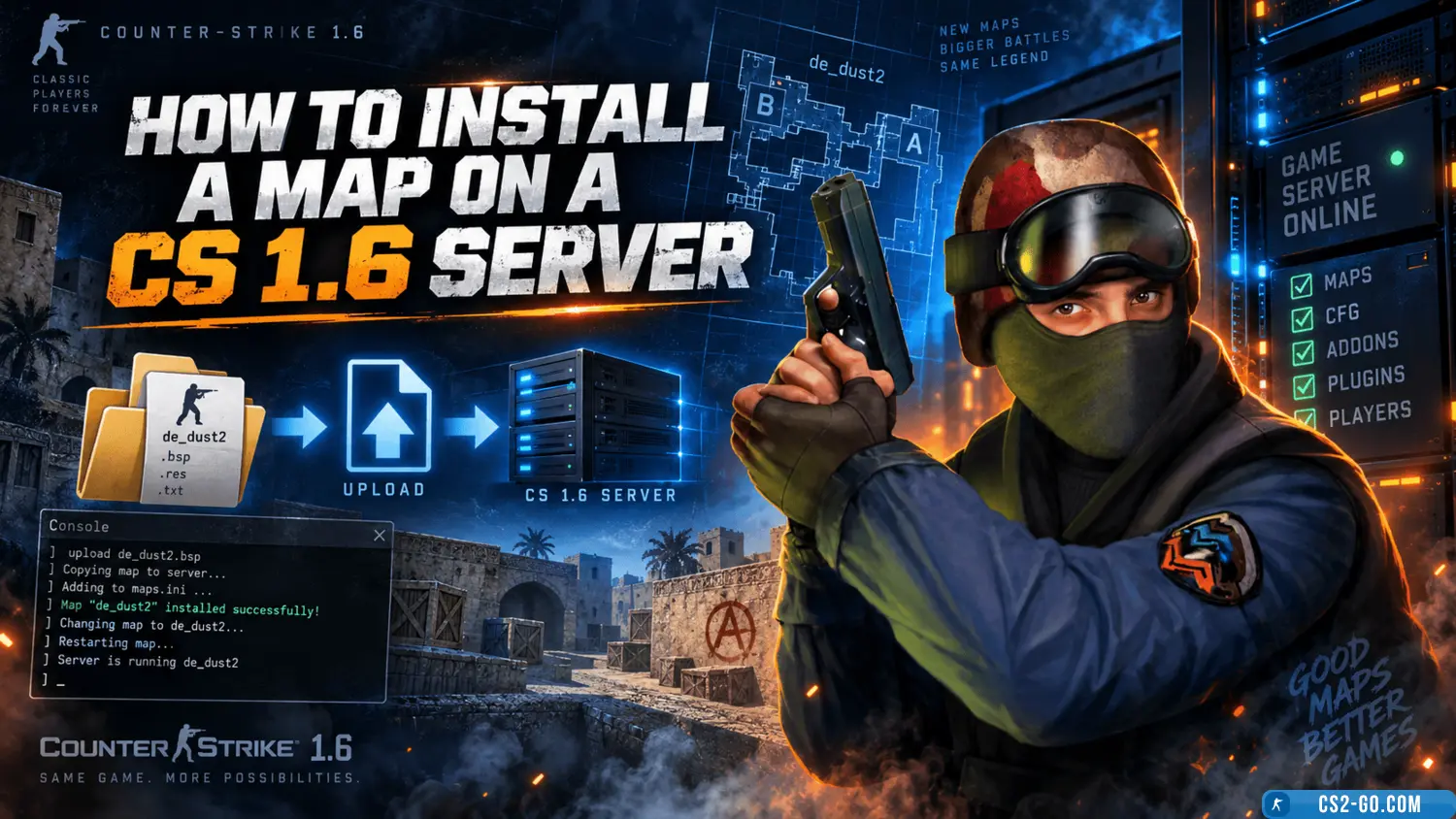
In this article, we will take a detailed look at how to correctly install a map on a CS 1.6 game server. We will go over all file formats and which folders they should be in, as well as how to display the map list in amxmodmenu and the order of placement in the map cycle on the server, for example during voting.

First, we need to download maps for CS 1.6 from our catalog.

To install a CS 1.6 map, you need to copy the files from the archive to the corresponding game folders, of course, after unpacking the map archive.

Move the files to the appropriate folders:

Format Path Description
.bsp \cstrike\mapsMain map file
.txt \cstrike\mapsMap description
.nav \cstrike\maps Navigation file for zBot on the map
.wad \cstrike Additional texture file
.bmp \overviews Map overview image
.mdl \cstrike\models Models for the map
.tga \cstrike\gfx\env Graphic images
.wav \cstrike\sound Sound files, e.g., rain on de_aztec
.spr \cstrike\sprites Sprites for the map

Registering maps on a CS 1.6 server

Add the map name to the lists
Map cycle for voting on the server, as well as map switching by timer:
Code
cstrike/mapcycle.txt

Add the map so that it appears in amxmodmenu:
Code
cstrike/addons/amxmodx/configs/maps.ini

Категория: Статьи по серверу CS 1.6
    Installing AMXX plugins on a CS 1.6 server
    Installing AMXX plugins on a CS 1.6 server
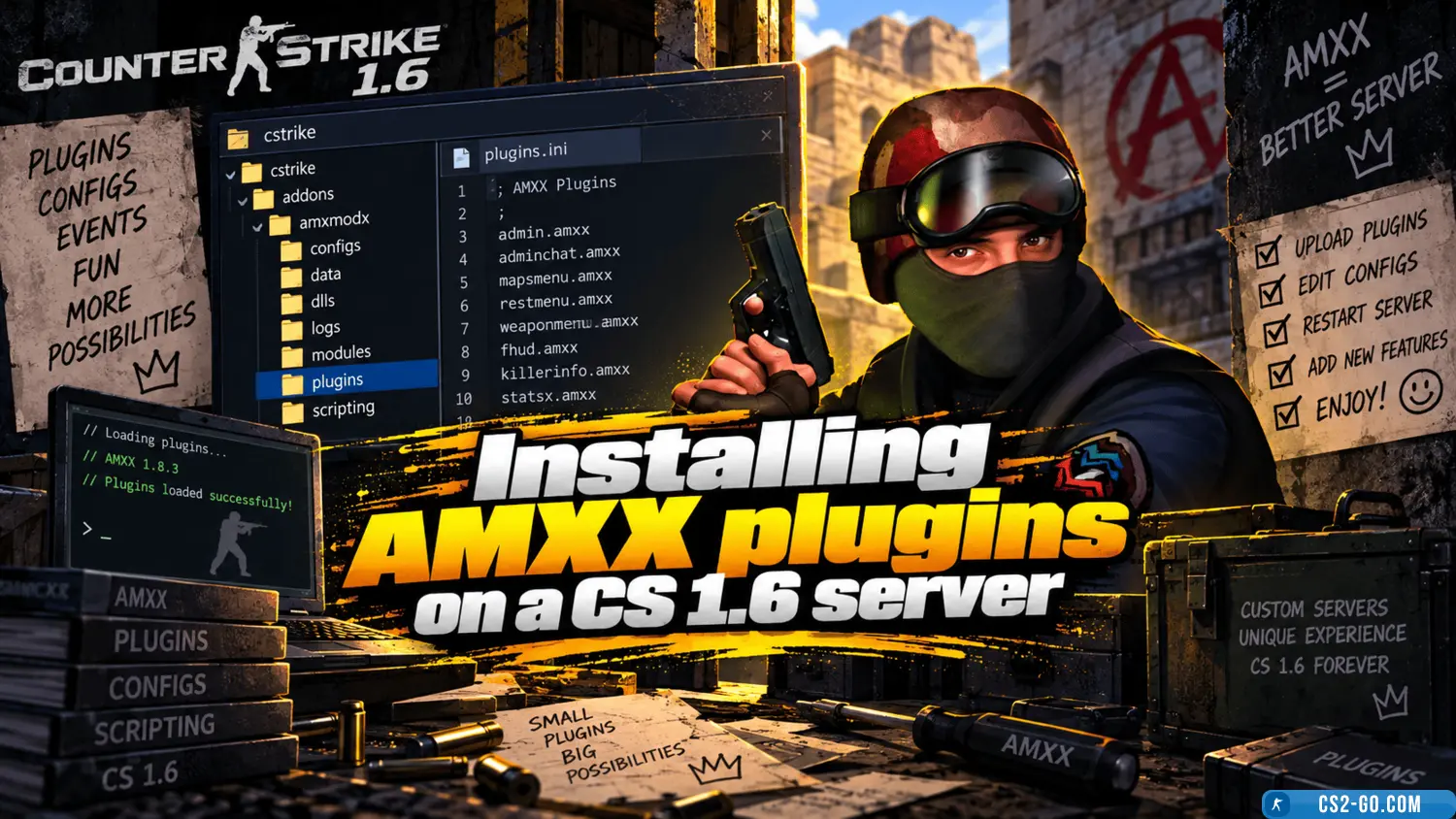
    In this guide, you will learn how to install AMXX plugins on your CS 1.6 server. This task is not very difficult. The main thing is to move the files of the correct formats into the appropriate folders. You will learn how to do this in our step-by-step manual. Let’s sta...

    How to promote a CS 1.6 server
    How to promote a CS 1.6 server
    Promoting a CS 1.6 server requires a comprehensive approach, and it is important to understand every aspect of this process. To make the server popular and attract many players, attention must be paid to numerous details.

    How to assign privileges (admin / VIP) on a CS 1.6 server
    How to assign privileges (admin / VIP) on a CS 1.6 server
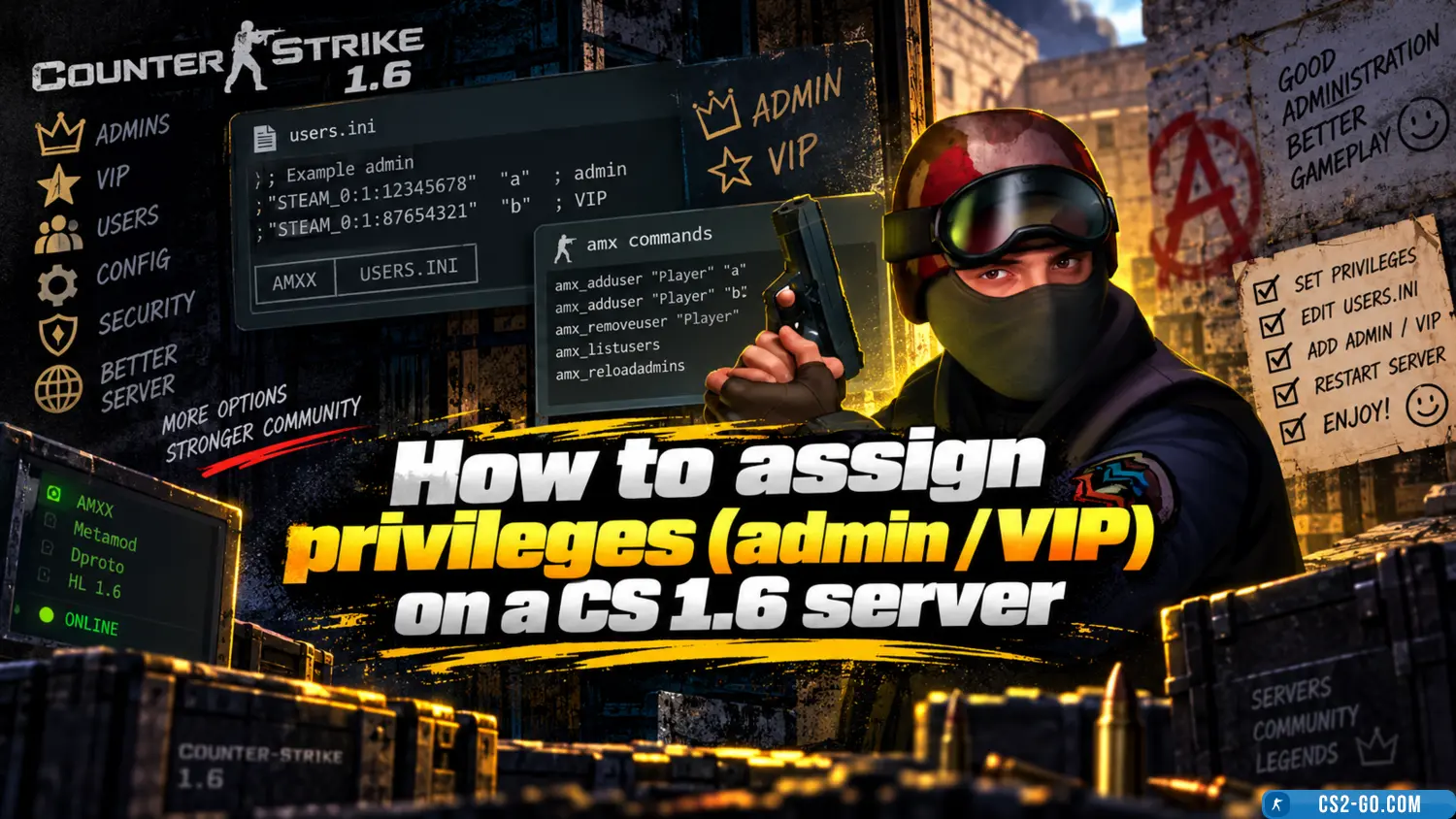
    In this manual, we will go through assigning privileges on your CS 1.6 server. We will learn how to assign admin rights, how to assign VIP status, and understand what functions each flag controls. Privileges will be assigned by Steam ID, IP, or nickname.

    How to install player models on a CS 1.6 server
    How to install player models on a CS 1.6 server
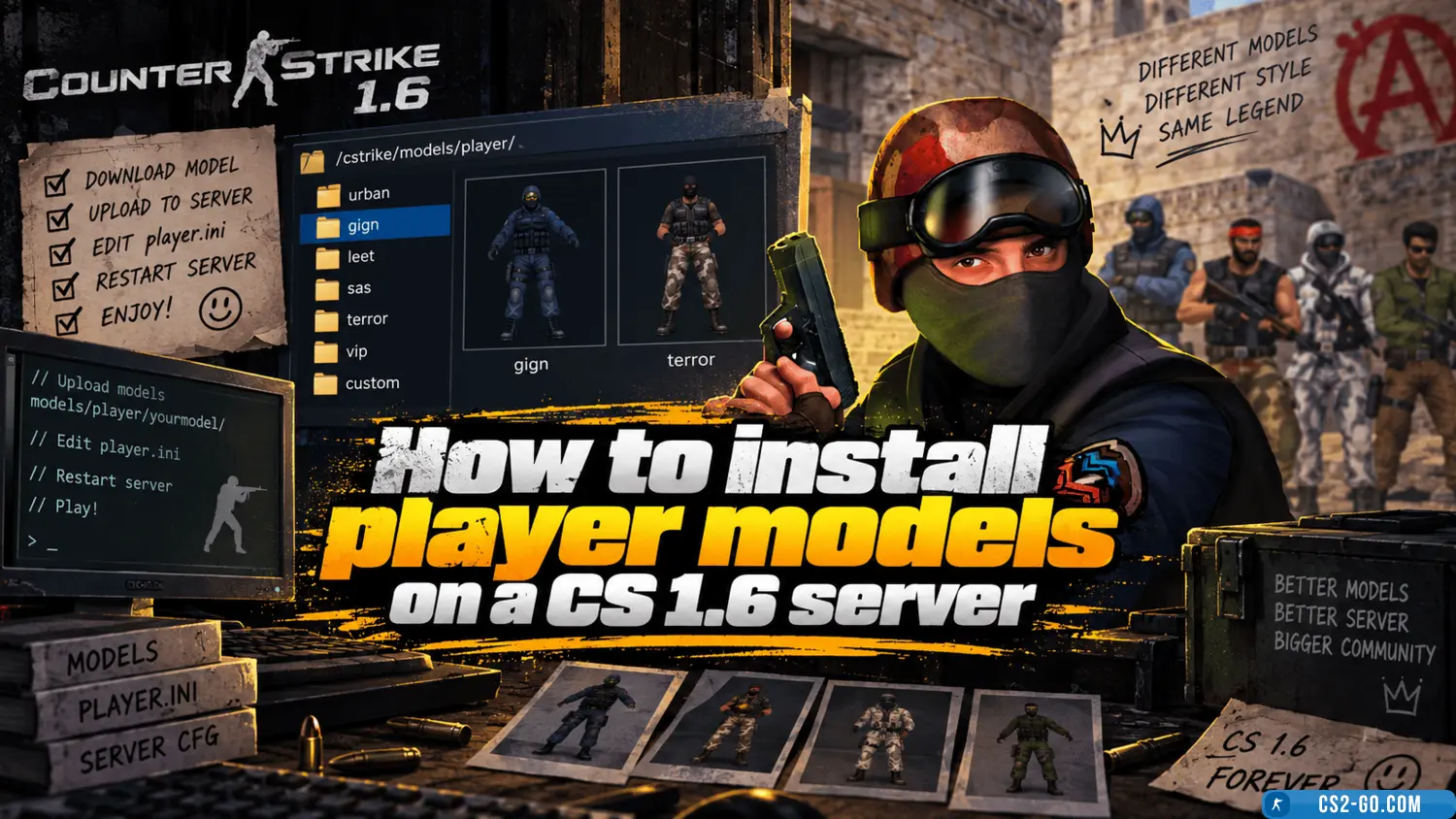
    In this manual, we will explain how to properly install player models on your server, whether for privileged players or regular players. To install skins, you will need plugins. Our catalog has suitable ones. We recommend using only plugins that have been proven over th...

    How to install weapon and C4 models on a CS 1.6 server
    How to install weapon and C4 models on a CS 1.6 server
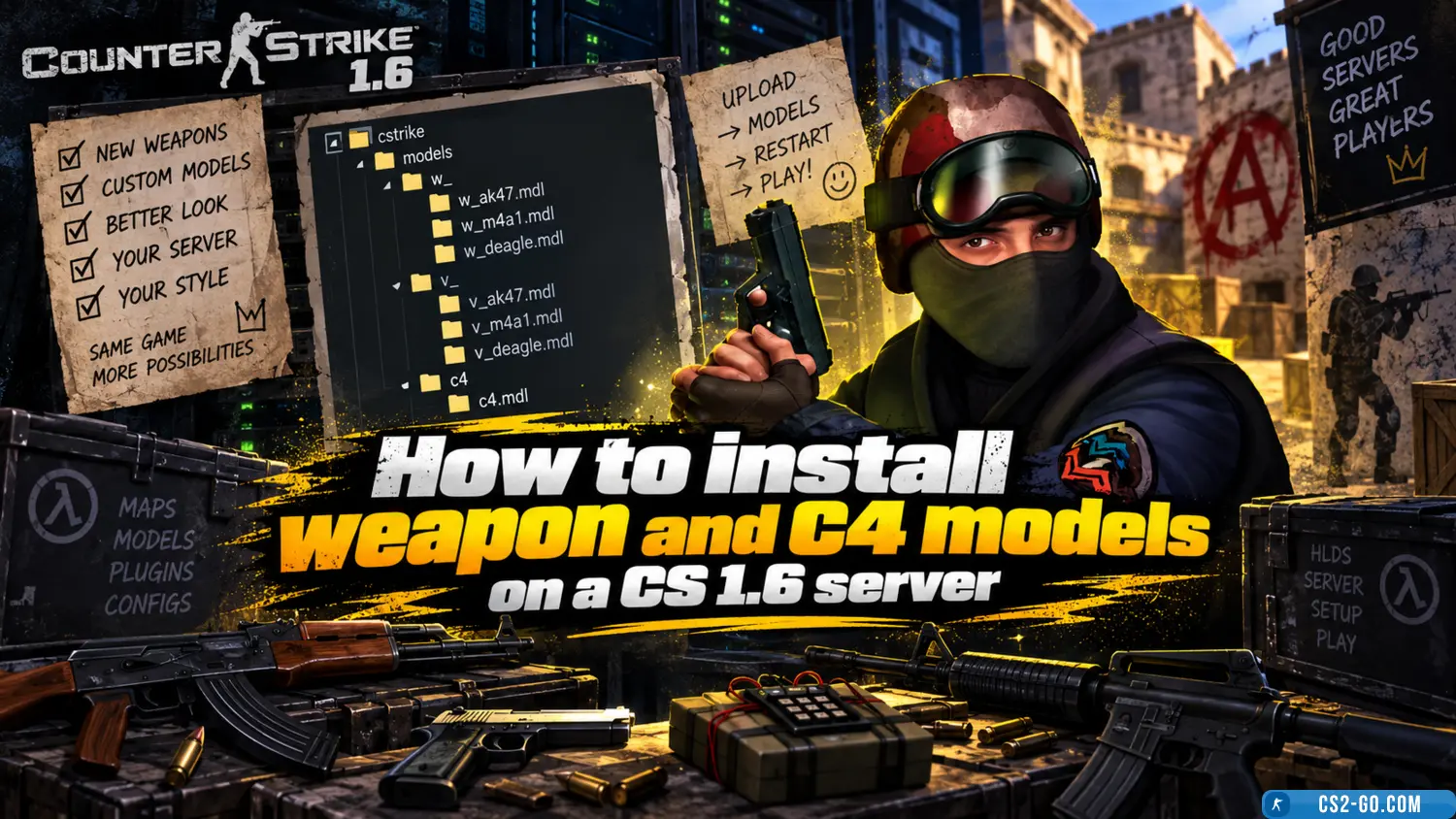
    In this manual, we will look at how to install weapon models for all players, as well as how to set up weapon skins for admins and VIPs. You will be able to customize all skins for yourself. Weapon skin installation is done using various plugins – all of them are availa...

    How to change the server name in CS 1.6
    How to change the server name in CS 1.6
    Why would we want to change the server name in CS 1.6? If you have just created a new server, of course, you need to come up with a unique name to stand out from other servers.

    System requirements for CS 1.6
    System requirements for CS 1.6
    This article provides a description of the system requirements for Counter-Strike 1.6.