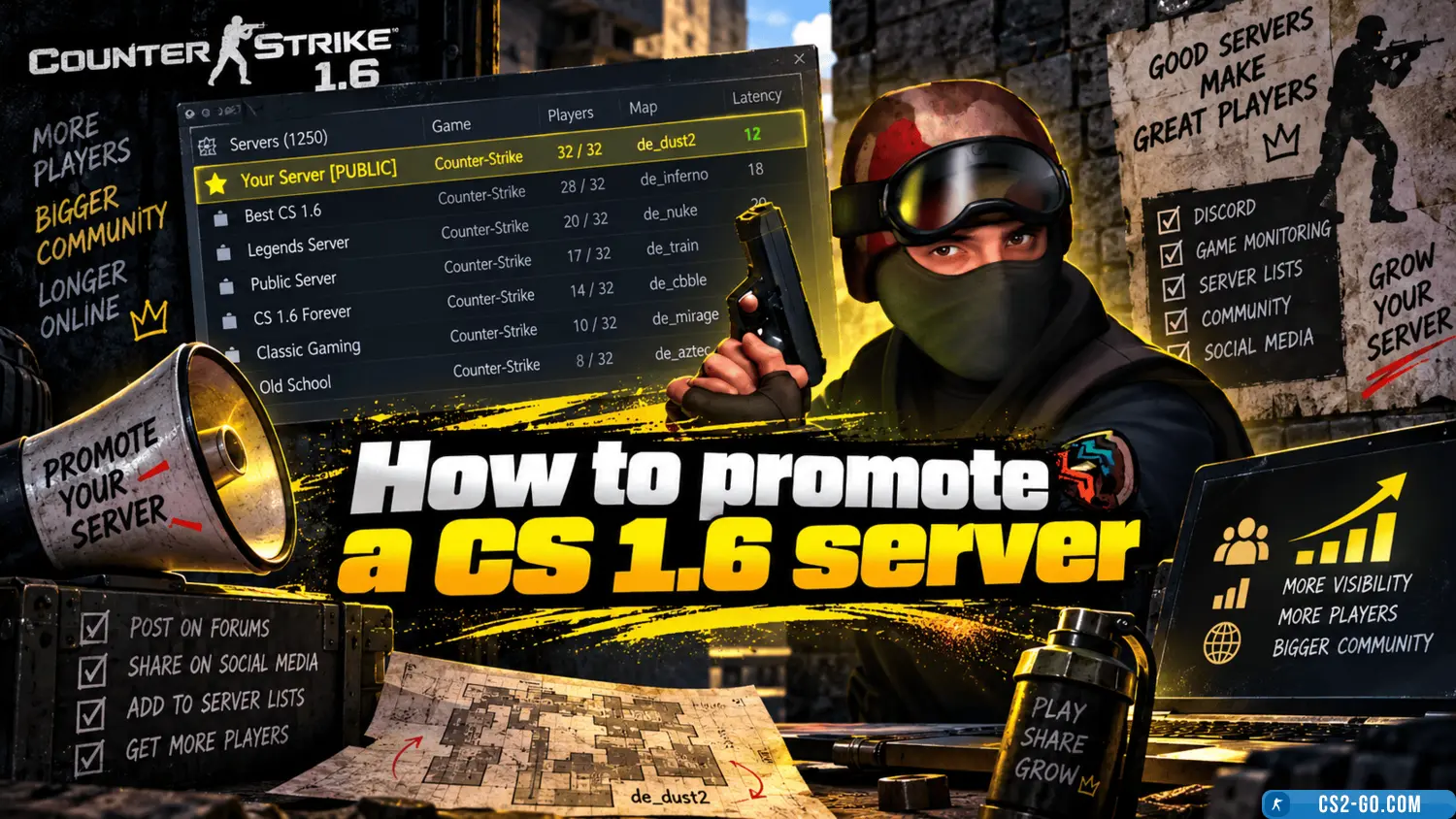
How to promote a CS 1.6 server

  • 👨‍🦱 Добавил: Admin 📆 12.12.2021 ⏰ 22:52


Promoting a CS 1.6 server requires a well-thought-out approach, including technical optimization, player promotion, and maintaining activity. Here are the main steps that will help attract an audience to your server:


1. Server Setup and Optimization

  • Speed and Stability: provide players with good hosting and low ping. Reliable performance without lags will help maintain activity.
  • Map and Plugin Setup: choose popular maps and plugins. Servers with unique settings, additional features (such as automatic weapon selection or a ranking system), and various game modes (Deathmatch, GunGame) attract more users.
  • Anti-Cheat System: using an anti-cheat (for example, AMX Mod X) increases player trust by keeping cheaters away.

2. Advertising Platforms and Communities

  • Forums and Social Media: post your server on CS 1.6 forums like GameTracker, cs-hub, CS-site, as well as on VKontakte, Facebook, Discord, and Reddit communities. A server description highlighting its advantages (such as unique maps or events) draws attention.
  • Server Directories: list your server on directory sites such as GameTracker, Setti, and others. The higher the position in these directories, the more traffic you get.
  • Advertisements: use online platforms with ads and posts about games (for example, in CS 1.6 groups), adding an attractive description and the server IP address.

3. Promotion and Events

  • Bonuses and Rewards: create a bonus system, for example, giving VIP statuses to active players. Players with privileges get interesting perks (custom weapon models, unique skins).
  • Ranking Competitions: organize tournaments and events with rewards to create a competitive atmosphere.
  • Collaboration with Bloggers and Streamers: find players who create CS 1.6 content and offer joint events. Streams on Twitch and YouTube help attract new participants.

4. Community Support and Engagement

  • Moderation and Feedback: communicating with players via chat, social media, and server forums helps maintain audience interest. Responding to questions and suggestions improves the server experience.
  • Regular Updates: add new maps, plugins, or events so that players return to the server. Occasionally change game modes to keep interest high.
  • Technical Support: create a channel for complaints and suggestions where players can get help and share their opinions.

5. In-Game Advertising

  • Banners and Messages: use tools to display messages about the server during the game. For example, set up automatic messages about events or new server features.
  • Round Announcements: add informational messages at the start of rounds so players are always aware of current events and promotions.

6. Promotion via Master Servers and Proxy Servers

  • Master Server List: connecting to various master servers helps attract players from around the world, increasing server visibility.
  • Connection Proxies: use proxy servers to reduce ping and improve connection speed, enhancing gameplay quality and making it more appealing.

These methods will help attract and retain active users, build a good reputation, and maintain a steady flow of players on your CS 1.6 server.


Категория: Статьи по серверу CS 1.6
    Installing AMXX plugins on a CS 1.6 server
    Installing AMXX plugins on a CS 1.6 server
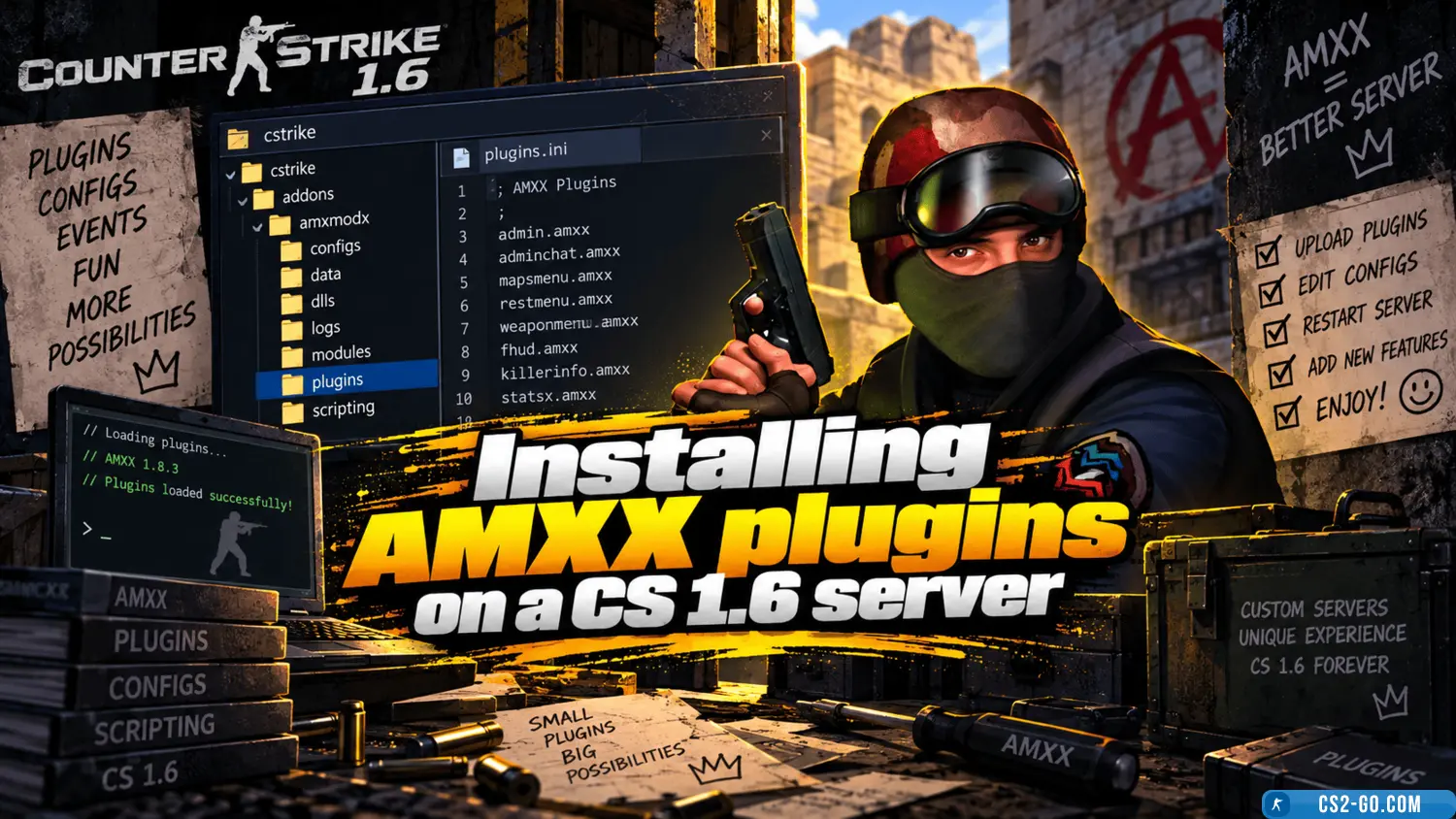
    In this guide, you will learn how to install AMXX plugins on your CS 1.6 server. This task is not very difficult. The main thing is to move the files of the correct formats into the appropriate folders. You will learn how to do this in our step-by-step manual. Let’s sta...

    How to assign privileges (admin / VIP) on a CS 1.6 server
    How to assign privileges (admin / VIP) on a CS 1.6 server
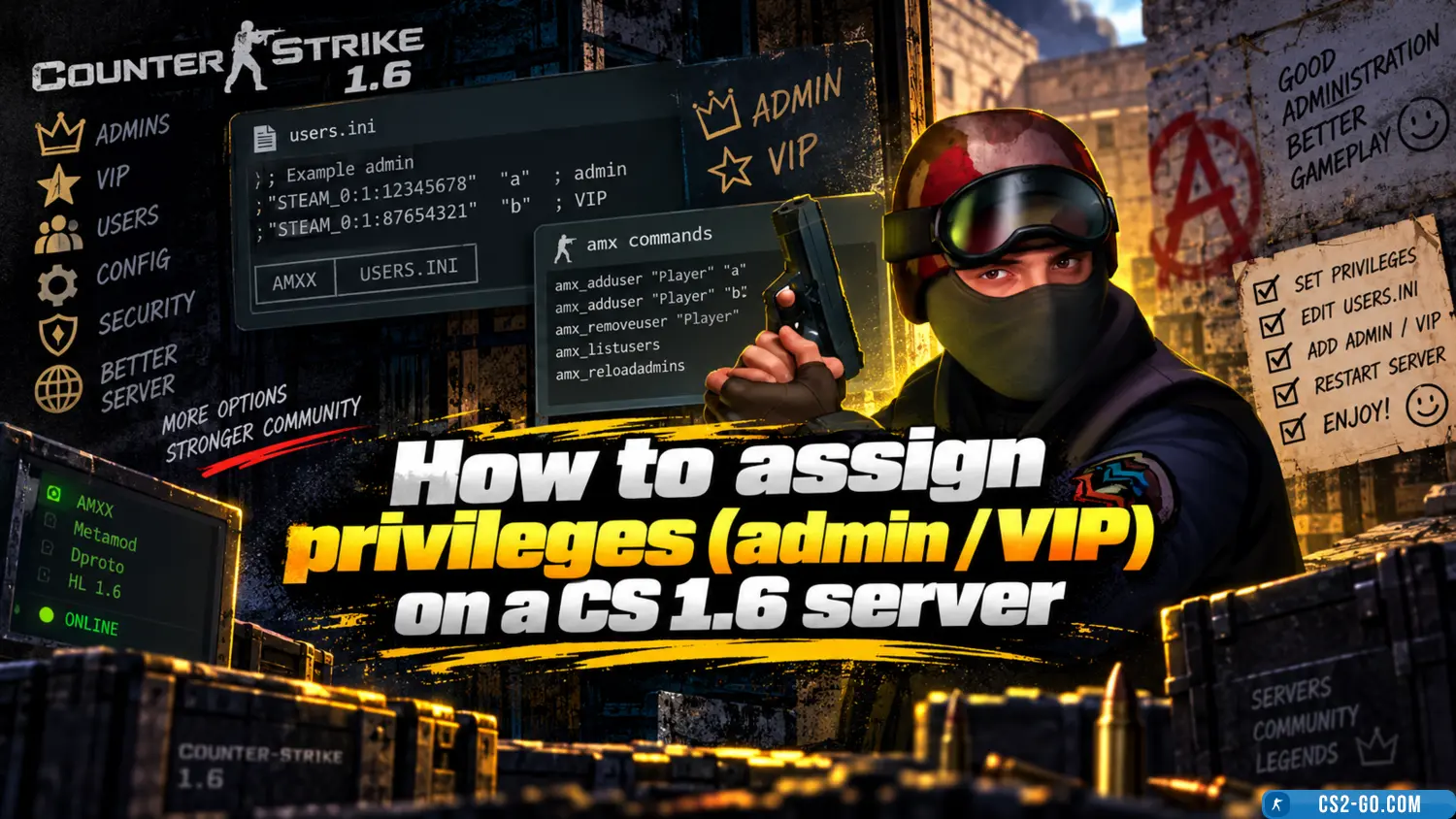
    In this manual, we will go through assigning privileges on your CS 1.6 server. We will learn how to assign admin rights, how to assign VIP status, and understand what functions each flag controls. Privileges will be assigned by Steam ID, IP, or nickname.

    How to install player models on a CS 1.6 server
    How to install player models on a CS 1.6 server
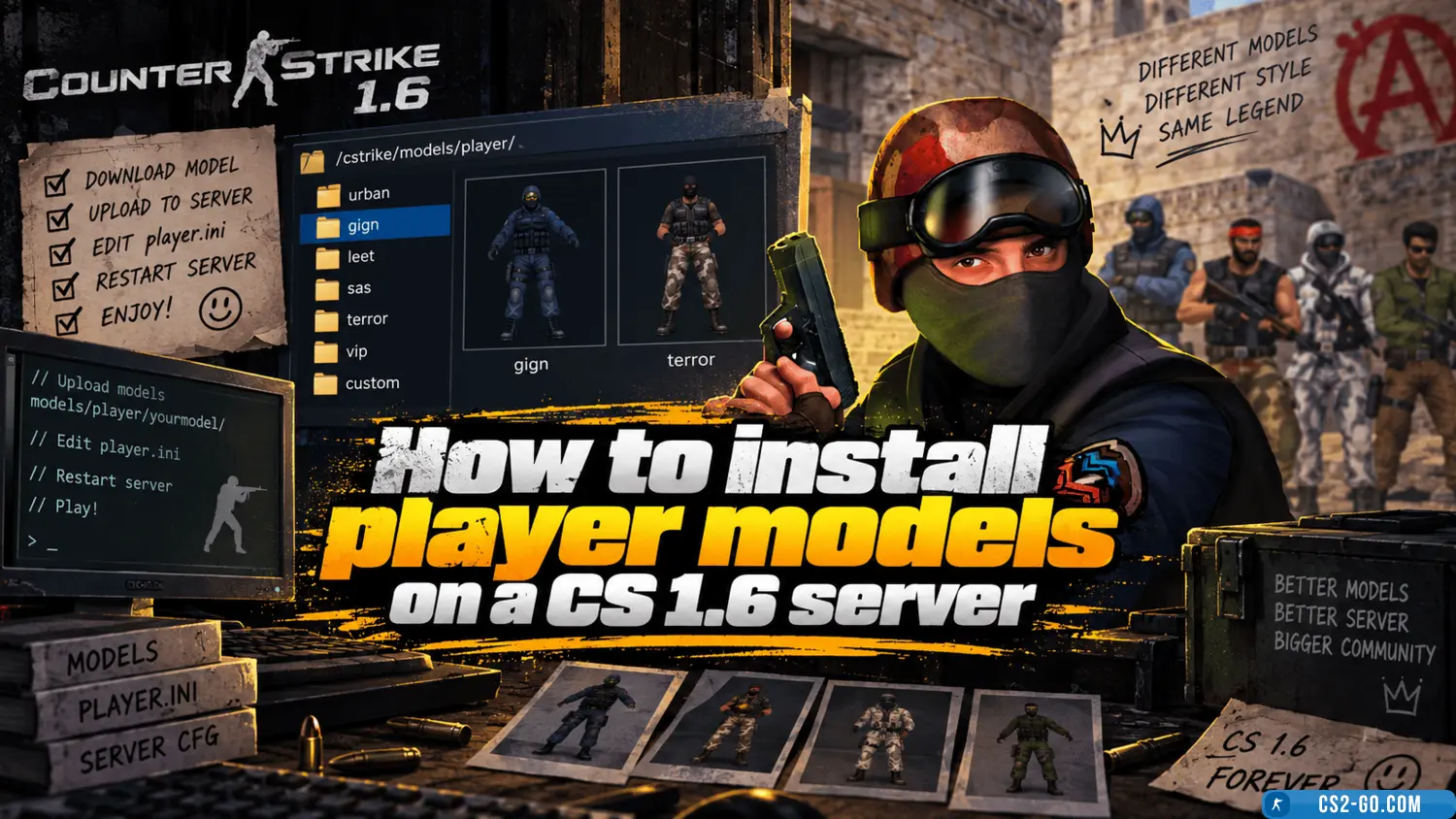
    In this manual, we will explain how to properly install player models on your server, whether for privileged players or regular players. To install skins, you will need plugins. Our catalog has suitable ones. We recommend using only plugins that have been proven over th...

    How to install a map on a CS 1.6 server
    How to install a map on a CS 1.6 server
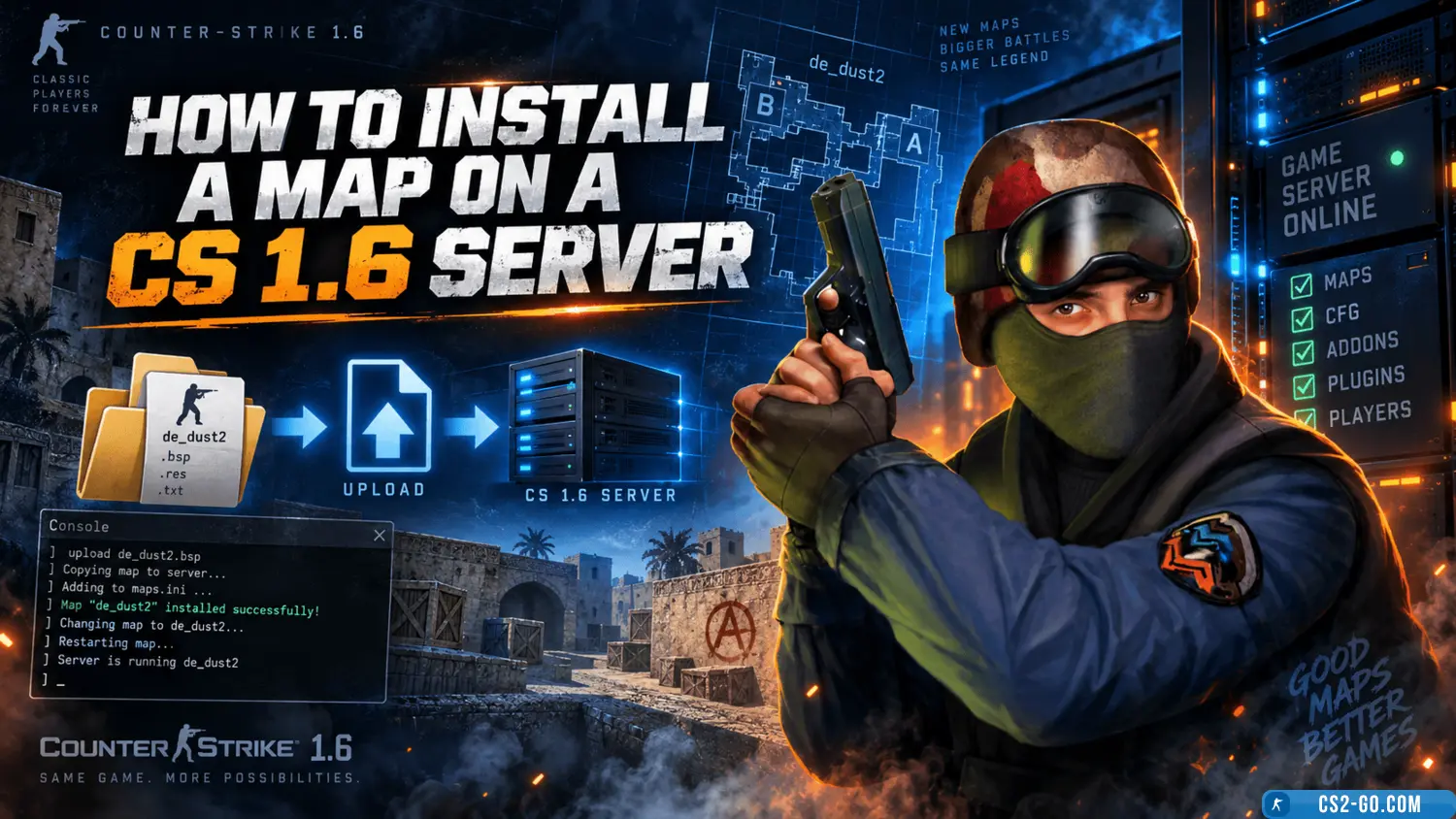
    In this article, we will take a detailed look at how to correctly install a map on a CS 1.6 game server. We will go over all file formats and which folders they should be placed in, as well as how to display the map list in AMX Mod Menu and organize the map cycle on the...

    How to change the server name in CS 1.6
    How to change the server name in CS 1.6
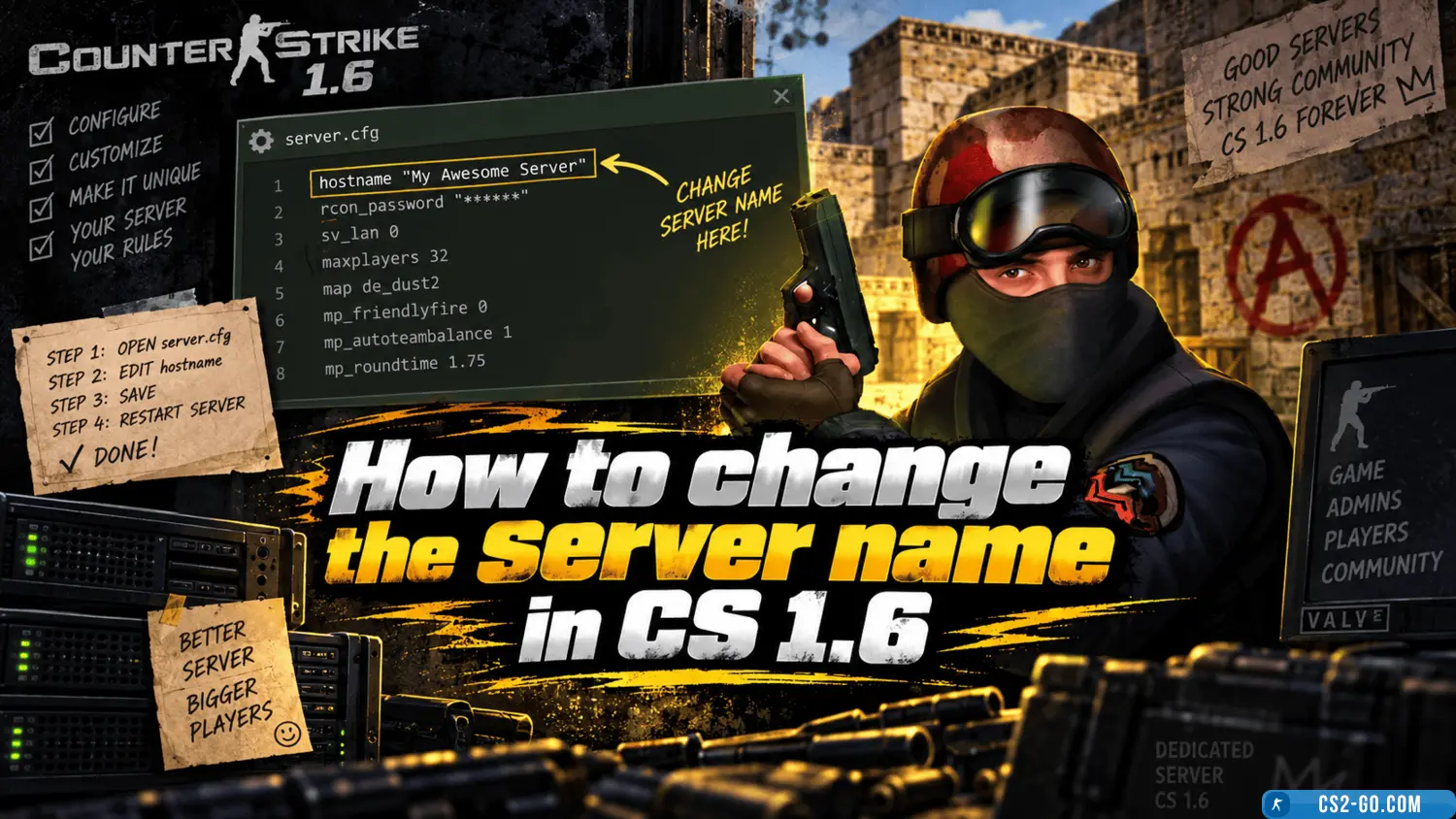
    Why would we want to change the server name in CS 1.6? If you have just created a new server, of course, you need to come up with a unique name to stand out from other servers.

    How to install weapon models in CS 1.6
    How to install weapon models in CS 1.6
    Although installing models in Counter-Strike 1.6 is not a difficult task, many new players face problems when installing skins in CS 1.6 for the first time. In this guide, we will explain step by step how to install downloaded skins so that they appear in the game.

    How to configure shooting in CS 1.6
    How to configure shooting in CS 1.6
    Don’t like the default shooting settings in CS 1.6? Then you need to read the manual for configuring shooting, recoil, and spread in CS 1.6. You will be able to properly set up shooting for yourself and your favorite weapon, whether it’s a rifle, AWP, or Deagle. To unde...