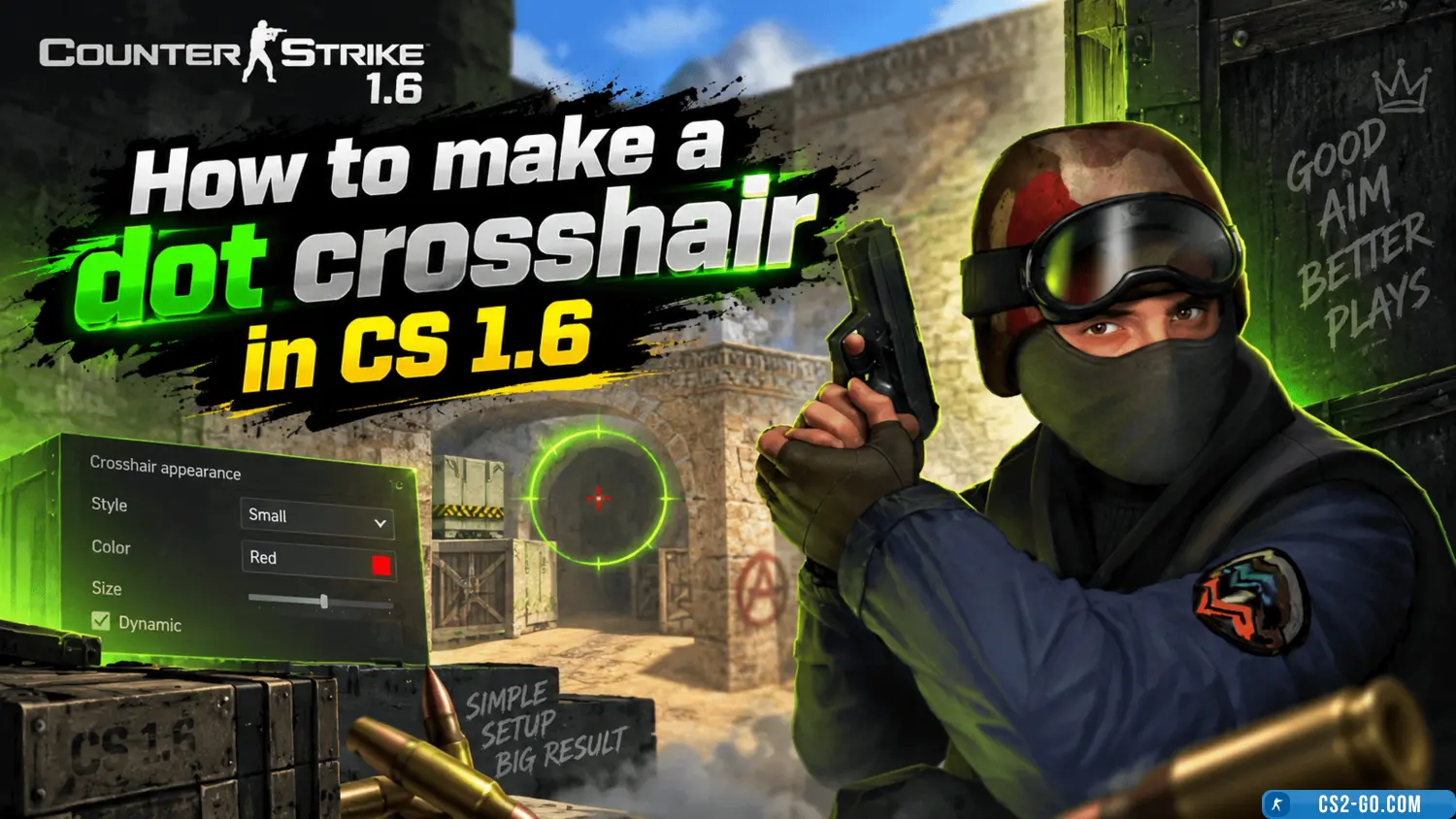
How to make a dot crosshair in CS 1.6
How to Make a Dot Crosshair in CS 1.6 — Complete Guide
The easiest way to get a dot crosshair in CS 1.6 is to download a ready-made game build from https://cs.com.ru/cs16_sborki.
All builds on this resource are created on the NextClient platform, where a small dot crosshair is already included in the settings. You don’t need to enter commands manually — just install the build, select the crosshair in the menu, and enjoy convenient and accurate shooting.
Why Choose a NextClient Build
NextClient is an updated CS 1.6 client optimized for modern systems. Its advantages:
• Built-in small static dot crosshair;
• Improved performance and FPS stability;
• Support for new configs and anti-cheat features;
• Convenient menu for customizing crosshair, hand models, and interface.
Thus, installing a build from cs.com.ru is the fastest and safest option if you want to play with a dot instead of the standard crosshair.
Method 2. Manual Crosshair Setup
If you prefer to do everything yourself, you can change the crosshair through the console. To do this:
- • Launch CS 1.6.
- • Open the console using the ~ key.
- • Enter the following commands one by one:
cl_crosshair_size "small"
cl_dynamiccrosshair "0"
cl_crosshair_color "0"
cl_crosshair_translucent "0"
These commands will make the crosshair small, static, and opaque — visually appearing as a dot.
Alternative Method — Through Config
To save the settings permanently, you can add them to the config.cfg file located in:
cstrike/config.cfg
Open it with Notepad and add the same lines at the end:
cl_crosshair_size "small"
cl_dynamiccrosshair "0"
cl_crosshair_translucent "0"
Save the changes and restart the game. Now the dot crosshair will be set permanently.
Tips to Improve Accuracy
• Use 800×600 resolution — the dot crosshair looks clearer.
• Disable dynamic crosshair so it doesn’t change when moving.
• Try different crosshair colors (0–4) to find the most contrasting one for the map.
• Practice shooting on maps like aim_map, training_aim_csgo, or headshot.
Conclusion
If you want a dot crosshair in CS 1.6 — there’s no need to waste time on commands and configs. Just download a ready-made NextClient build from cs.com.ru, where everything is already set up for you.
For those who enjoy experimenting, manual setup via the console or editing configs is always an option. In any case, the dot crosshair will help you shoot more accurately and play more comfortably.