How to fly in CS 2 (CS 2)
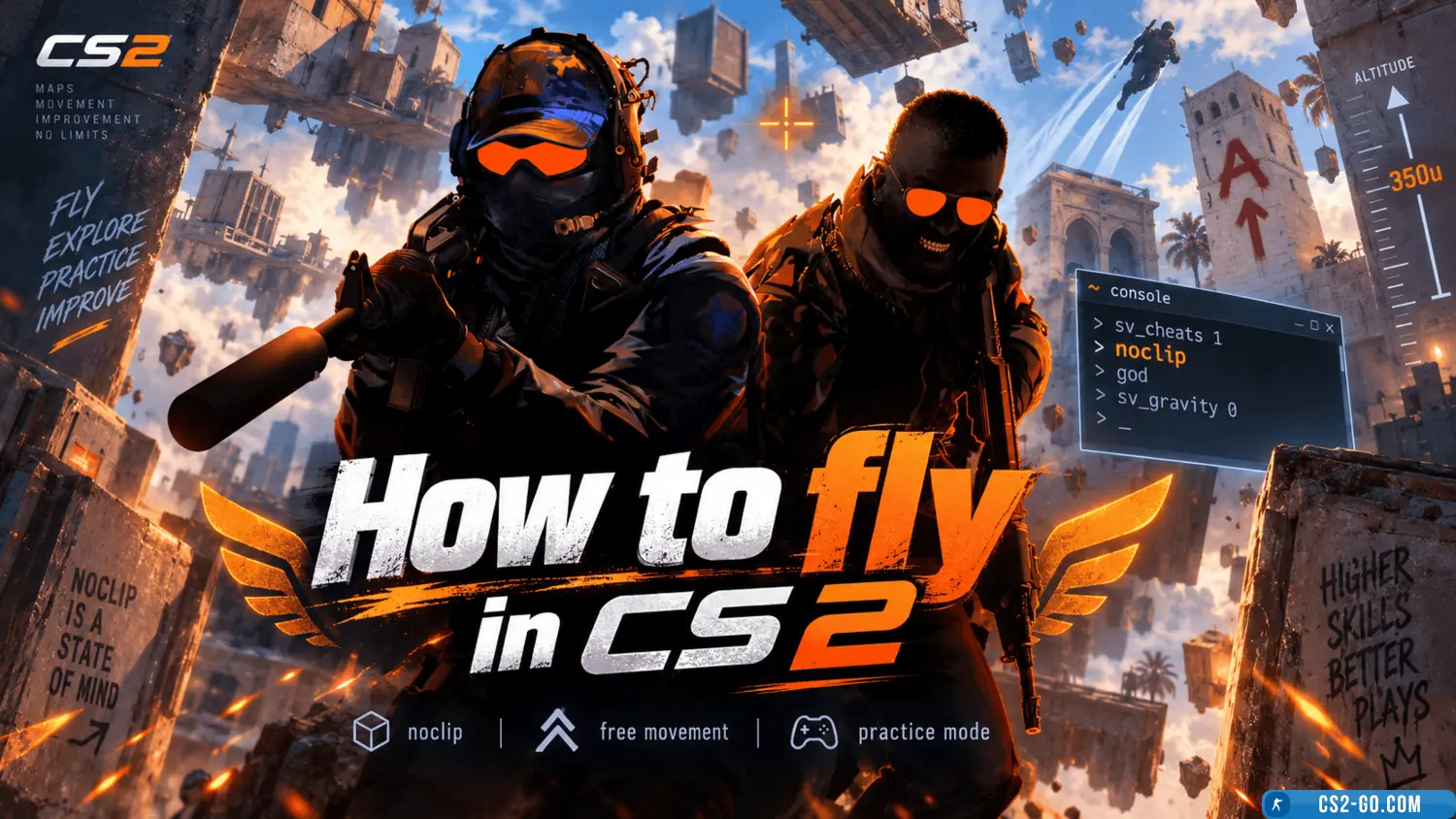
Flying in CS 2 is only possible when cheats are enabled on the server. It is used for map testing, training, or experiments. Here’s how to do it:
How to Enable Flying in CS 2
1. Enable the Console
- Go to Settings → Game → Enable Developer Console → Select Enable.
- Press the tilde (~) key to open the console.
2. Enable Cheats
- Flying is only available when cheats are enabled. Enter in the console:
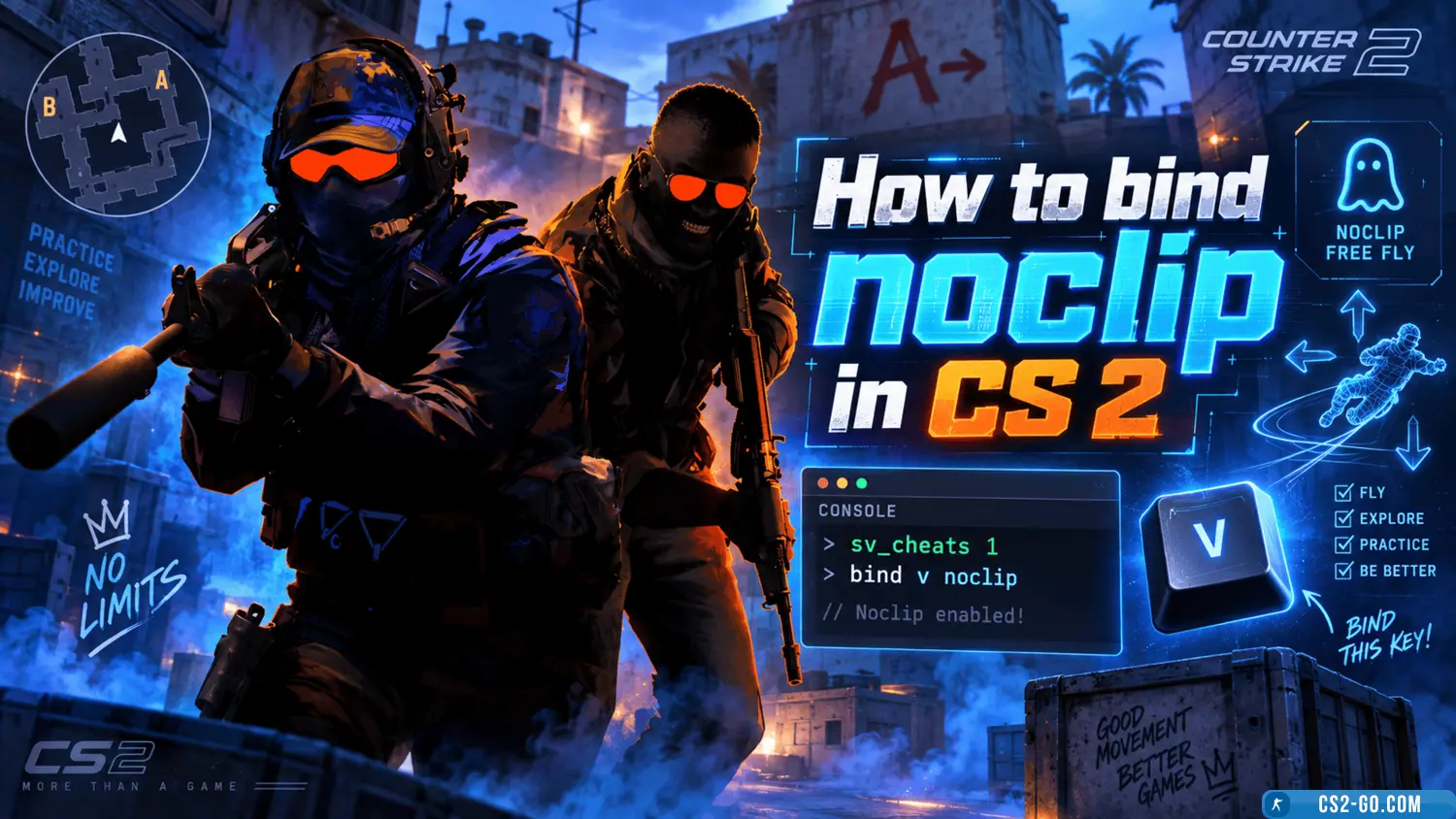
sv_cheats 1
3. Activate Flight Mode
- To fly, enter the command:
noclip - After this, your character can move freely around the map without restrictions, pass through walls, and rise into the air.
4. Disable Flight Mode
- To return to normal mode, enter the same command:
noclip
Tips
- Flying is only available on a local server or a server where you have administrator rights, allowing you to enable cheats.
- Make sure the server does not have restrictions that prevent using the noclip command.
- Flight mode is useful for exploring maps, finding positions, and analyzing strategies.