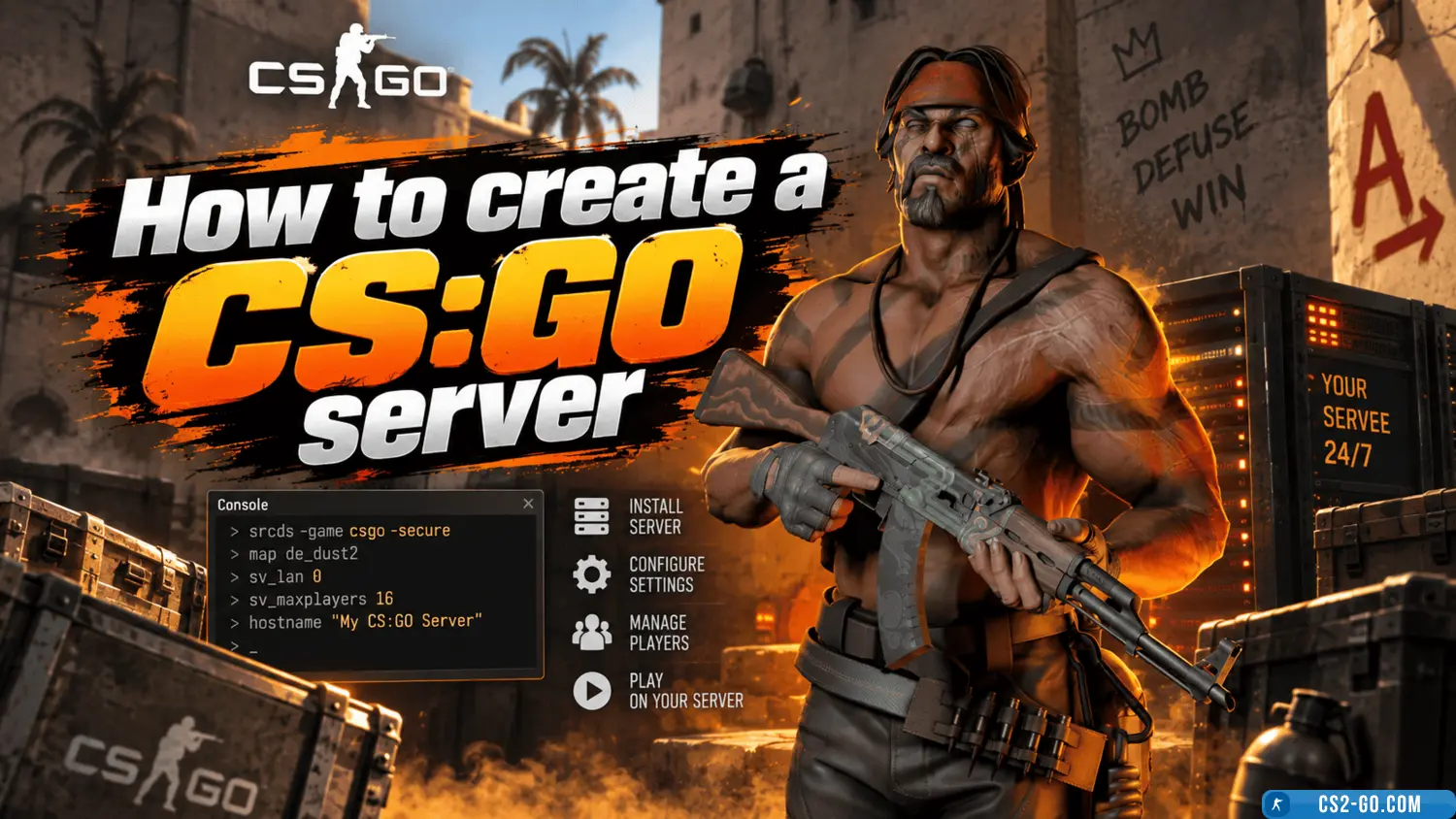
How to create a CS:GO server locally and on hosting
Creating your own CS:GO server allows you to play with friends or run a public server. There are two options: local server (for network play without hosting) and hosted server (for continuous operation).
1. How to create a local CS:GO server
This option is suitable if you want to play with friends on the same network or test configurations before launching a full server.
1.1. Launching a local server via console
- Open CS:GO and enable the console (
~) in the game settings.
- Enter the command to start a map (e.g., Dust 2):
map de_dust2
- If you want friends to connect, find out your IP (for example, on 2ip.ru) and give them the command:
connect YOUR_IP:27015
- Make sure port 27015 is open in your router settings.
1.2. Creating a local server via SRCDS
SRCDS allows you to run the server more stably.
Installing SRCDS
- Download SteamCMD and unpack it to
C:\CSGOServer.
- Run
steamcmd.exe and enter:
login anonymous force_install_dir C:\CSGOServer app_update 740 validate exit
- In
C:\CSGOServer, create a file start.bat with the code:
srcds.exe -game csgo -console -port 27015 +map de_dust2 +maxplayers 10 -tickrate 128
- Run
start.bat and connect via console:
connect 127.0.0.1:27015
- For friends to connect, open port 27015 and give them your IP.
2. How to create a CS:GO server on hosting
If you need a persistent server, it’s better to use hosting.
2.1. Choosing hosting
Popular hosting services for CS:GO:
For creating a server, we recommend the game hosting MyArena.Ru
A plan with 128 tickrate and low ping is recommended.
2.2. Installation and configuration
- Register on the hosting website.
- Choose a plan and pay for the server.
- In the control panel, configure:
- Server name
- Maximum number of players
- Default map
- Game mode (Classic, Wingman, Retake, etc.)
- Save the settings and restart the server.
2.3. Installing plugins
To add plugins (admin tools, skins, anti-cheat), install Metamod and Sourcemod.
- Download Metamod and Sourcemod.
- Move the files to
csgo/addons/.
- Restart the server.
- Add yourself to admins by editing
admins_simple.ini:
"STEAM_1:0:123456789" "99:z"
3. How to join the server
- Local server –
connect 127.0.0.1:27015.
- Hosted server – use the IP from the control panel.
Conclusion
A local server is suitable for playing with friends, while a hosted server is for continuous operation. The choice depends on your goals and budget.