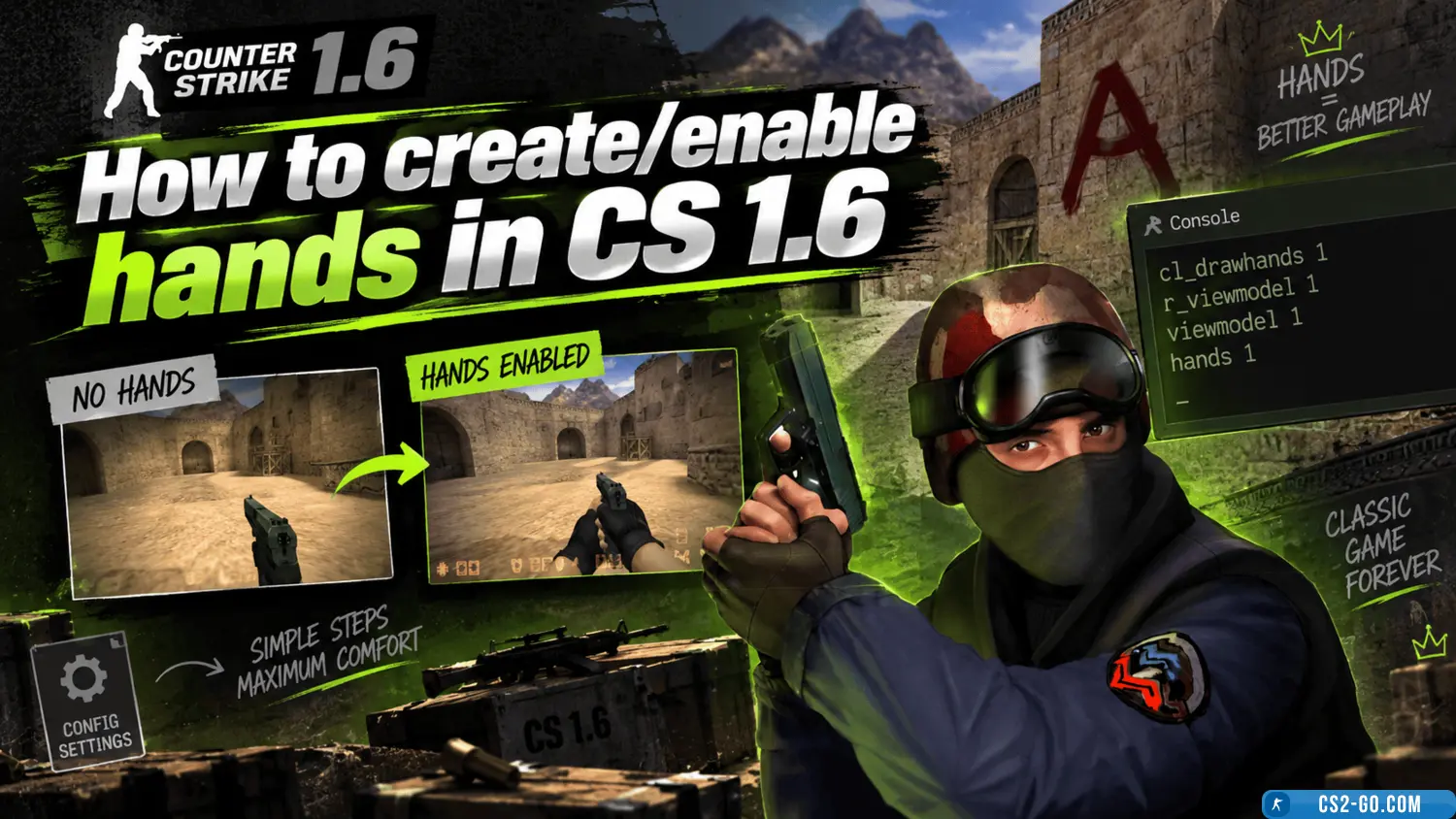
Counter-Strike 1.6 (CS 1.6) allows you not only to change weapons but also to customize the appearance of your character’s hands. In this article, we will explain how to change the hand model in the game, as well as how to download and install new hand textures from cs.com.ru.
1. How to change hand position in CS 1.6
In CS 1.6, you can change the hand position on the screen using in-game settings or console commands:
- Open the game and go to Options.
- Go to the Video section.
- In the interface settings, find the Hand option and choose which hand you want your character to hold the weapon with:
This will affect which hand holds the weapon in-game.
2. How to change hand models in CS 1.6 via console
If you want to change the appearance of hands to something more interesting or stylish, you can download models and install them in the game. The game itself does not have default settings for changing hand models, but you can use mods.
Steps to do this:
- Download new hand models from cs.com.ru.
- Models usually come in .zip or .rar format and include textures and model files.
- Extract the files into the models folder in your game directory (usually cstrike/models).
- Launch the game and use a console command to activate the new hands.
Example command: cl_righthand 0 (for left hand) or cl_righthand 1 (for right hand).
3. How to download and install new hand textures from cs.com.ru
To make hands more unique and interesting, you can download new hand textures from cs.com.ru.
- Go to cs.com.ru.
- In the "Textures and Models" section, find the hand models subsection.
- Select the hand model you like and download the archive with files.
- Extract the files and place them in the cstrike/models folder.
- Launch the game and enjoy the new hands!
4. How to create your own hands in CS 1.6
If you want to create your own hand model, you will need a 3D modeling program such as Blender or 3ds Max. This process requires some skills in 3D modeling.
- Create or modify a hand model in a 3D editor.
- Export the model in .mdl format used by CS 1.6.
- Ensure textures for the hands are correctly set up.
- Place the finished model in the cstrike/models folder.
If you don’t have experience with 3D modeling, you can find ready-made models on popular resources such as cs.com.ru.
5. Tips for hand customization in CS 1.6
- Server support: some servers may forbid the use of third-party models. Check whether mods are allowed on the server you play on.
- Test models: before using a new hand model on a server, test it in single-player to ensure it works correctly.
- Console commands: use the console to quickly switch between hand models. For example,
cl_righthand 1 and cl_righthand 0 allow you to toggle between right and left hand.
Now you know how to change or create hands in CS 1.6 using console commands, downloading models, or creating your own textures. For more variety, you can download unique models and textures from cs.com.ru.
Download CS 1.6