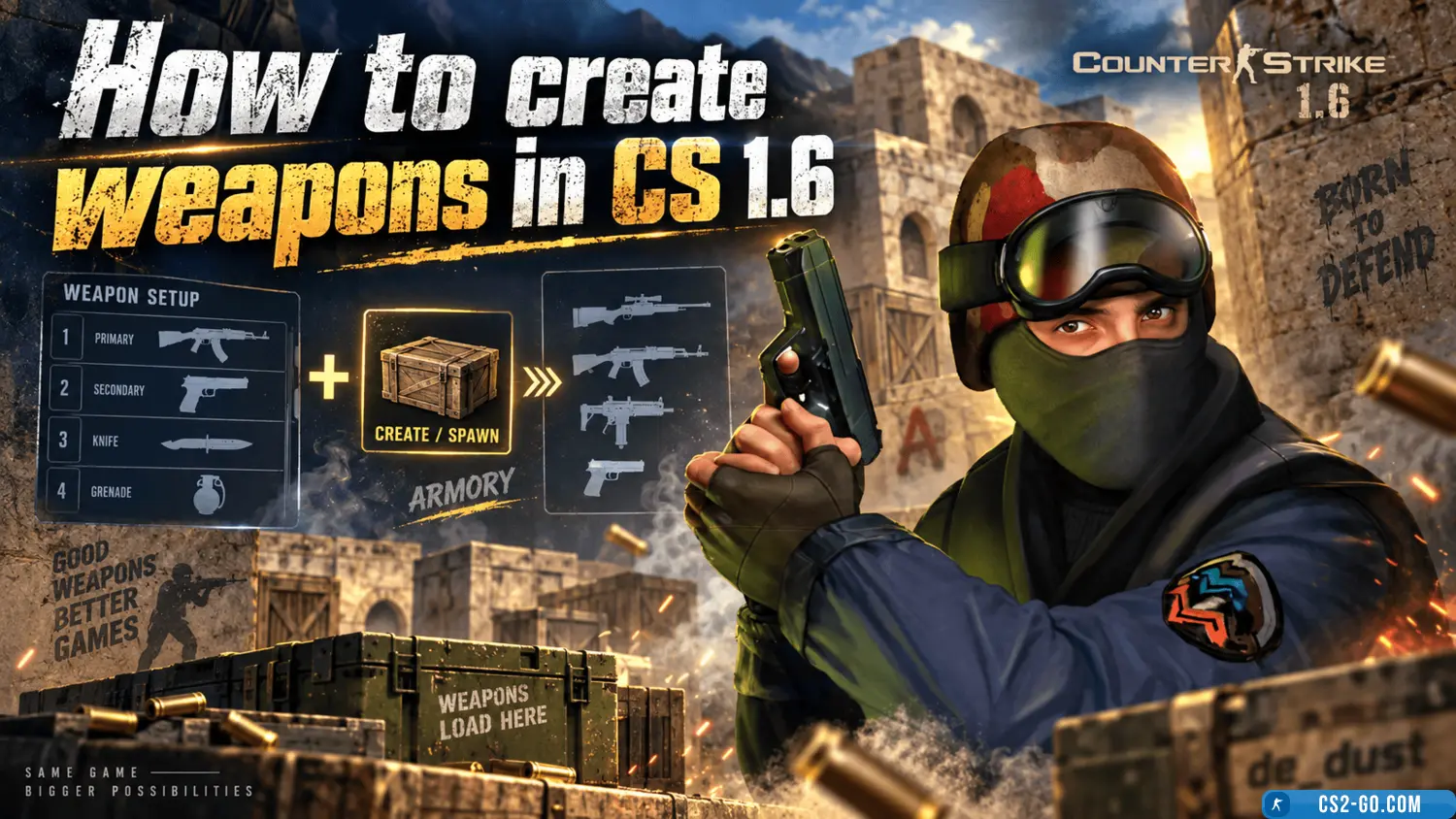
Counter-Strike 1.6 (CS 1.6) is one of the most popular multiplayer games, featuring a wide variety of weapons for different play styles. In this article, we will explain how to get weapons in CS 1.6 using the game’s standard features, as well as how to download and install new weapon models from cs.com.ru for a unique gaming experience.
1. How to buy weapons in CS 1.6 through the purchase menu
In CS 1.6, the easiest way to get weapons is by using the purchase menu. To open the menu, follow these steps:
- At the beginning of the round or at a buy zone, press the B key.
- The menu will display different weapon categories: pistols, rifles, sniper rifles, and more.
- Select the weapon you want to buy using the mouse or the keys shown in the menu.
- The weapon will then be added to your inventory.
This is the standard way to get weapons in the game, available in most modes, including Survival and Classic.
2. How to get weapons through the console
The console in CS 1.6 allows you to enter commands to get weapons without using the purchase menu. To enable the console, follow these steps:
-
Open the game and go to Options → Keyboard → Advanced → select Enable Developer Console.
- During the game, open the console by pressing the ~ (tilde) key.
- Enter one of the following commands:
give weapon_ak47 — gives you an AK-47.give weapon_m4a1 — gives you an M4A1.give weapon_deagle — gives you a Desert Eagle.give weapon_awp — gives you an AWP.
After entering the command, the weapon will immediately appear in your inventory.
3. How to add and download new weapon models
If you want to add unique and visually appealing weapon models to the game, you can download them from our site cs.com.ru. We offer a wide selection of weapon models that will make your gameplay even more interesting and diverse.
- Go to the website cs.com.ru.
- Navigate to the Weapon Models section and choose a model you like.
- Download the model in .zip or .rar format.
- Extract the files and place them in the models folder inside your game directory (usually cstrike/models).
- After this, the new weapon model will be available in your game.
These models can be for standard weapons or mods that add entirely new items.
4. How to use new weapon models in the game
- Launch the game and select either Single Player or Multiplayer mode.
- To use a new model, enter the corresponding console command as described above, or select the weapon in the purchase menu.
- Enjoy the unique models that add visual variety and individuality to your gameplay.
5. Helpful tips
- Config setup: you can create an autoexec.cfg file to add commands for quick weapon switching, e.g.,
give weapon_ak47 to get an AK-47 at the start of every round.
- Model testing: before using new models on a server, test them in single-player to ensure they work correctly.
- Server support: some multiplayer servers may restrict the use of custom models. Make sure the server allows them.
Conclusion
Now you know how to get weapons in CS 1.6 using the console, purchase menu, or by downloading new weapon models from cs.com.ru. Play comfortably and expand your gameplay possibilities with unique models and console commands.
Download CS 1.6