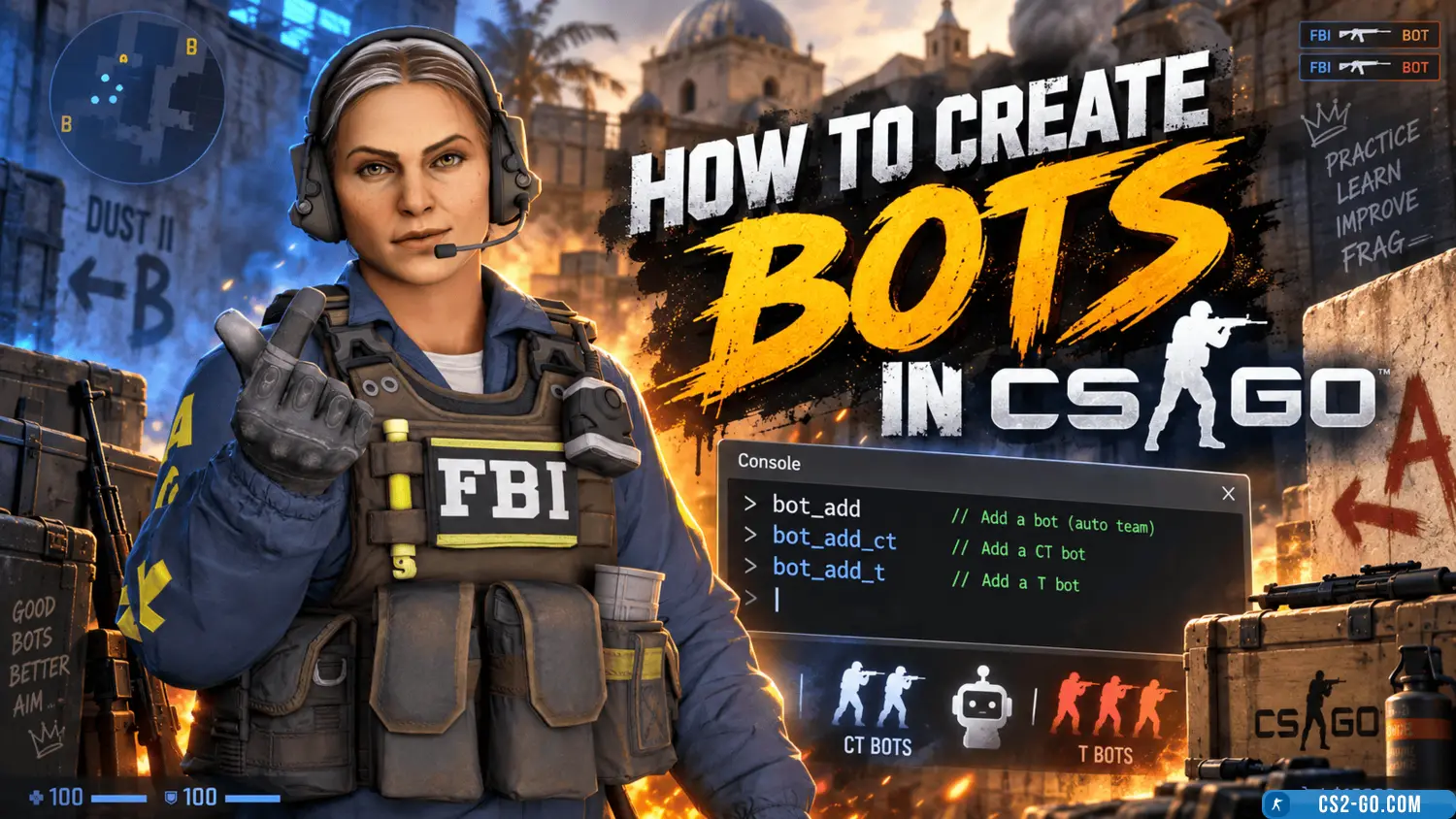
Bots can be added in CS:GO through the console, game settings, or configuration files. Let's go through all the methods!
Adding bots via console
✅ Open CS:GO.
✅ Enable the developer console:
- Go to Settings → Game Settings.
- Enable the option “Enable Developer Console (~)”.
✅ Press ~ (tilde) to open the console.
✅ Enter the command to add a bot:
bot_add
This command adds a random bot to any team.
To add a bot to a specific team:
✅ To CT:
bot_add_ct
✅ To T:
bot_add_t
To remove bots:
✅ Remove all bots:
bot_kick
✅ Remove bots from CT:
bot_kick ct
✅ Remove bots from T:
bot_kick t
Setting bot difficulty
✅ Set difficulty level:
bot_difficulty 0 // Easy bots bot_difficulty 1 // Normal bots bot_difficulty 2 // Hard bots bot_difficulty 3 // Expert bots
✅ Prevent bots from moving:
bot_stop 1
✅ Allow bots to move again:
bot_stop 0
✅ Make bots passive (no shooting):
bot_zombie 1
Automatic bot addition
✅ Open the server.cfg file (located in csgo/cfg).
✅ Add the commands:
bot_quota 10 // Number of bots bot_quota_mode fill // Fill up to 10 players bot_difficulty 2 // Difficulty level
✅ Save and restart the server.
Conclusion
Quick method — command bot_add.
Setting difficulty and behavior — bot_difficulty, bot_stop, bot_zombie.
Automatic addition — via server.cfg.
✅ Now you can easily train with bots in CS:GO!