How to change settings in CS 2 (CS 2)

  • 👨‍🦱 Добавил: admin 📆 07.09.2025 ⏰ 19:54


In Counter-Strike 2, there are several ways to customize the game: through the menu, console, and configuration files.

Settings Through the Menu

  1. • Graphics – adjust texture quality, anti-aliasing, and frame rate.
  2. • Sound – control volume of effects, footsteps, and voices of allies and enemies.
  3. • Controls – assign keys, mouse sensitivity, and jump on the scroll wheel.
  4. • Game – crosshair display, radar, and enabling the developer console.

Settings Through the Console
Open the console (key ~):

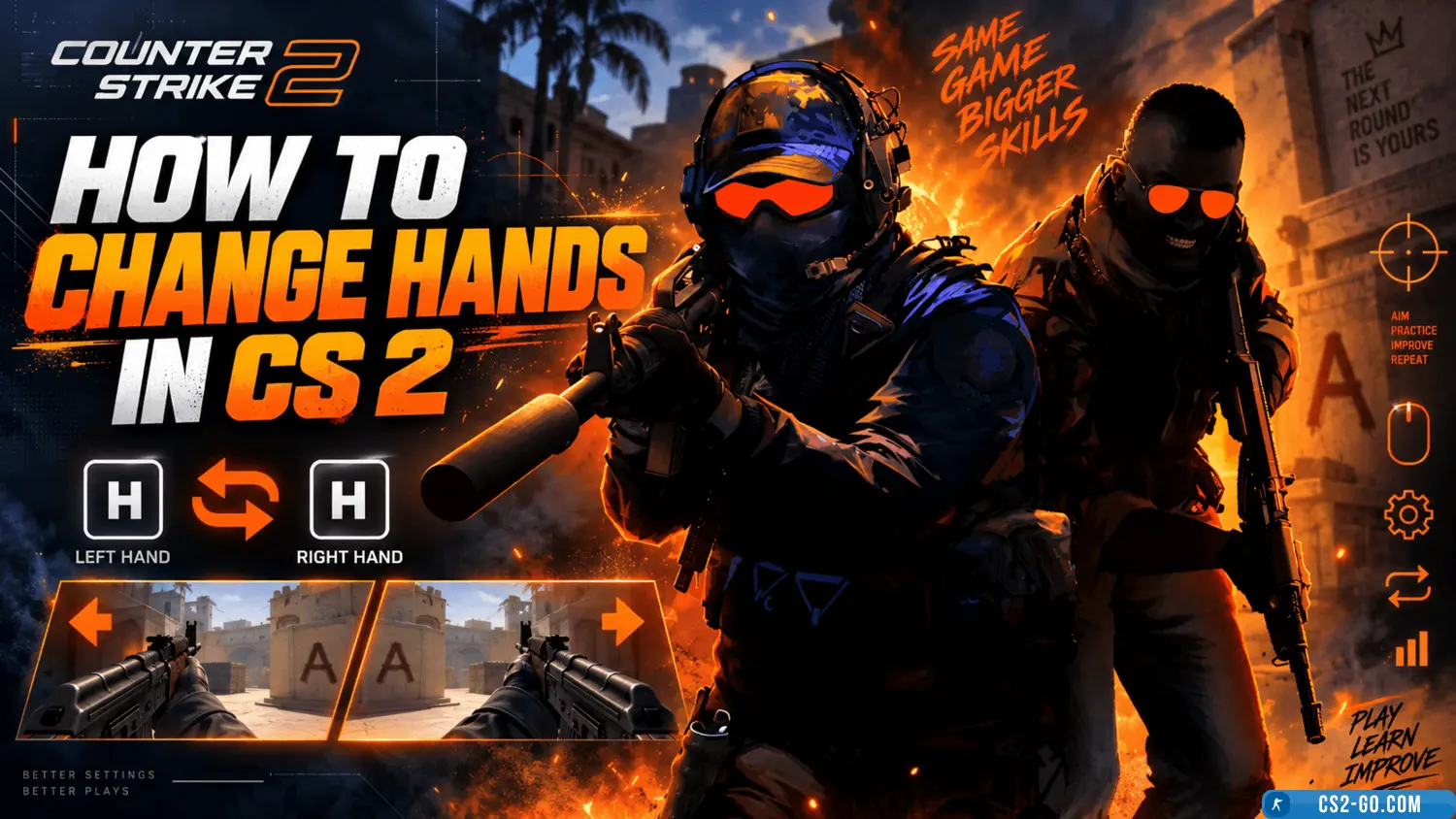
• cl_righthand 0/1 – switch hand.
• viewmodel_offset_x/y/z – weapon position.
• fps_max 0 – remove frame rate limit.
• cl_crosshairsize, cl_crosshaircolor – customize the crosshair.

Configuration Files
The autoexec.cfg file can be created in the game folder and all your favorite commands can be added there.

The game will automatically load them on startup.

Tips
• For esports, choose minimal graphics for stable FPS.
• Adjust the crosshair to match your shooting style.
• Use ready-made pro player profiles, then adapt them to yourself.


Категория: Статьи по игре CS 2
    How to change hands in CS 2 (CS 2)
    How to change hands in CS 2 (CS 2)
    In CS 2, you can easily change hands and weapon position using console commands. Use cl_righthand to choose the right or left hand and adjust the viewmodel for comfortable weapon placement on the screen.