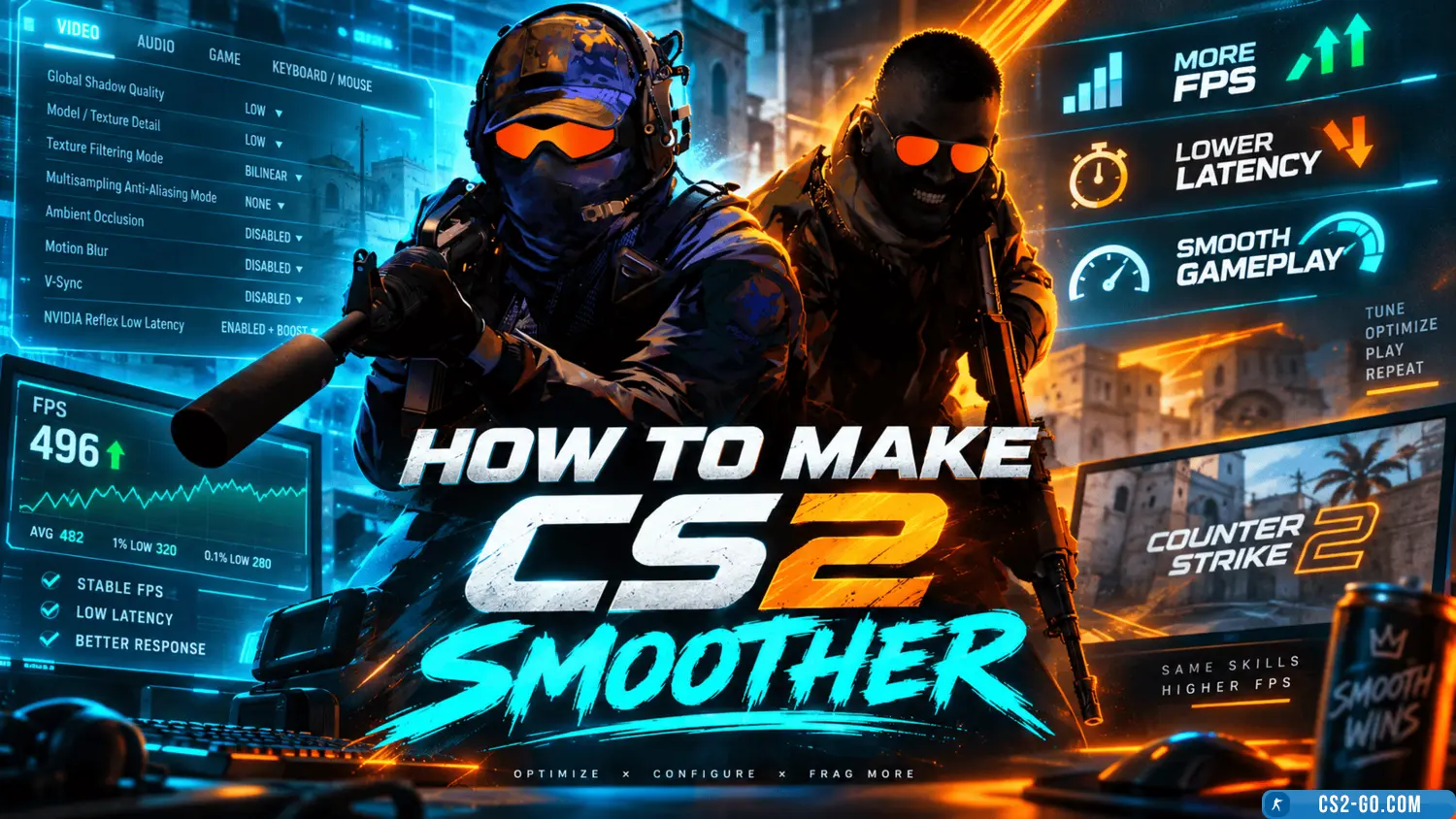
How to install CS2 (Counter-Strike 2)
Installing Counter-Strike 2 is quite simple and is done in the standard way through Steam — the official platform by Valve Corporation. Here is a step-by-step guide:
CS2 Installation Steps
1. Make sure your computer meets the minimum requirements:
- Operating System: Windows 7/8/10/11 (64-bit)
- Processor: Intel Core i5-4460 / AMD Ryzen 3 1200
- RAM: at least 8 GB
- Graphics: NVIDIA GeForce GTX 960 / AMD Radeon RX 470
- Disk Space: around 30 GB free
Note: Check the latest requirements before downloading the game.
2. Install the Steam client (if not already installed):
- Go to the official Steam website: https://store.steampowered.com/
- Download the Steam installer and run it.
3. Log into your Steam account:
- Open the installed Steam client.
- If you have an account, enter your login and password.
- If you don’t have an account, create a new one.
4. Purchase the game or activate a previously bought key:
- Find the game in the Steam store (search: Counter-Strike 2).
- Add it to your cart and complete the purchase.
- Or enter a license key from a previously purchased copy.
5. Download and install the game:
- After purchase, the game will appear in your Steam library.
- Right-click on the game → select "Install".
- Follow the installation wizard instructions.
6. Launch the game:
- Once installation is complete, click on the game icon in your Steam library.
- The game will automatically update to the latest version and start running.
You now have the full version of Counter-Strike 2 installed! Enjoy the game!
If you experience performance or graphics issues, it is recommended to update your graphics card drivers and check the in-game graphics settings.