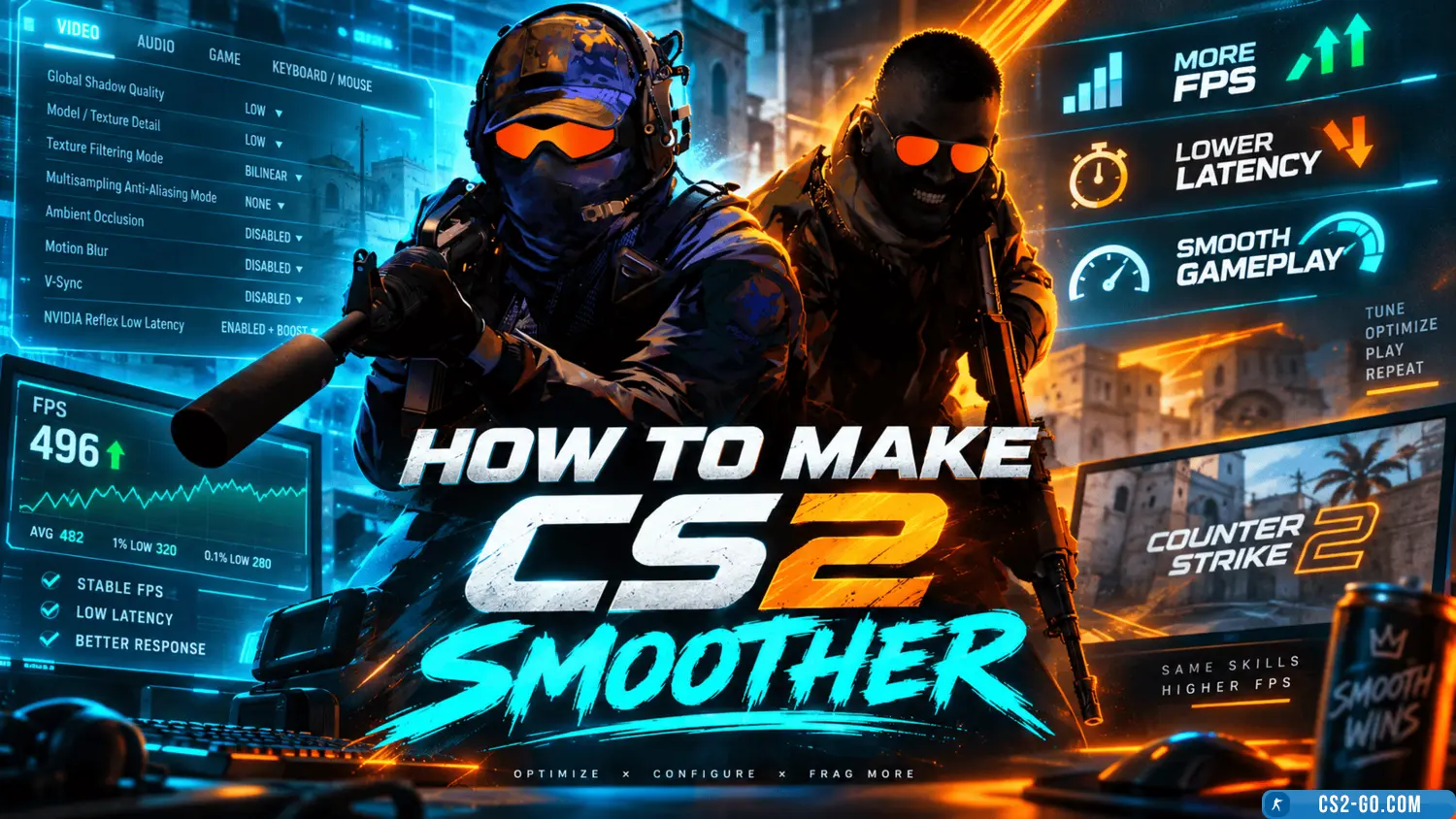
How to make CS2 (CS 2) smoother
To make CS2 (Counter-Strike 2) run smoother, you need to adjust several game and system settings to improve performance. Here are some tips:
1. In-game graphics settings
- Go to Game Settings (Video Settings).
- Set graphics to Low or Medium for better performance.
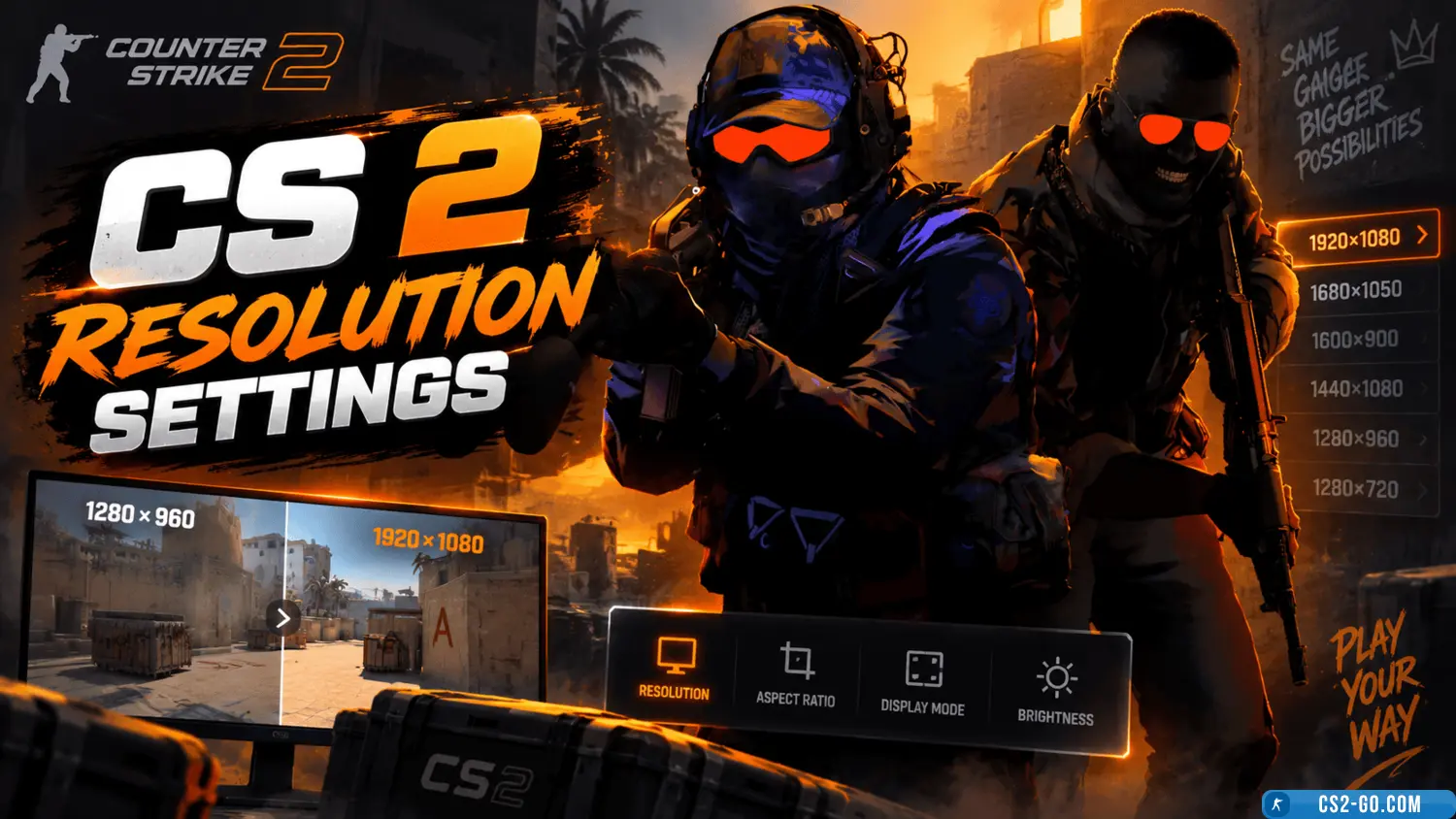
- Lower the screen resolution.
- Turn off shadows or reduce their quality.
- Lower texture quality.
- Disable or reduce anti-aliasing and particle effects.
2. Enable performance mode
- In the Graphics Settings menu, enable Performance Mode.
- This will disable additional visual effects like enhanced textures and anti-aliasing, boosting performance.
3. Update graphics card drivers
- Make sure your graphics drivers are up to date.
- For NVIDIA, use GeForce Experience.
- For AMD, use Radeon Software.
4. Close background applications
- Close unnecessary programs and processes that consume CPU or RAM.
- Use Task Manager to end unneeded processes.
5. System performance settings
- In your computer's Control Panel under Power Options, select Maximum Performance.
- Ensure cooling is working properly if your CPU or GPU overheats.
6. Use console commands to improve performance
Enter the following commands in the in-game console:
fps_max 300
This limits the maximum FPS to 300 for more stable performance.
mat_queue_mode 2
This enables multi-threading for the GPU, improving performance.
7. Reduce CPU load
- In Steam launch options, add the parameter:
where X is the number of CPU cores to use (for a 4-core CPU, use-threads X-threads 4).
🎥 Видеообзор How to make CS2 (CS 2) smoother