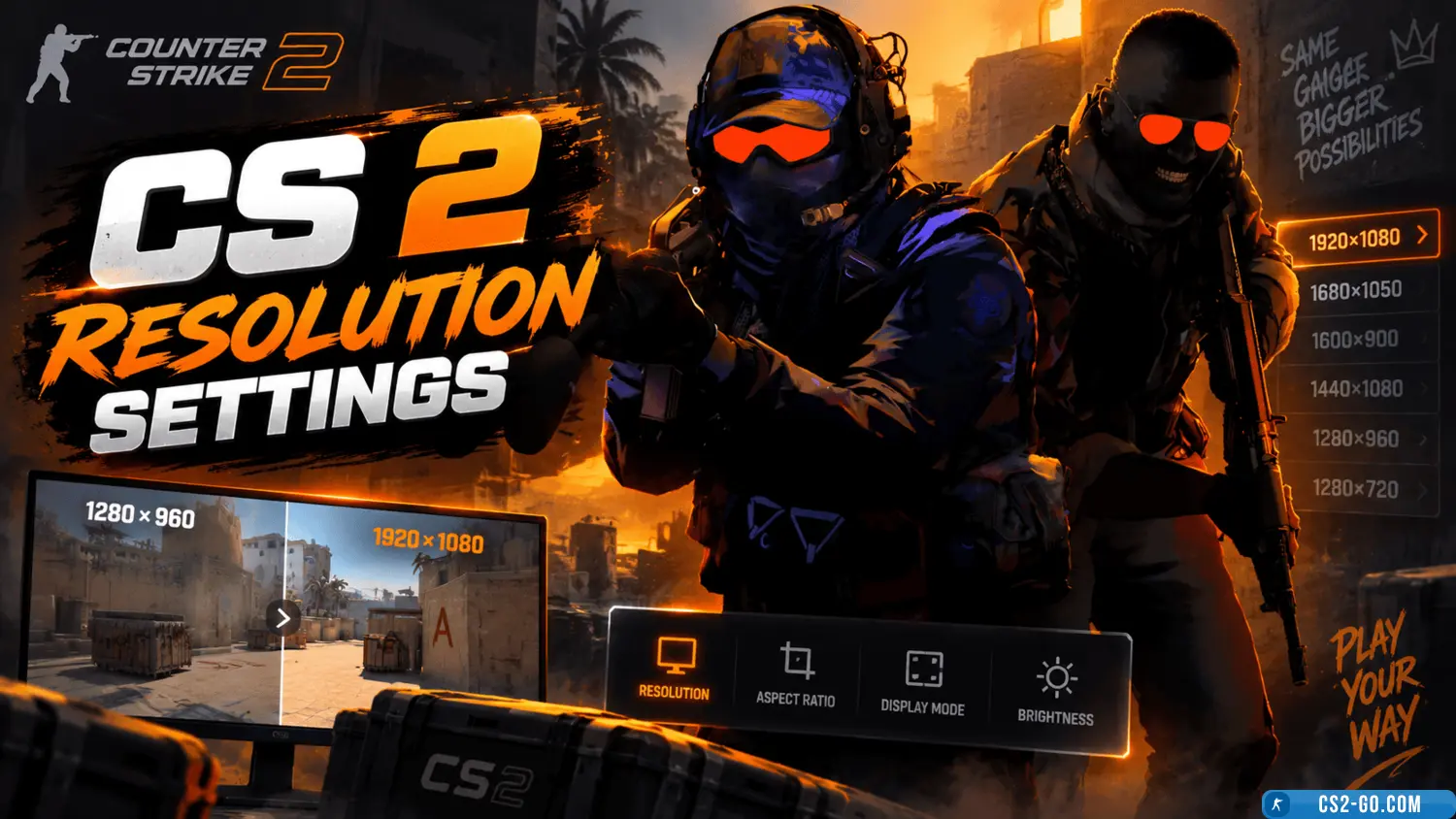
CS 2 (CS2) resolution settings

  • 👨‍🦱 Добавил: admin 📆 01.05.2025 ⏰ 23:32


Choosing the right resolution in CS2 affects FPS, image clarity, and gameplay comfort. Let’s look at the best settings for different scenarios.


1. Recommended resolutions for CS2

4:3 (stretched or black bars)

Popular among pro players due to larger models and smoother movement.

  • 1024×768 – balance between clarity and FPS (used by many professionals).

  • 1280×960 – sharper image but requires a powerful PC.

  • 800×600 – maximum FPS on weak PCs, but low detail.

16:9 (Full HD, standard monitor)

Best choice for clarity and a wide field of view.

  • 1920×1080 (Full HD) – ideal for modern PCs.

  • 1600×900 – good balance if 1080p lags.

  • 1280×720 (HD) – for weaker systems.

16:10 (alternative format)

  • 1680×1050 – slightly higher field of view than 16:9.

  • 1440×900 – similar to 1280×960, but in 16:10.


2. How to choose a resolution?

For maximum FPS:

  • 4:3 (1024×768 or 800×600) – reduces load on the GPU.

  • Low graphics settings + stretched mode.

For clarity and detail:

  • 16:9 (1920×1080 or 1600×900) – better visibility of enemies at a distance.

  • High/medium graphics settings.

For familiarity (if you played CS:GO in 4:3):

  • Keep 1280×960 or 1024×768 (can be stretched or with bars).


3. How to change the resolution in CS2?

  1. Go to SettingsVideo.

  2. Select Aspect ratio (4:3, 16:9, 16:10).

  3. Set the desired resolution.

  4. Click Apply.

Additional settings:

  • GPU scaling mode (Nvidia/AMD) – for stretching 4:3 to full screen.

  • Fullscreen/Borderless Windowed – affects responsiveness.


4. Conclusion: which resolution is best?

Goal Recommended resolution
Maximum FPS 1024×768 (4:3) or 800×600
Clarity + field of view 1920×1080 (16:9)
Pro settings 1280×960 (4:3)
Weak PC 1024×768 or 1280×720

Tip: Try several options and choose the most comfortable one!

Download CS 2


🎥 Видеообзор CS 2 (CS2) resolution settings


Категория: Статьи по игре CS 2
    How to make CS2 (CS 2) smoother
    How to make CS2 (CS 2) smoother
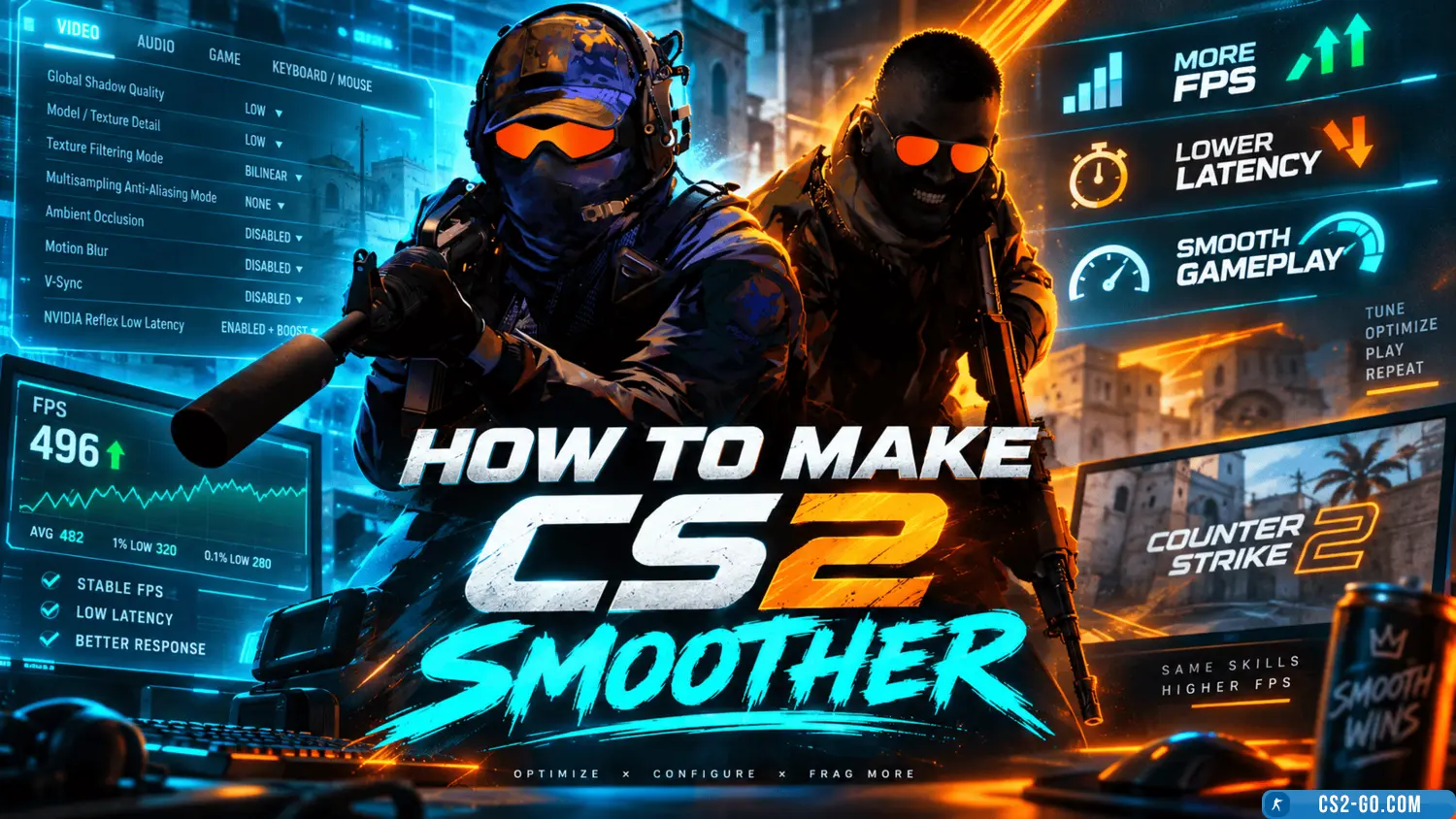
    For smoother gameplay in CS2, lower the graphics, update your graphics card drivers, disable unnecessary applications, use console commands, and set your system to maximum performance.