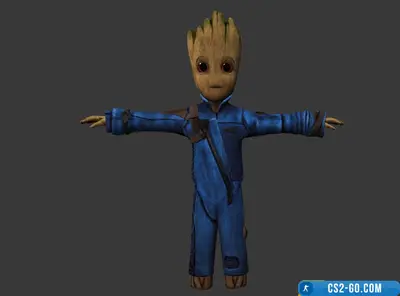
Download HL1 MDL Compiler & Decompiler program for CS 1.6
  • 👨‍🦱 Added by: admin 📆 11.10.2024 ⏰ 21:20

Downloading HL1 MDL Compiler & Decompiler program for CS 1.6
The download has started...
If the file did not start downloading, go back and try again!

Attention!

Windows may show a SmartScreen window during installation.
Don’t worry — this is normal protection, the file is completely safe.

  • Click "More info" in the SmartScreen window.
  • Select "Run anyway".
Instruction step 1 Instruction step 2

✔ The file has been scanned by antivirus and contains no malware.

  • The “HL1 MDL Compiler & Decompiler” program for CS 1.6 is a powerful tool for working with models used in the game. It allows users to compile and decompile models presented in the MDL format, making it possible to edit them and create custom models. This process greatly simplifies customization of the game’s visual components and enables modification of characters, weapons, and other in-game elements.
  • Decompiling a model allows it to be broken down into its components, such as meshes, animations, and textures, which is useful for modders and those who want to make changes to existing models. After editing, the program helps easily compile the model back into a format compatible with the CS 1.6 game engine.
  • With “HL1 MDL Compiler & Decompiler,” you can quickly and conveniently create and modify models, which is especially valuable for developers of custom modifications and maps for the game. The program supports various model versions used in the Half-Life 1 engine and provides flexible settings for working with them.
  • This is an excellent solution for both beginners and experienced modders who want to optimize the model workflow in CS 1.6.


Instructions for using the “HL1 MDL Compiler & Decompiler” program for CS 1.6:

  1. Downloading the program:

    • Find and download “HL1 MDL Compiler & Decompiler” from a reliable source that provides this tool for CS 1.6.
  2. Installing the program:

    • Extract the downloaded archive to a convenient folder on your computer.
    • Make sure the folder contains the “studiomdl.exe” file, which will be used for compiling and decompiling models.
  3. Preparing the model:

    • Copy the MDL model you want to work with into the same folder where “studiomdl.exe” is located.
  4. Decompiling the model:

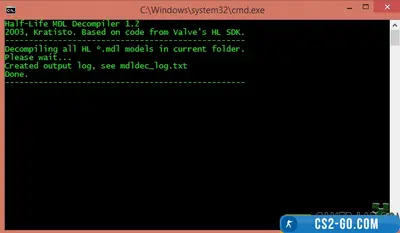
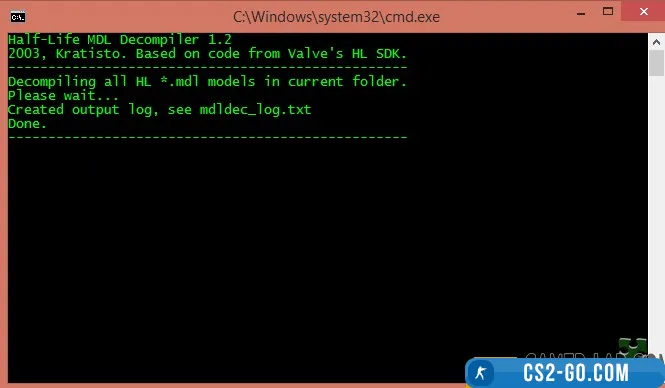
    • To disassemble (decompile) the model, open the command prompt (cmd).
    • Navigate to the directory where “studiomdl.exe” is located.
    • Use the command:
      studiomdl.exe -decompile [model name].mdl
    • The program will create several files that represent the model split into parts.
  5. Editing the model:

    • Open the files obtained after decompilation in the required editing programs (for example, Blender or 3ds Max) and make the necessary changes to the model.
  6. Compiling the model:

    • After finishing editing, open the command prompt again.
    • Navigate to the folder with “studiomdl.exe.”
    • Use the command:
      studiomdl.exe -compile [model name].qc
    • The program will compile the model into the MDL format, ready for use in the game.
  7. Testing the model in the game:

    • Move the finished model to your CS 1.6 models folder (usually cstrike/models).
    • Launch the game and check that the model is displayed and works correctly.

Note: Make sure all textures and animations are correctly linked to the model before compiling.


🎥 Video review of HL1 MDL Compiler & Decompiler program for CS 1.6



HL1 MDL Compiler & Decompiler program for CS 1.6 has been checked for viruses by our site administration and is completely safe for installation and use on your PC.

Please share the link with a friend 🔗

📂 Category: Программы для CS 1.6