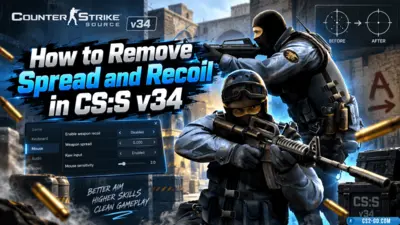
How to Remove Spread and Recoil in CS:S v34 (CSS v34)
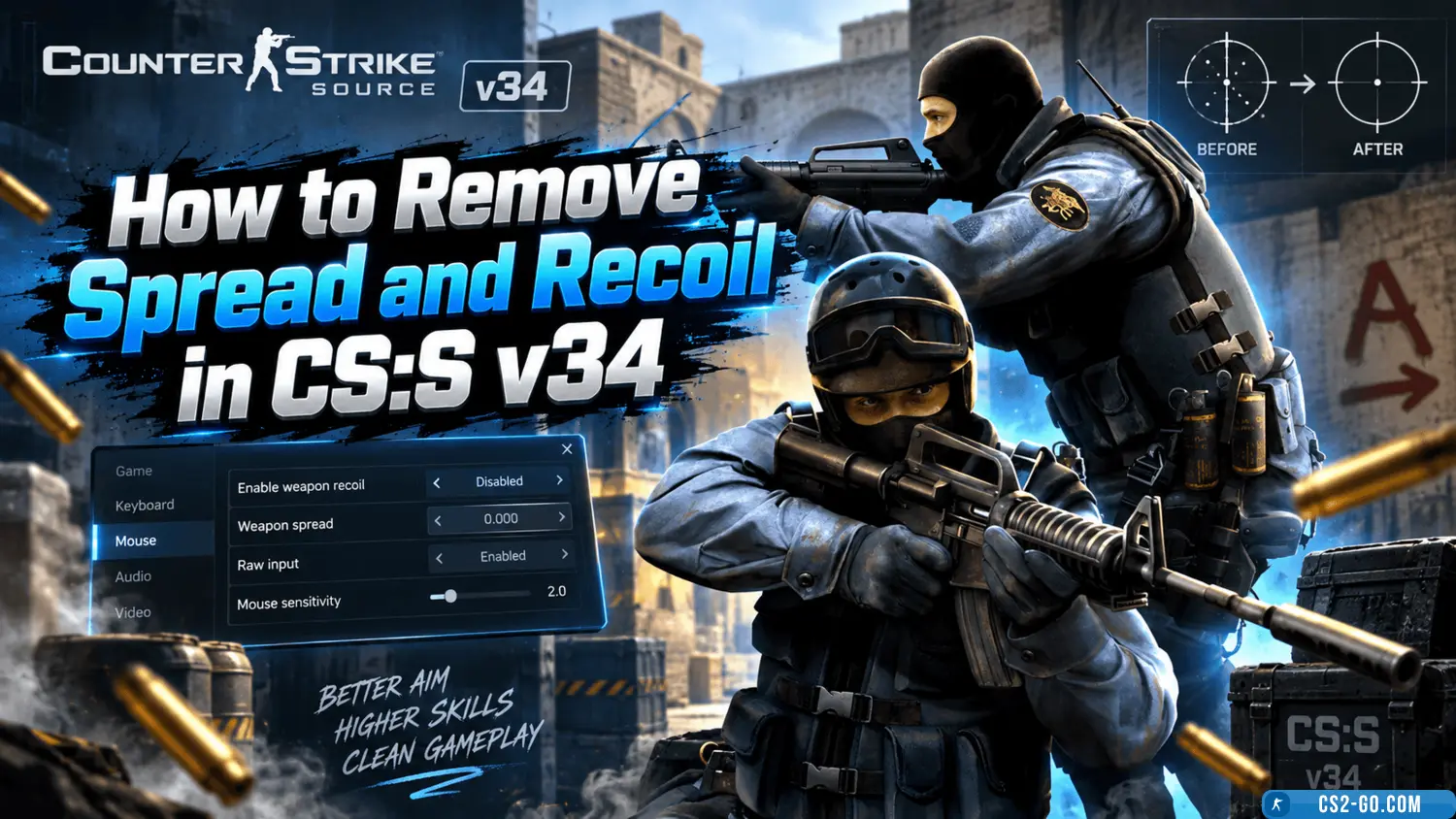
How to Remove Recoil in CS Source v34
Recoil and bullet spread are one of the main features of CS Source v34, making aiming more difficult and requiring constant practice. However, for training or local play, you can disable recoil and spread using special console commands.
First, you need to enable the developer console. In the game settings, go to the "Keyboard" section and activate the "Enable Developer Console" option. After that, press the ~ key to open the console.
Next, you need to enable cheat mode, which will allow you to use commands to disable recoil. In the console, type sv_cheats 1 and press Enter. This will allow you to use other commands to adjust weapons.
To remove recoil, enter the following commands one by one:
weapon_recoil_scale 0— disables weapon recoil;weapon_accuracy_nospread 1— removes random bullet spread;weapon_accuracy_penalty 0— cancels the penalty for rapid firing.
These commands will greatly increase shooting accuracy and allow you to practice without interference. It is also recommended to disable dynamic crosshair movement so that it stays in place while shooting. To do this, enter the command cl_crosshair_dynamic 0.
Note that all these settings only work with cheat mode enabled and on local servers or servers that allow cheats. It is impossible to disable recoil on official public servers.
If you want these commands to apply automatically when the game starts, create or edit the autoexec.cfg file in the game’s configuration folder and add the listed commands. Then set the file attribute to "read-only" so the game does not reset the settings.
Use this guide to improve your aiming skills, increase shooting accuracy, and comfortably train in CS Source v34 without recoil and spread.