How to Install CS:S v34 (CSS v34)
Counter-Strike Source v34 is a popular classic version of the game, widely used on most non-Steam servers and perfect for low-end computers. Installing CSS v34 does not require Steam, a license, or any additional purchases. The website cs.com.ru hosts all the most stable and working CSS v34 builds — with a Russian interface, HD skins, pre-configured settings, and auto-updates.
To install CSS v34, first go to the link: https://cs.com.ru/cs_source_sborki and choose the version you like. You can base your choice on the description — builds are available with bots, for servers, with skins, PvP settings, and even with built-in cheats.
Click the "Download" button next to the desired version and wait for the archive to download.
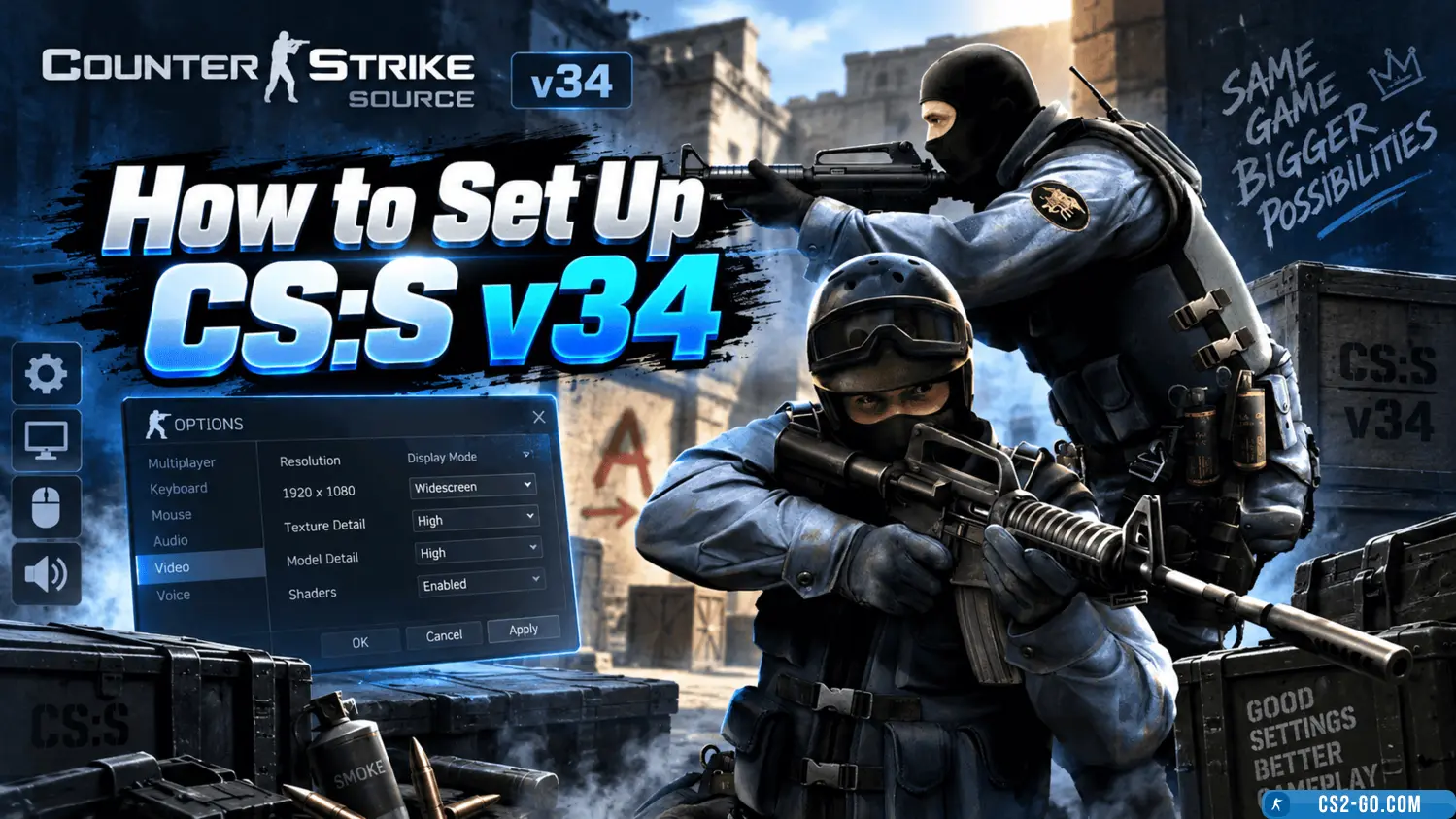
Each build already includes basic settings, but you can change the resolution, sensitivity, config, and language through the settings menu or manually by editing the config.cfg file in the cstrike/cfg folder. It is also recommended to disable your antivirus and firewall during the first launch, as some antivirus programs block non-Steam versions of the game.
The game supports both single-player with bots and multiplayer. Just open the "Find Server" tab, choose a suitable server, and connect.
All CSS v34 versions on cs.com.ru have been tested and are guaranteed to work.
Download, launch — and play without limits!