Counter-Strike 1.6 remains one of the most popular games even years after its release. Many players face the problem of auto-balance, when the system automatically moves participants from one team to another to maintain an equal number of players. For public servers this can be useful, but for friendly matches or training sessions such a feature often interferes.
Auto-balance in CS 1.6 is a built-in mechanism that monitors the even distribution of players. If one team ends up with more participants, the system automatically moves some players to the opposite side. This can destroy strategy, take away the opportunity to play with friends, and ruin the overall match experience. Therefore, many server administrators and regular players prefer to disable this feature.
Main reasons for disabling auto-balance:
it interferes with team play;
disrupts pre-planned tactics;
does not allow free distribution of players;
interferes with training with bots.
To disable auto-balance in CS 1.6, you need to use console commands.
To do this, open the console in the game and enter:
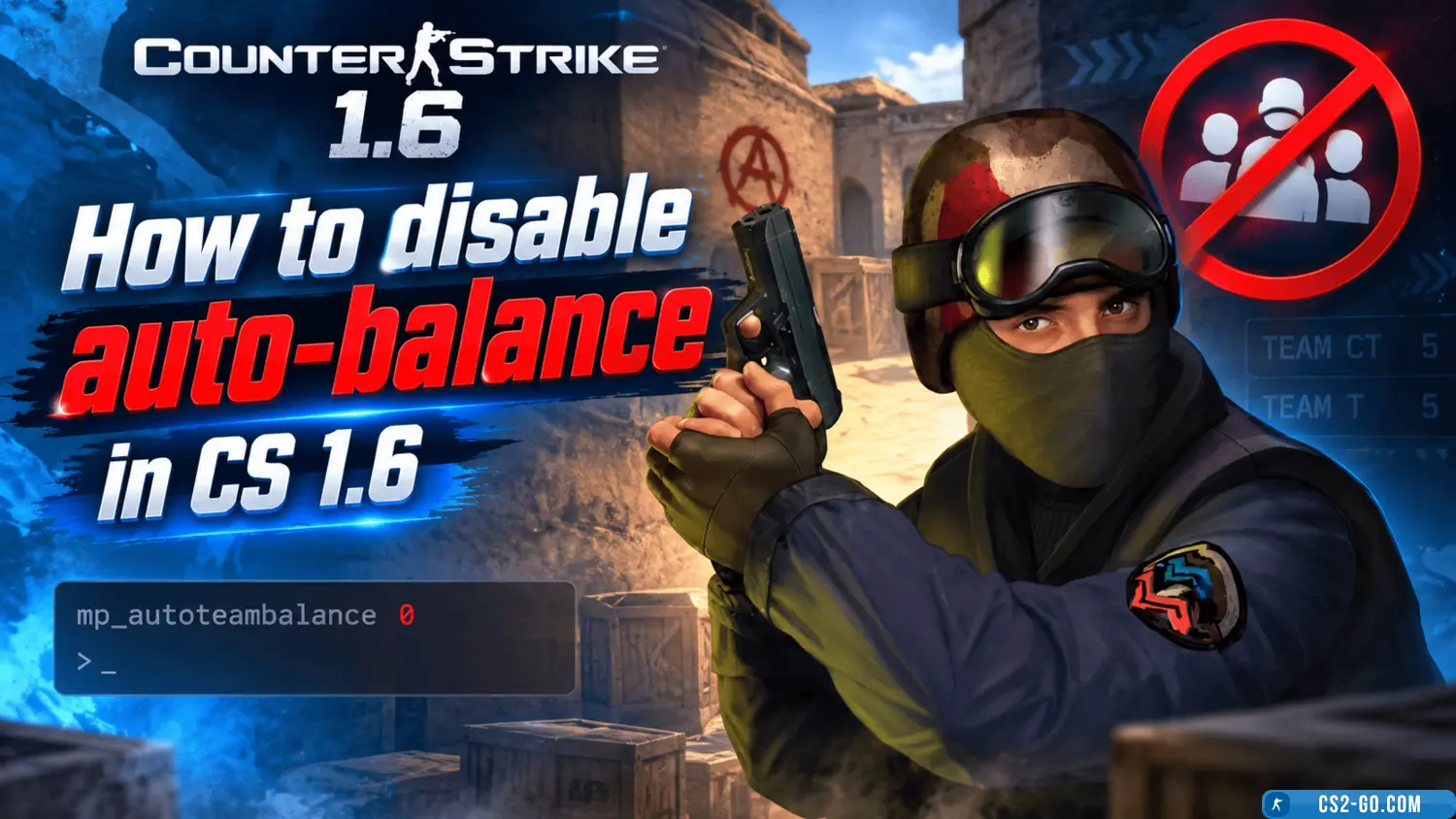
mp_autoteambalance 0
This command disables the automatic redistribution of players between teams.
Additionally, it is recommended to enter:
mp_limitteams 0
This command removes the limit on the number of players in teams. As a result, teams can be uneven in size, and the system will not interfere with the process.
These commands can be added to the server configuration file server.cfg so that they are applied automatically on every launch. This is convenient for administrators who want to save the settings without the need to enter them manually each time.