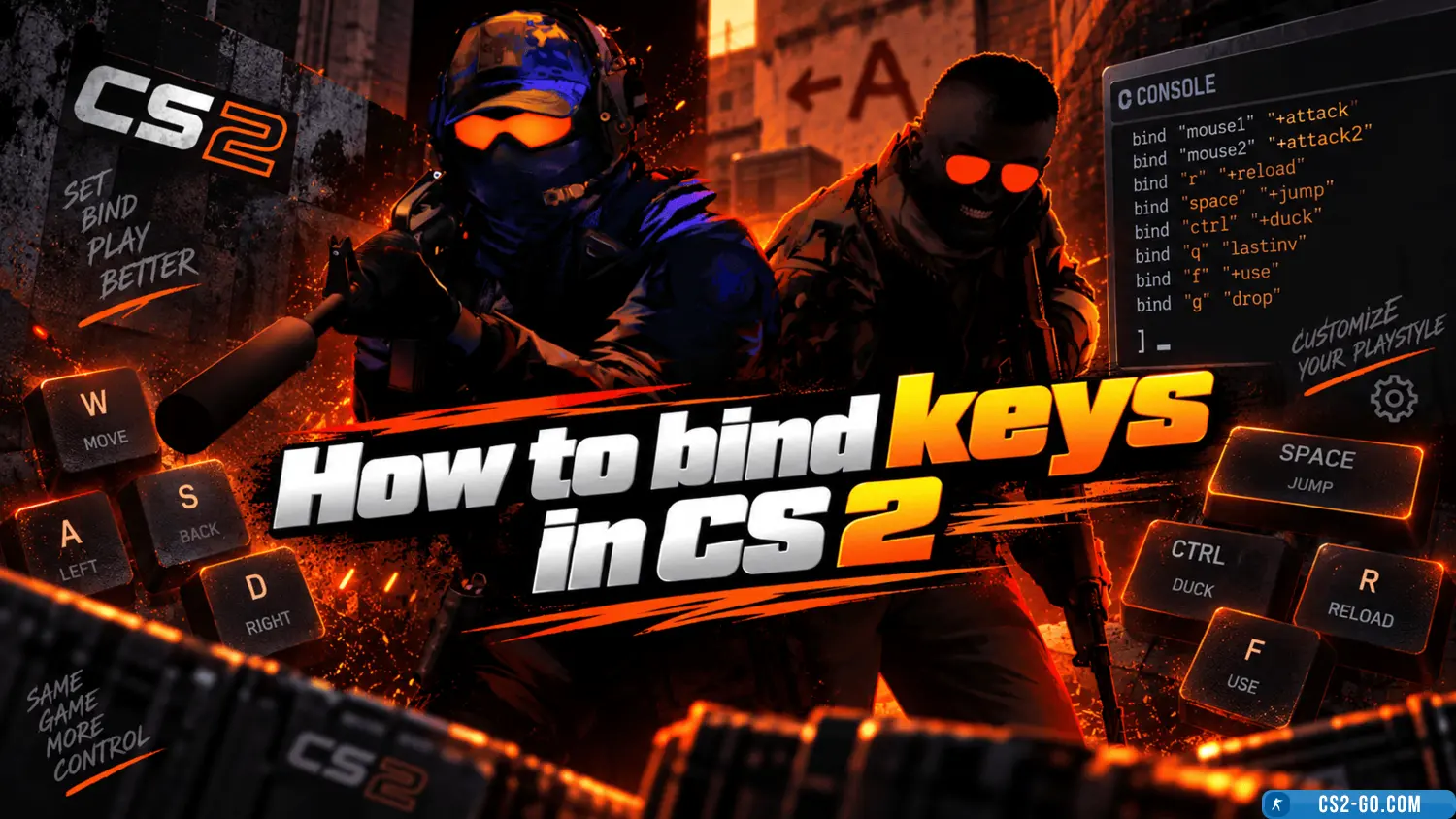
«CS 2» (Counter-Strike 2) is a modern version of the legendary shooter, offering players updated graphics, improved physics, and many new features. To get the most enjoyment from the game and make it more engaging, it is important to adjust key settings.
1. Graphics optimization
First, go to the graphics settings:
- Choose high or ultra settings for details if you have a powerful computer. This will make the visuals more realistic.
- Enable enhanced shadows and reflections. They add depth and realism to in-game objects.
- Set the resolution. The optimal choice is 1920x1080 or higher for Full HD or 4K monitors.
If your computer is weaker, it is recommended to reduce texture and effect quality while keeping important details like lighting.
2. Performance improvement
To make the game run smoothly:
- Close unnecessary background applications.
- Use launch commands:
- -high — to start the game with priority.
- -threads X — where X is the number of your CPU threads.
- -freq 144 — if you have a high-refresh-rate monitor.
These commands help increase FPS and reduce lag.
3. Audio and control settings
Sound plays an important role in «CS 2». Adjust it so you can accurately hear enemy footsteps:
- Use high-quality headphones.
- Set environment volume higher than music volume.
Don’t forget to configure controls to your preference, adjusting mouse sensitivity and key bindings.
4. Using new features
«CS 2» offers improved grenade physics and object interaction. Experiment with smoke grenades, which now dynamically respond to the environment.
5. Color correction and saturation
If you want to make the visuals more vivid:
- Use your GPU settings to increase color saturation.
- Enable the «Vibrance» mode in the graphics control panel.
- Install additional software for color adjustment if the basic functions are not enough.
Conclusion
To make «CS 2» engaging, adjust graphics, sound, and performance to your liking. These steps will help you get the most enjoyment from the new level of gameplay. Enjoy thrilling battles and vivid gameplay!
Download CS 2