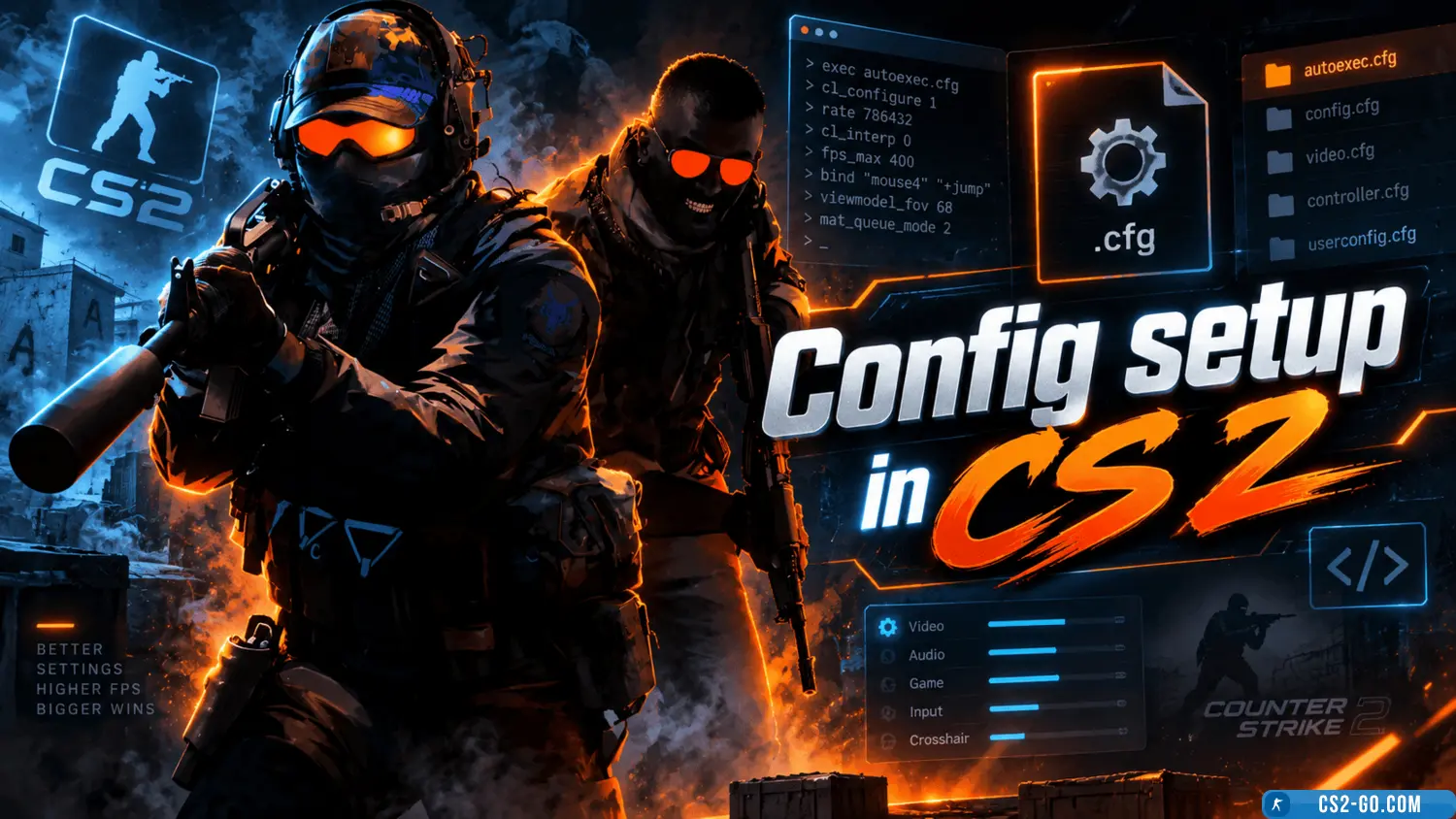
Config setup in Counter-Strike 2 (CS 2)

  • 👨‍🦱 Добавил: admin 📆 25.12.2024 ⏰ 23:59


Config setup in CS 2 is an important step for every player who wants to customize the game to their needs. A config allows you to adjust controls, crosshair, graphics, and other settings, making gameplay more comfortable and efficient.


Where to find and how to edit the config?

The config file is located in the game folder:
Steam\steamapps\common\Counter-Strike 2\csgo\cfg\.
Open the file named autoexec.cfg or create a new one if it doesn’t exist. Use a text editor, such as Notepad++, to edit it.


Main commands for the config:

  • Controls:

    • bind "key" "action" — binds an action to a key. For example, bind "F" "use weapon_flashbang".
    • unbind "key" — removes a key binding.
  • Crosshair settings:

    • cl_crosshairsize — adjusts the crosshair size.
    • cl_crosshaircolor — changes the crosshair color. For example, cl_crosshaircolor 5 sets it to purple.
    • cl_crosshairgap — sets the gap between crosshair lines.
  • Graphics optimization:

    • mat_queue_mode 2 — enables multithreading.
    • fps_max 0 — removes FPS limit.
    • cl_ragdoll_physics_enable 0 — disables ragdoll physics to improve performance.
  • Sound settings:

    • volume "0.5" — sets overall volume level.
    • snd_mixahead 0.05 — reduces sound delay.

How to save the config?

After making changes, save the file and add the launch option in Steam:
+exec autoexec.cfg. This ensures the settings load when the game starts.


Setting up a config helps you adapt CS 2 to your playstyle, improve performance, and enjoy gameplay more. Experiment with the settings to find the optimal configuration.


🎥 Видеообзор Config setup in Counter-Strike 2 (CS 2)


Категория: Статьи по игре CS 2
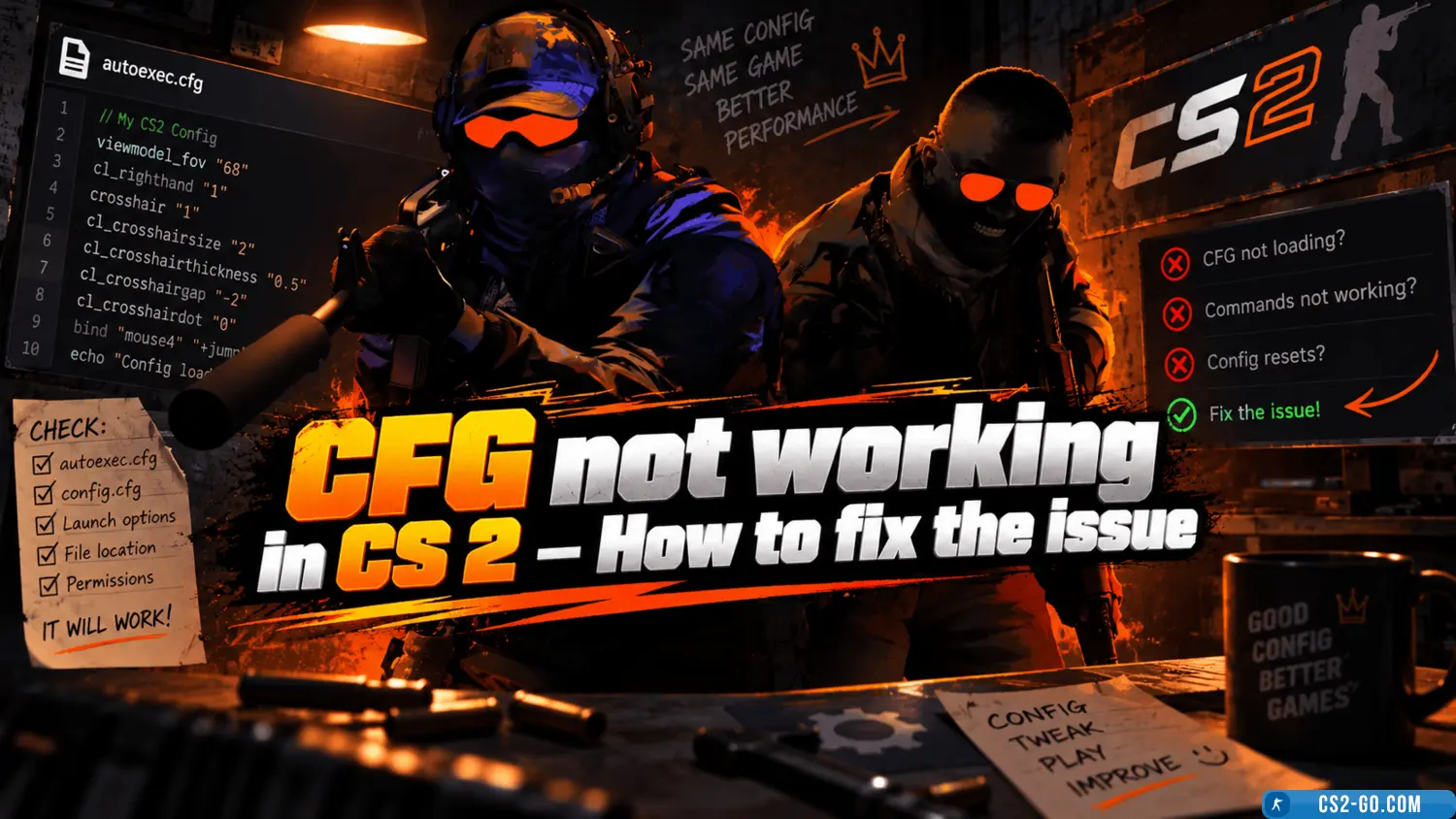
    CFG not working in CS 2 (CS 2) – How to fix the issue
    CFG not working in CS 2 (CS 2) – How to fix the issue
    If your config in CS 2 isn’t working, it may be due to setup errors, incorrect file placement, or missing launch parameters. Here’s a step-by-step guide to fix the issue.

    How to install a config in CS 2
    How to install a config in CS 2
    A config in CS 2 is a file with user settings that allows you to optimize the game, adjust controls, customize the crosshair, and improve performance. Installing a config is a simple process that takes just a few minutes.

    How to make CS 2 (CS2) engaging
    How to make CS 2 (CS2) engaging
    "CS 2" (Counter-Strike 2) is a modern version of the legendary shooter, offering players updated graphics, improved physics, and many new features. To get the most enjoyment from the game and make "CS 2" engaging, optimize graphics settings, improve performance, configu...