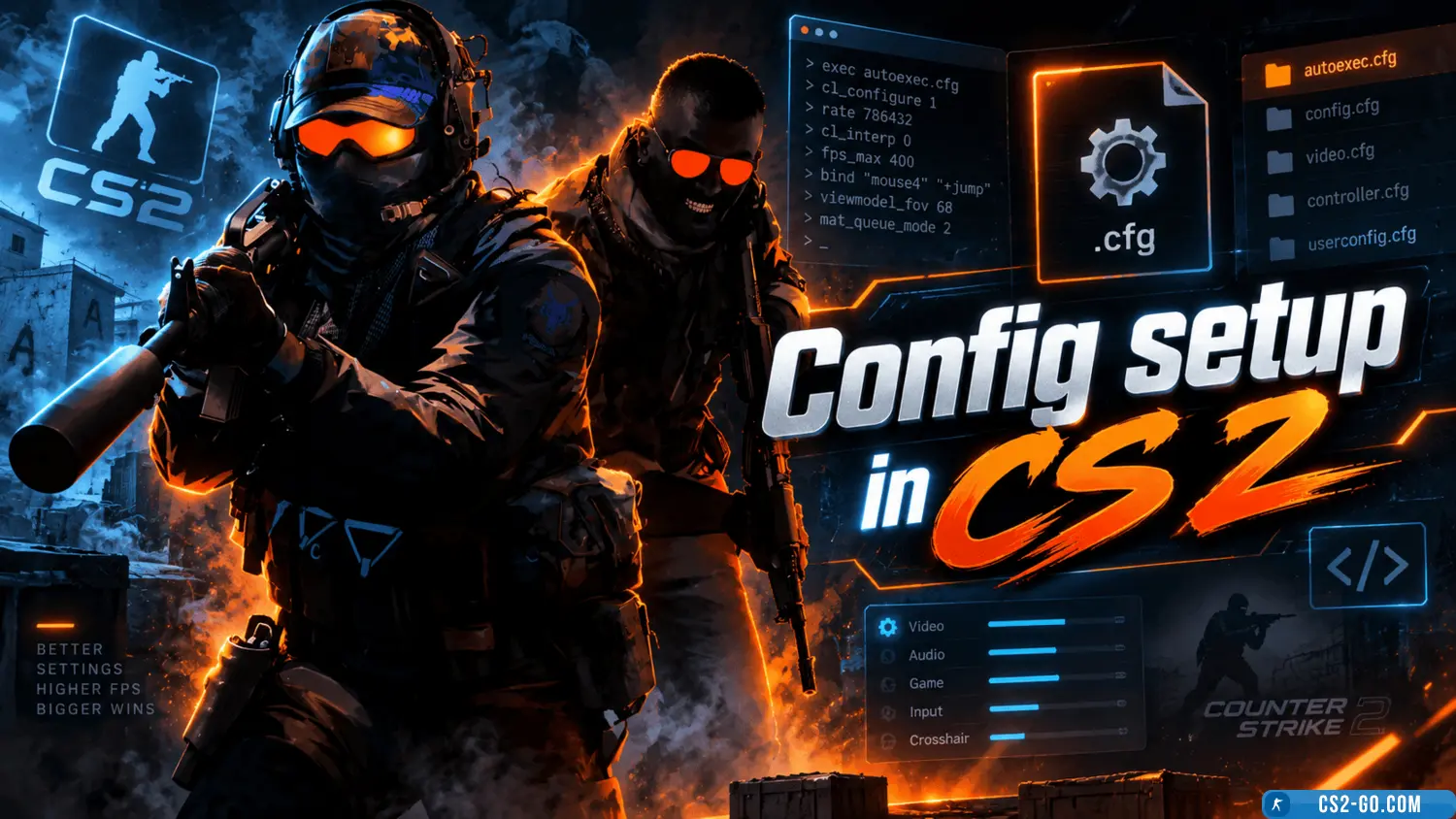
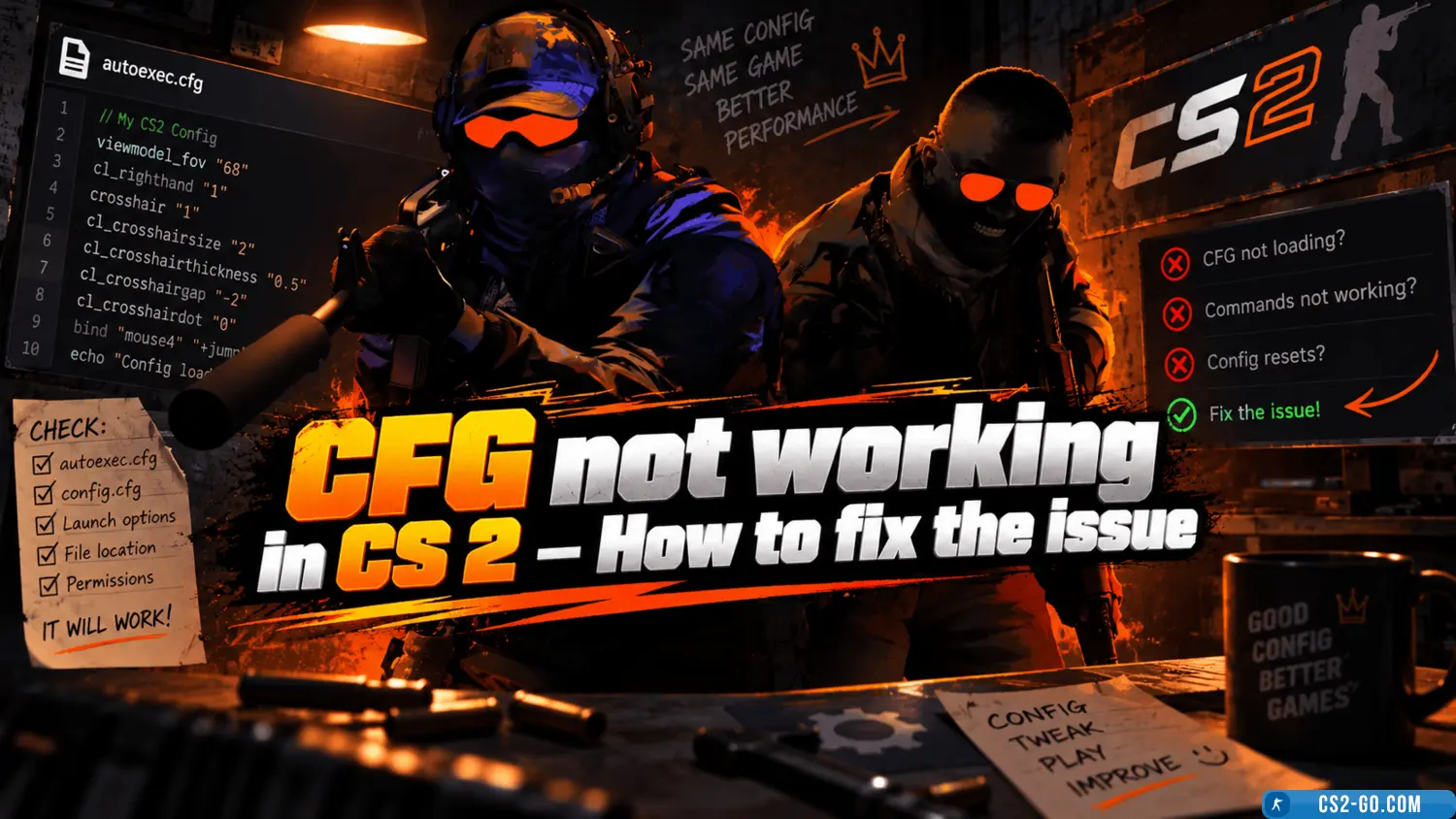
A config in CS 2 is a file with user settings that allows you to optimize the game, adjust controls, customize the crosshair, and improve performance. Installing a config is a simple process that takes just a few minutes.
Step 1. Download the config
You can create a config yourself or download a ready-made one. Ready-made configs are often found on forums, player groups, or specialized websites. The file is usually called autoexec.cfg.
Step 2. Locate the game folder
The path to the game folder looks like:
Steam\steamapps\common\Counter-Strike 2\csgo\cfg\.
If the game is installed on a different drive, access the installation folder through Steam:
- Open your Steam library.
- Right-click on the game and select "Properties".
- Go to the "Local Files" section and click "Browse".
Step 3. Place the config file
Copy the downloaded autoexec.cfg into the cfg folder. If the file doesn’t exist, you can create it manually using a text editor and save the document with the .cfg extension.
Step 4. Set launch options
To have the config load automatically when the game starts, add a launch option in Steam:
- In your Steam library, right-click on CS 2 and select "Properties".
- In the "Launch Options" field, add:
+exec autoexec.cfg
Step 5. Verify the config works
Launch the game and make sure the settings from the config are applied. For example, if the file included a crosshair change command (cl_crosshairsize 3), check if the crosshair has changed.
Installing a config in CS 2 is a great way to customize the game to your preferences, improve performance, and make gameplay more comfortable. Experiment with different settings to achieve the perfect setup.