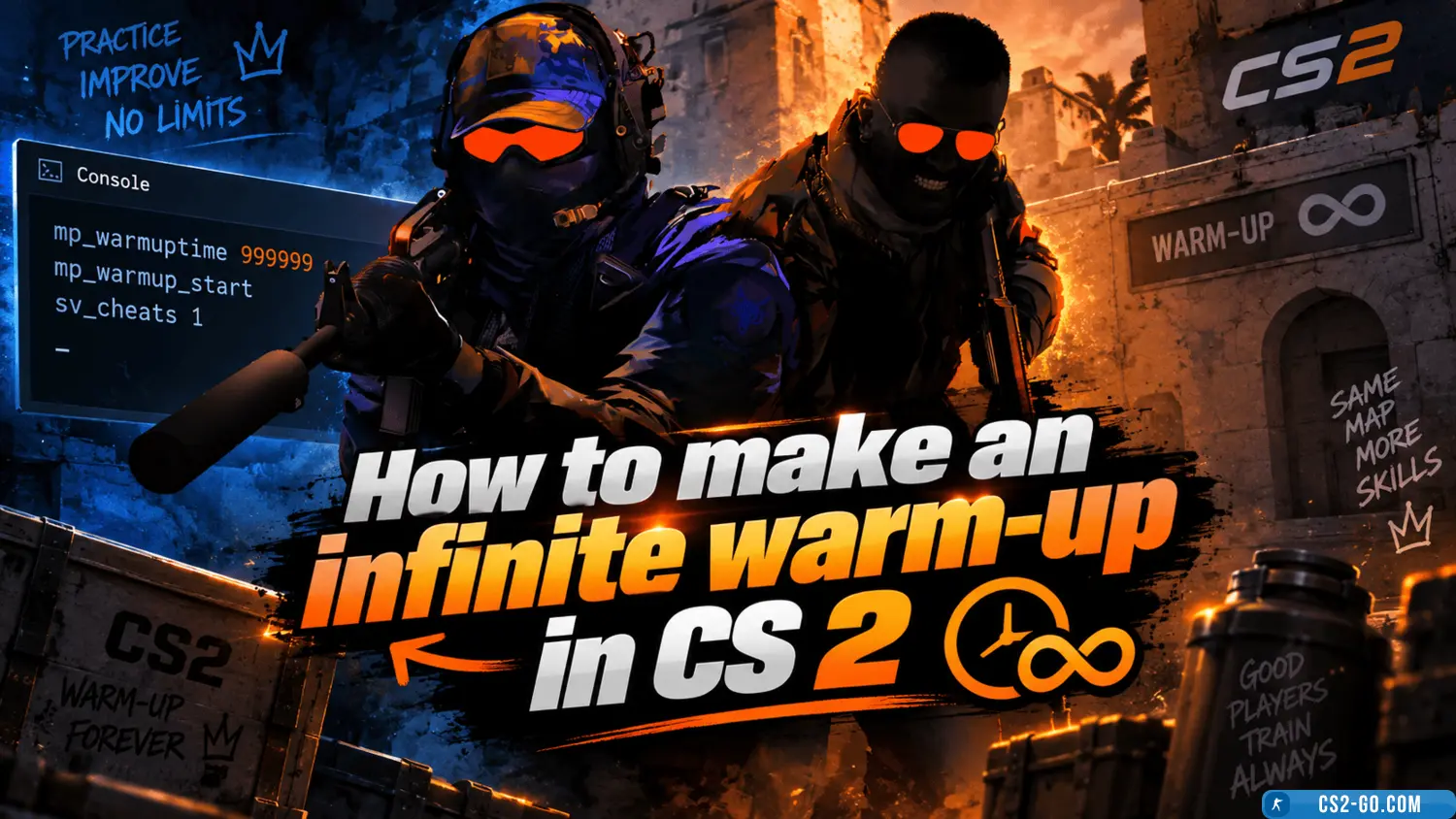
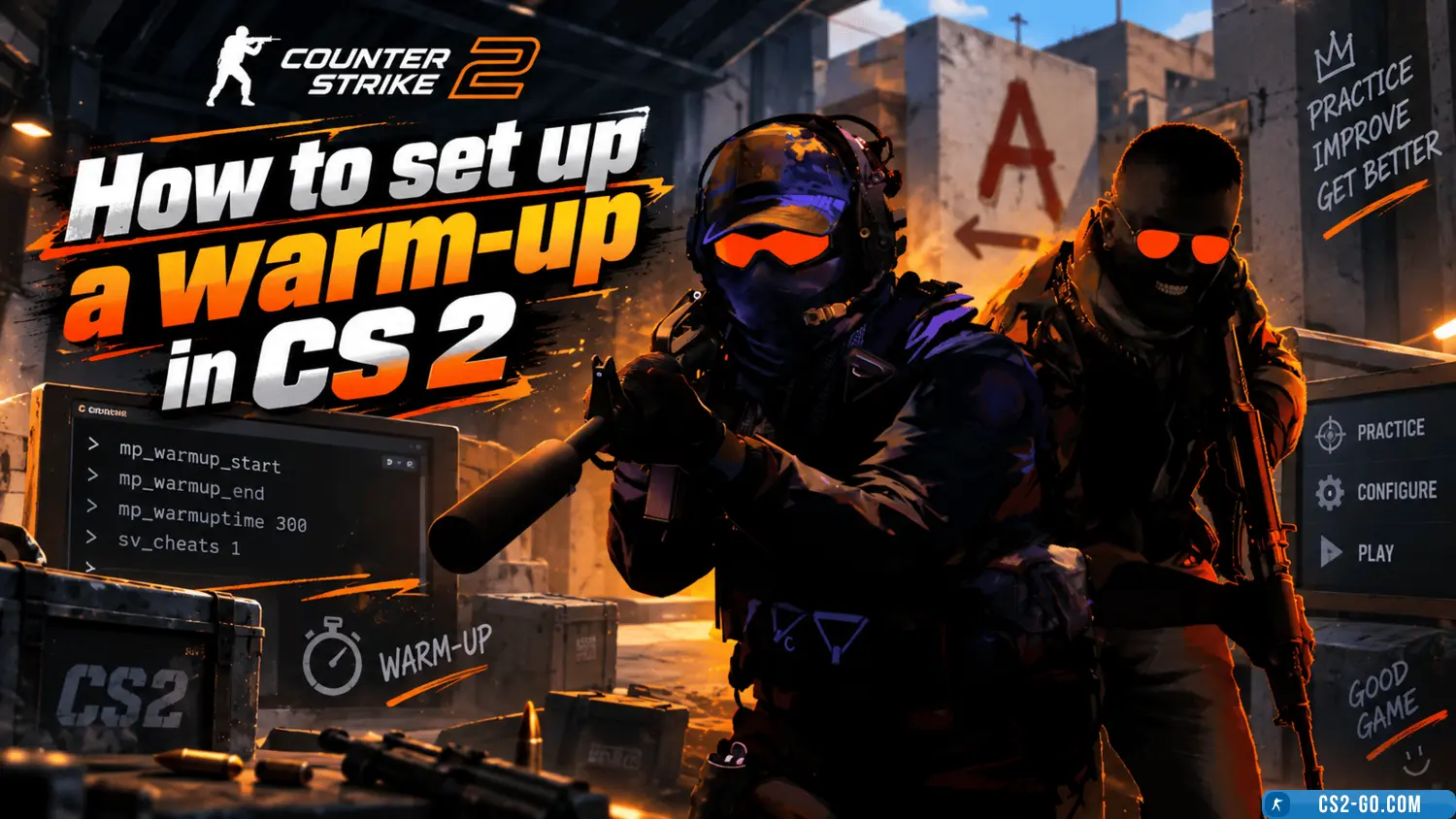
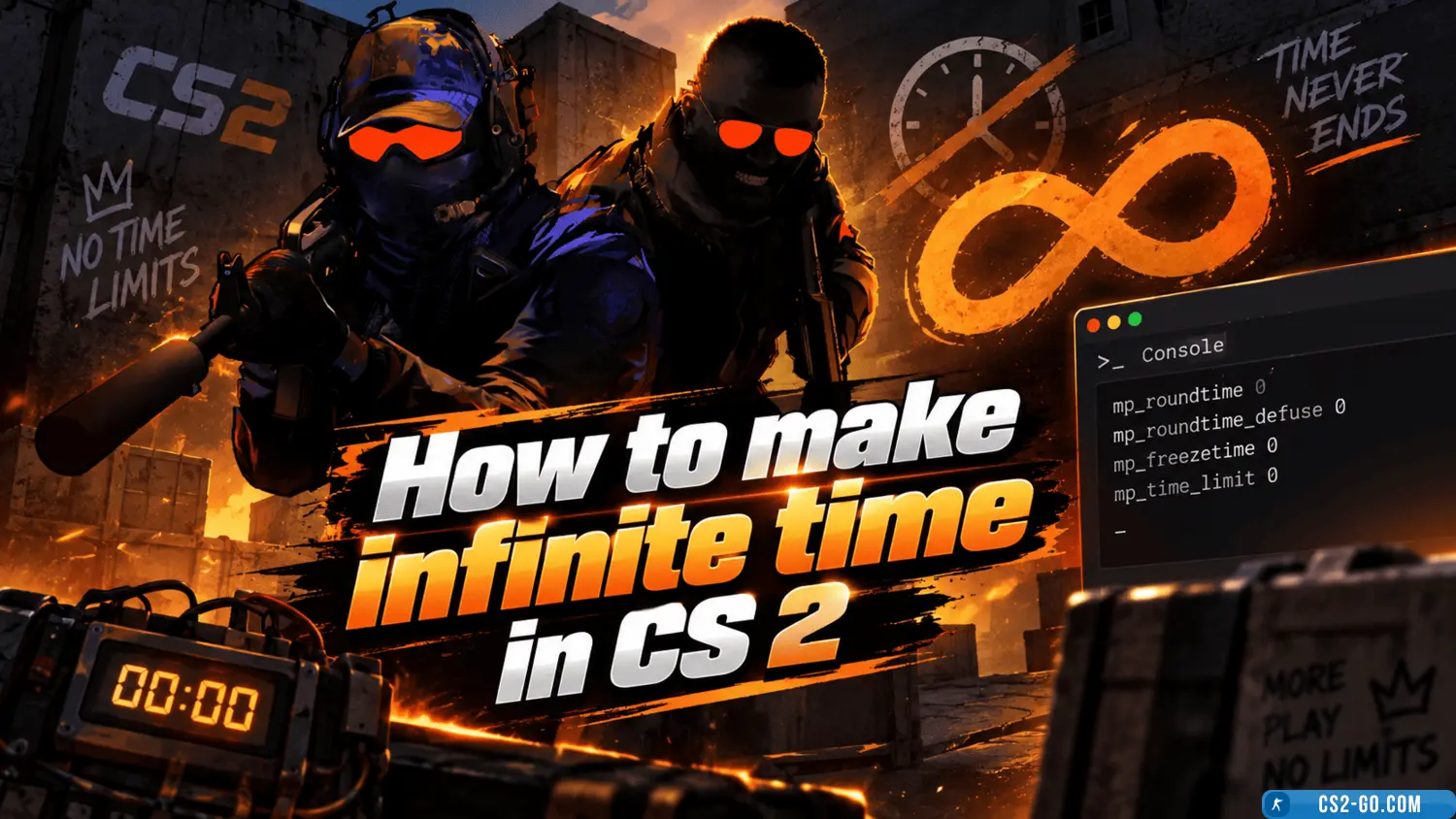
In «CS 2» (Counter-Strike 2), warm-up is a useful period for training and preparation before a game. However, the standard warm-up time may be limited, and if you need more time for practice, you can set up an infinite warm-up using console commands. This guide will show you how to do it.
1. *Enable Developer Console
Before setting up, make sure the developer console is enabled. This will allow you to enter commands to control the game.
- Go to the game settings.
- Navigate to «Game Settings» and enable «Enable Developer Console».
- Assign a key to open the console, for example, ~ (tilde).
2. Commands for Infinite Warm-Up
To set up an infinite warm-up, you need to use a few key commands:
-
Disable warm-up time limit:
mp_warmuptime 999999
This command increases the warm-up time to a maximum value. 999999 seconds will give you virtually unlimited preparation time.
-
Enable warm-up offline:
mp_do_warmup_offline 1
This command activates warm-up even on a local server.
-
Force start warm-up:
mp_warmup_start
If the warm-up has already ended, you can restart it using this command.
-
End warm-up (if needed):
mp_warmup_end
3. Game Launch Parameters
To avoid entering commands manually every time, you can add them to the launch parameters:
- Open Steam and go to your game library.
- Find «CS 2», right-click, and select «Properties».
- In the «Launch Options» section, enter:
+mp_warmuptime 999999 +mp_do_warmup_offline 1 +mp_warmup_start
These commands will automatically activate infinite warm-up when you start the game.
4. Setup via autoexec.cfg File
To simplify the process, you can create or edit the autoexec.cfg file in the game folder:
- Go to the game configuration folder:
...\Steam\steamapps\common\Counter-Strike 2\game\cfg
- Create a file named
autoexec.cfg (or open an existing one).
- Add the commands:
mp_warmuptime 999999 mp_do_warmup_offline 1 mp_warmup_start
The autoexec.cfg file will automatically apply the commands every time you launch the game.
5. Benefits of Infinite Warm-Up
- Shooting practice: use warm-up to train with any type of weapon.
- Map exploration: explore the map and develop new strategies.
- Team training: practice with friends without being limited by standard warm-up time.
Now you know how to set up infinite warm-up in «CS 2». This will help you prepare for matches, improve your skills, and get the most out of your practice sessions.
Download CS 2