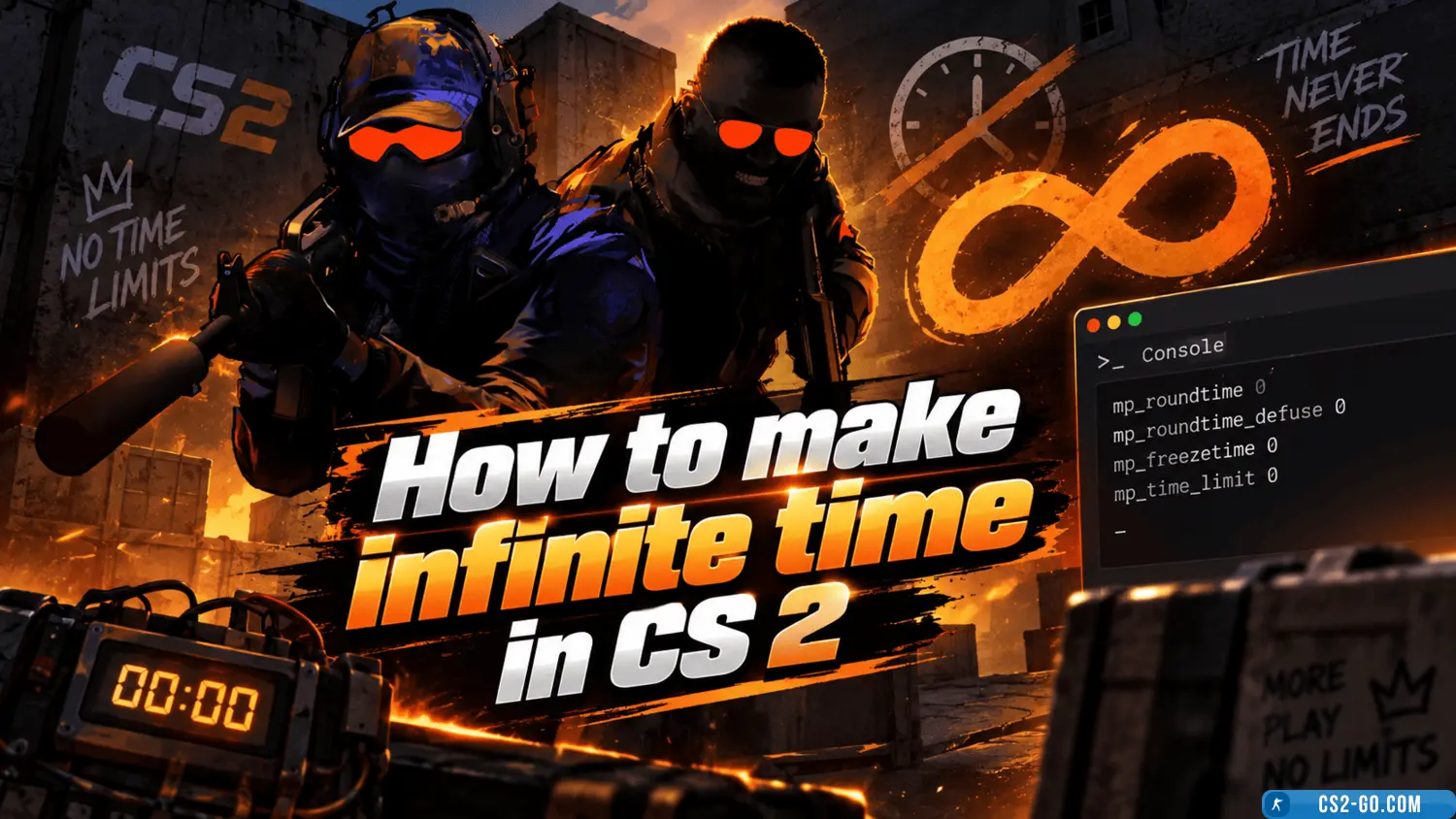
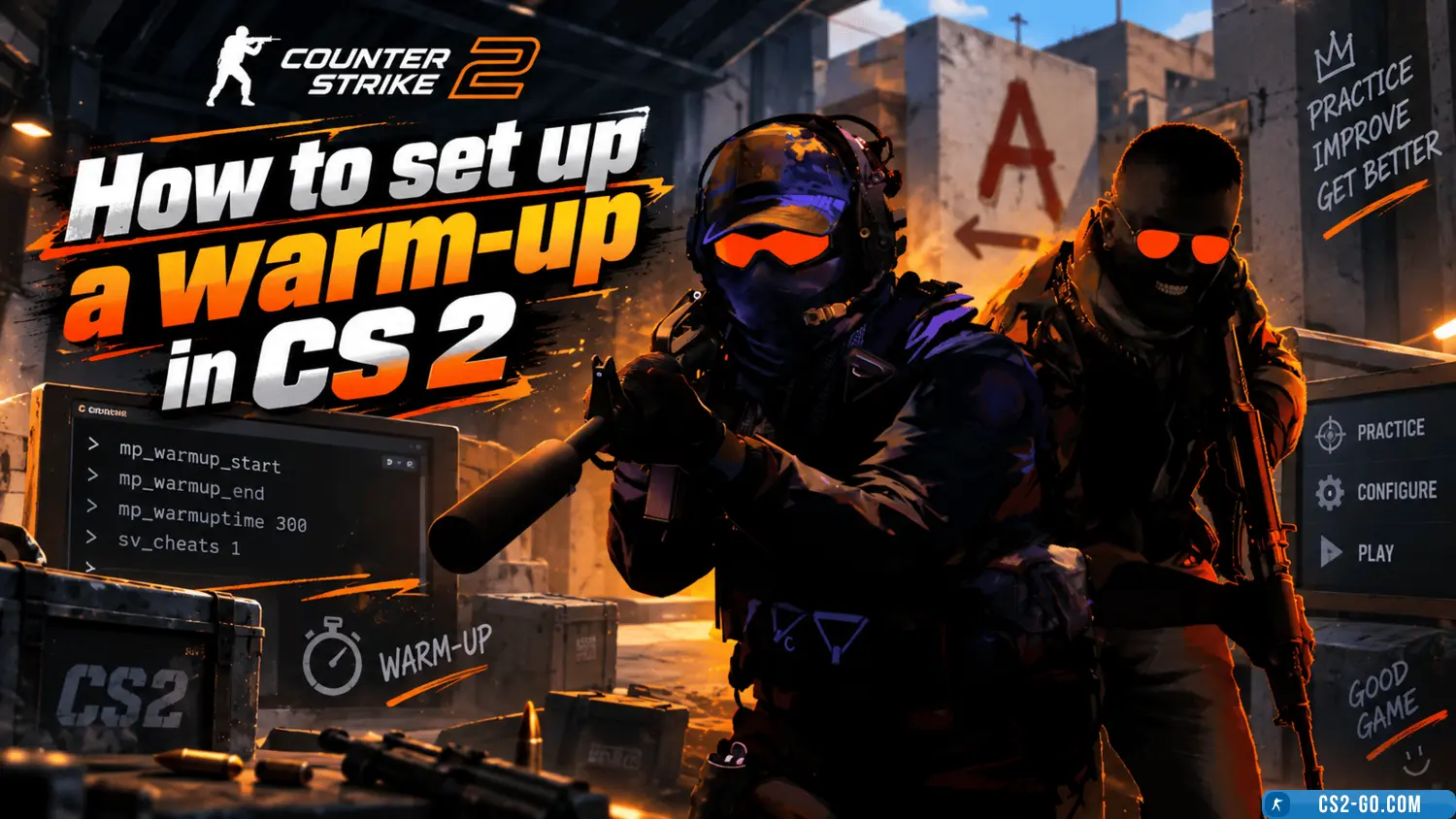
In «CS 2» (Counter-Strike 2), round and match time are limited by default. However, in some cases, such as for practice or working on strategies, it is necessary to remove these limits. This can be done using console commands. In this guide, we will explain how to set infinite time in the game.
1. Enabling the Developer Console
Before entering commands, you need to activate the developer console:
- Open the game settings.
- Go to the «Game Settings» section.
- Enable the «Enable Developer Console» option.
- Assign a convenient key to open the console (for example, ~ or `).
After activation, you can call the console directly in the game.
2. Commands for Infinite Time
After opening the console, use the following commands:
-
Set infinite round time:
mp_roundtime 60
This will increase the round duration to 60 minutes. If needed, you can set a higher value (e.g., 999).
-
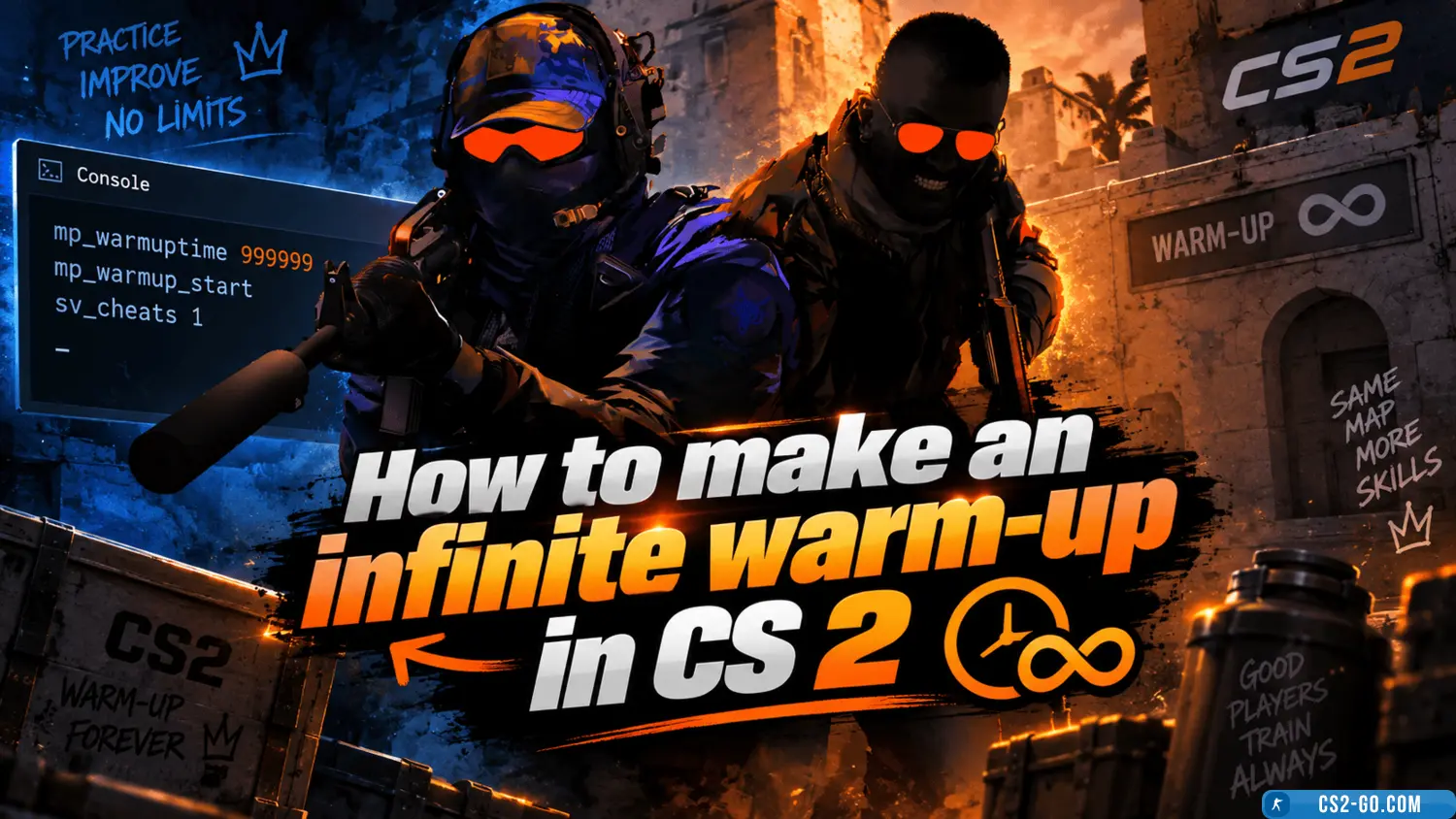
Infinite warm-up time:
mp_warmuptime 999999
-
Infinite match time:
mp_maxrounds 0
This command removes the limit on the number of rounds.
-
Disable end-of-game timer:
mp_roundtime_defuse 60
For maps with the «Defuse» mode.
3. Saving Settings via autoexec.cfg
To avoid entering commands every time, you can save them in a special configuration file autoexec.cfg:
- Go to the game configuration folder:
...\Steam\steamapps\common\Counter-Strike 2\game\cfg
- Create the file
autoexec.cfg (or edit the existing one).
- Add the following lines:
mp_roundtime 60 mp_warmuptime 999999 mp_maxrounds 0 mp_roundtime_defuse 60
The autoexec.cfg file will automatically activate every time you launch the game.
4. Launch Options via Steam
If you want to apply the settings immediately when launching the game, add the commands to Steam launch options:
- Go to your Steam game library.
- Find CS 2, right-click it, and select «Properties».
- In the «Launch Options» section, enter:
+mp_roundtime 60 +mp_warmuptime 999999 +mp_maxrounds 0
5. Benefits of Infinite Time
- Shooting practice: You can train your shooting skills without interruption.
- Map exploration: Useful for learning all routes and strategies.
- Playing with friends: Allows for long practice sessions or matches without time limits.
Now you know how to set infinite time in CS 2. This will help you practice, explore maps, and spend time with friends in comfortable conditions.
Download CS 2