How to set up a warm-up in CS 2 (Counter-Strike 2)
  • 👨‍🦱 Добавил: admin 📆 20.01.2025 ⏰ 15:32


To warm up in CS 2 (Counter-Strike 2), follow these simple steps using the console to start a training or warm-up session.

1. Open the console:

  • First, open the developer console in the game if it’s not already enabled. Go to “Settings” → “Game” → “Enable Developer Console”.

2. Start the warm-up:

  • To start a warm-up, use the following command in the console:

    bot_add

    This command adds bots to the game, which you can use to practice your skills. You can add multiple bots if you need more opponents.

3. Configure the warm-up mode:

  • For shooting practice or training mode, use the command:

    sv_cheats 1

    Then activate the warm-up with the command:

    bot_stop 1

    This makes bots stand still so you can practice aiming.

4. Additional commands for setup:

  • To create a warm-up zone with more bots, use:

    bot_kick

    To remove bots if they interfere.
  • You can also set the number of bots with the commands:

    bot_add_ct

    bot_add_t

5. Training on custom maps:

  • In CS 2, you can also use custom maps for training. Download training maps like “training_aim_csgo” and load them via the console:

    map training_aim_csgo

Download CS 2


Категория: Статьи по игре CS 2
    How to make an infinite warm-up in CS 2 (CS 2)
    How to make an infinite warm-up in CS 2 (CS 2)
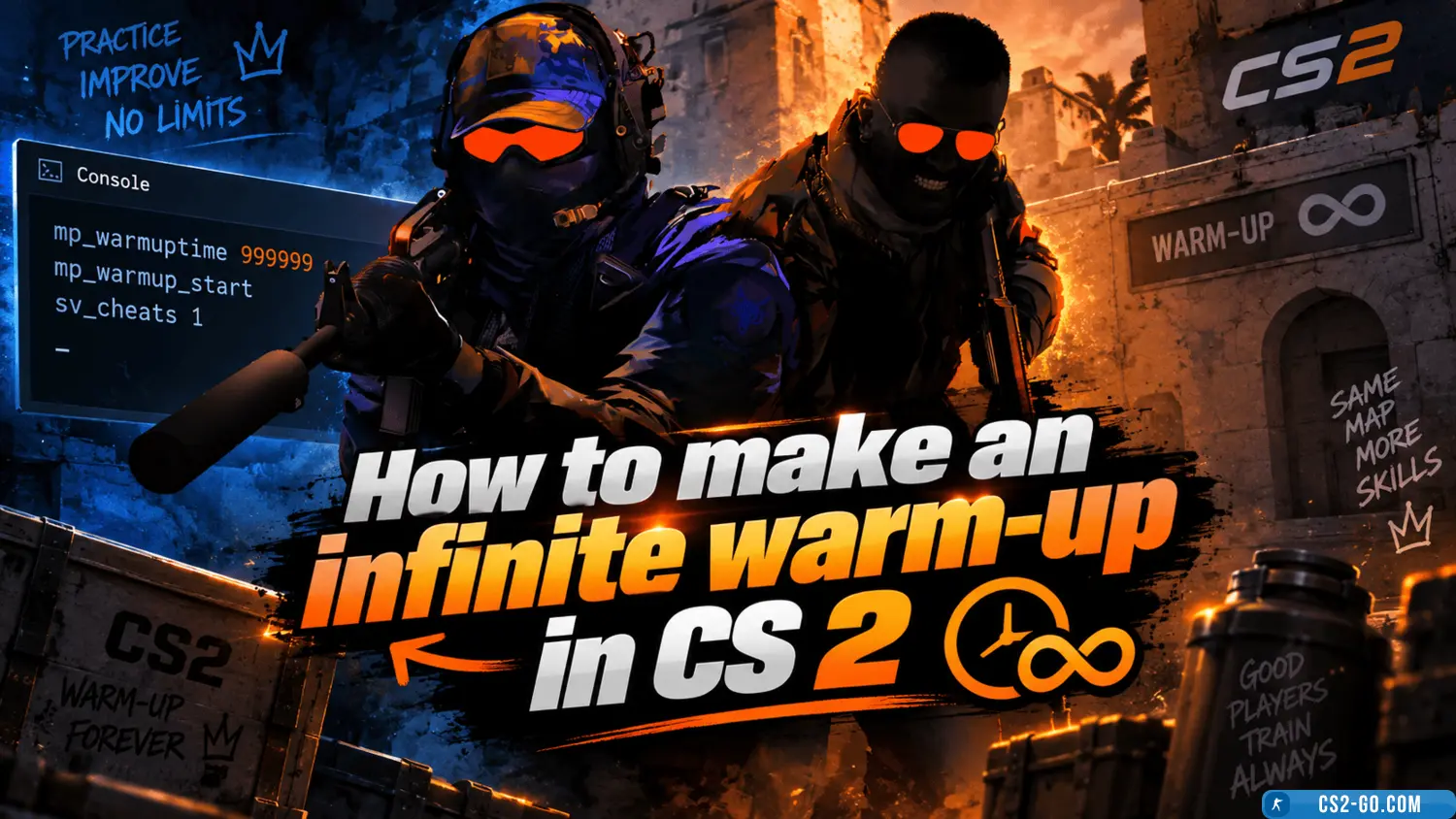
    In *CS 2* (Counter-Strike 2), warm-up is a useful period for training and preparation before a game. However, the standard warm-up time may be limited, and if you need more time for practice, you can set up an infinite warm-up using console commands. This guide will sho...

    How to enable a demo in CS 2 (Counter-Strike 2) – Watching a Demo
    How to enable a demo in CS 2 (Counter-Strike 2) – Watching a Demo
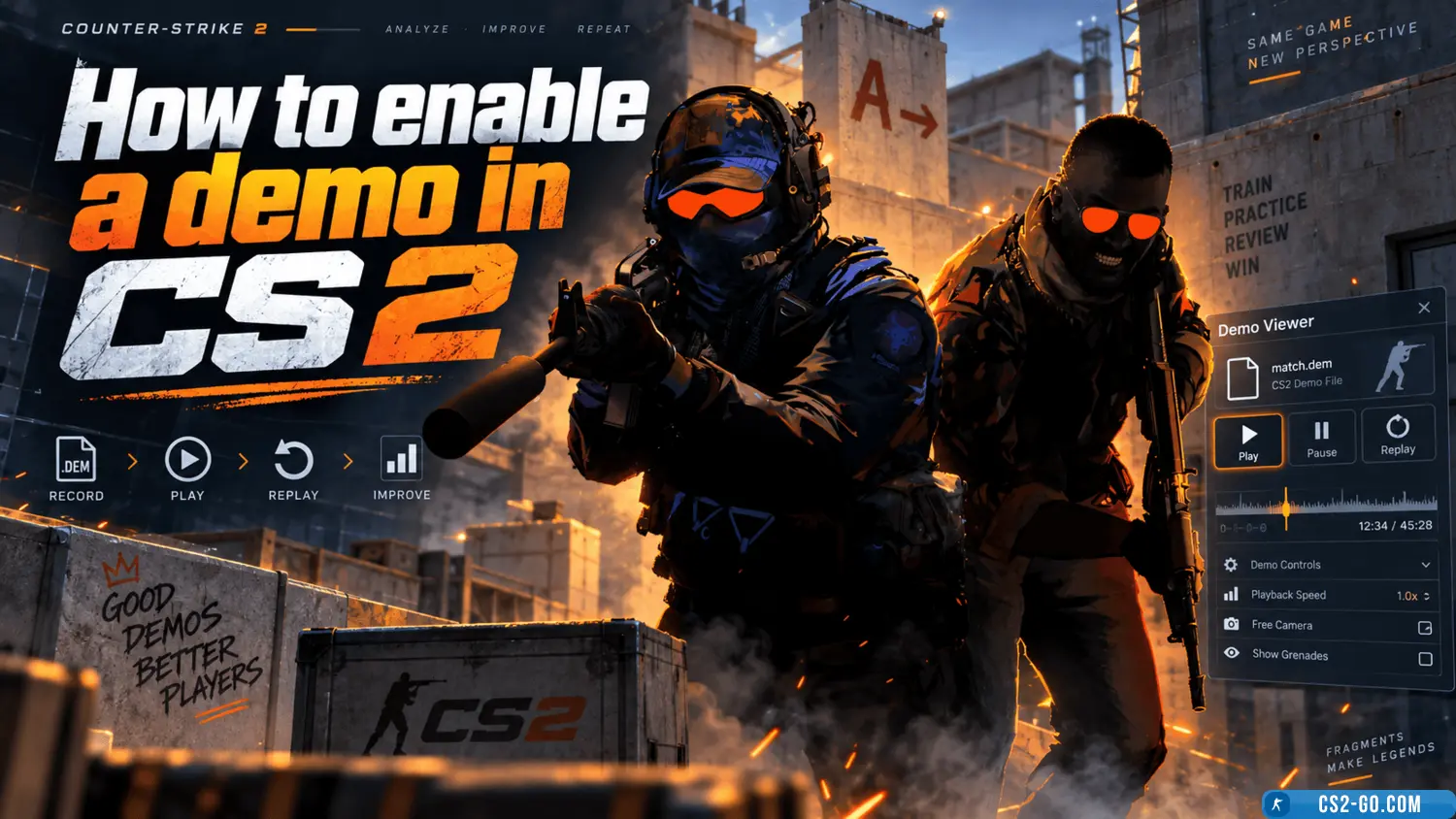
    Learn how to enable and watch a demo in CS 2 using the playdemo command. Use additional commands to control playback and analyze matches.

    How to enable the microphone in CS 2 (Counter-Strike 2) – Voice Chat
    How to enable the microphone in CS 2 (Counter-Strike 2) – Voice Chat
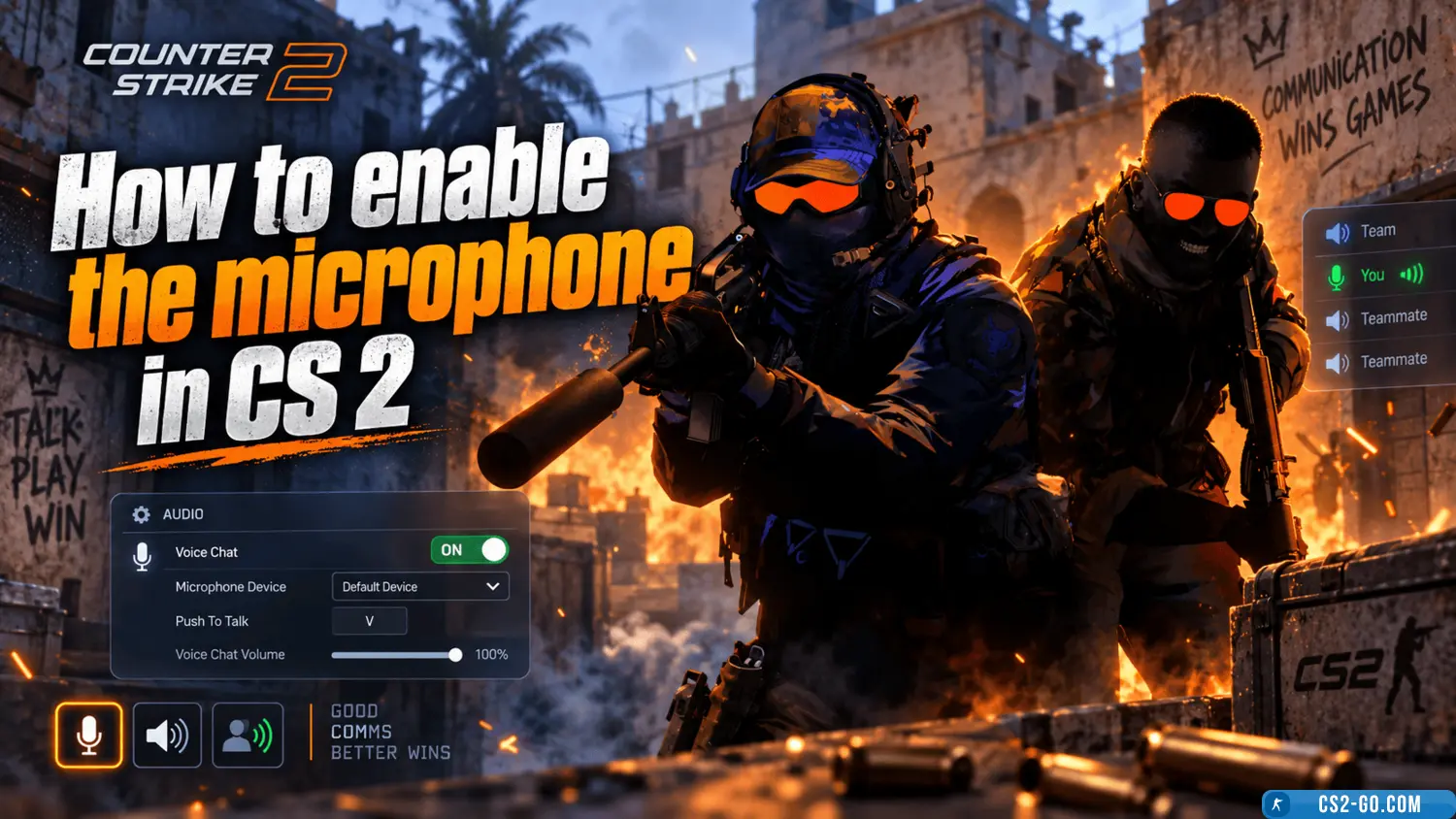
    Learn how to enable the microphone in CS 2 using the command voice_enable 1 in the console. Adjust the microphone volume in the sound menu and start communicating with your team.

    The complete history of CS 1.6 — creators of Counter-Strike
    The complete history of CS 1.6 — creators of Counter-Strike
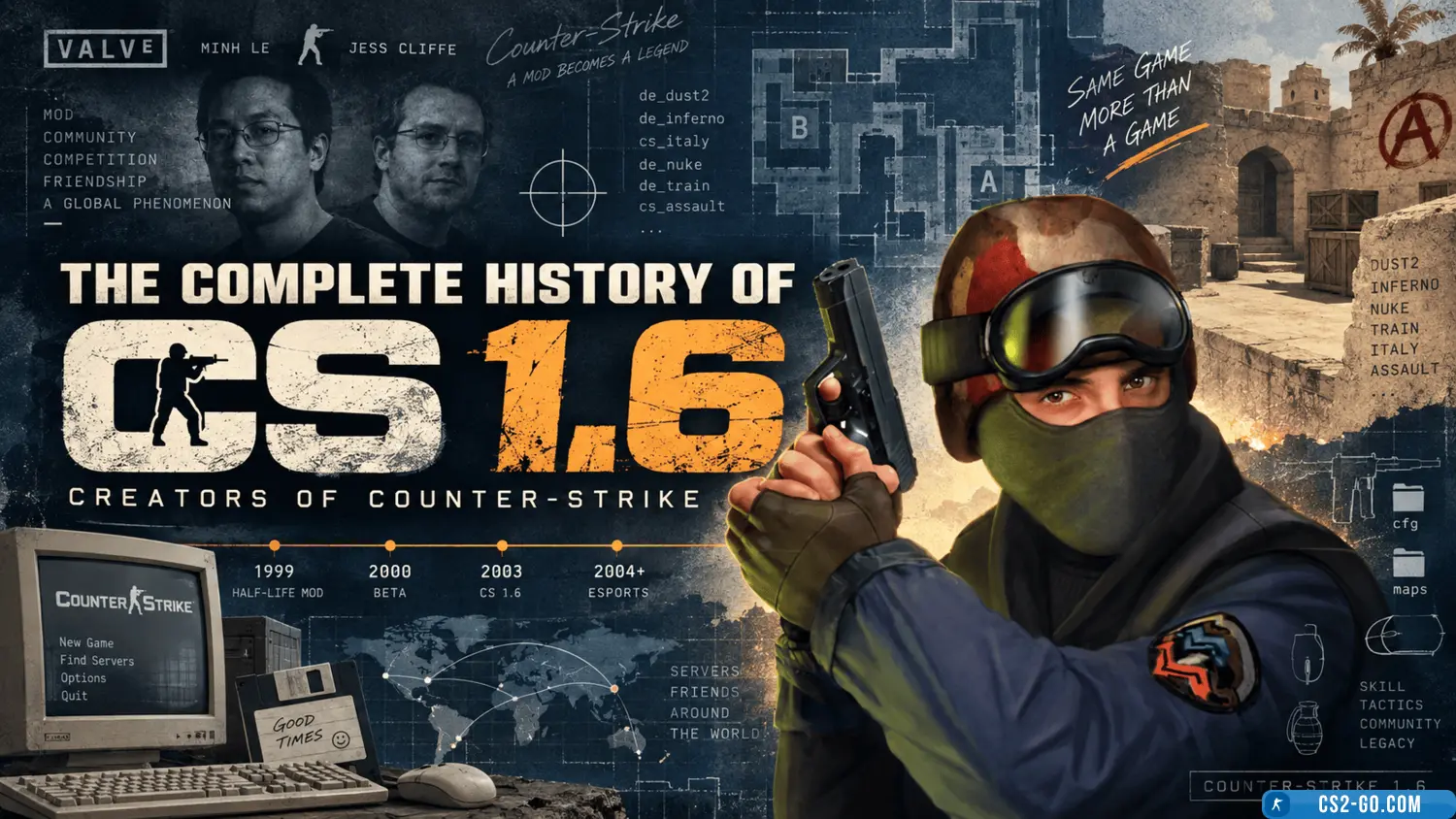
    The history of the creation of “Counter-Strike” and who created it.

    How to bind keys in CS 2 (CS 2)
    How to bind keys in CS 2 (CS 2)
    In CS 2 (Counter-Strike 2), configuring controls is an important part of game preparation, making gameplay more convenient. Key binds help you perform actions quickly, improving your reaction time and efficiency. This article explains how to properly bind keys in CS 2.

    Bind jump to the mouse wheel in CS2 (CS 2)
    Bind jump to the mouse wheel in CS2 (CS 2)
    Using the mouse wheel for jumping significantly simplifies gameplay in Counter-Strike 2. Here's how to set up this bind.

    How to play Faceit in CS 2 (CS 2)
    How to play Faceit in CS 2 (CS 2)
    To play CS 2 on Faceit, register on the website, link your Steam account, install the anti-cheat, and select competitive mode. Improve your skills and compete against strong opponents.