KNOWLEDGE BASE / ARTICLE
How to enable a demo in CS 2 (Counter-Strike 2) – Watching a Demo
Video review of How to enable a demo in CS 2 (Counter-Strike 2) – Watching a Demo
 |
How to enable a demo in CS 2 (Counter-Strike 2) – Watching a Demo has been checked for viruses by our site administration and is completely safe for installation and use on your PC. |
How to set up a warm-up in CS 2 (Counter-Strike 2)
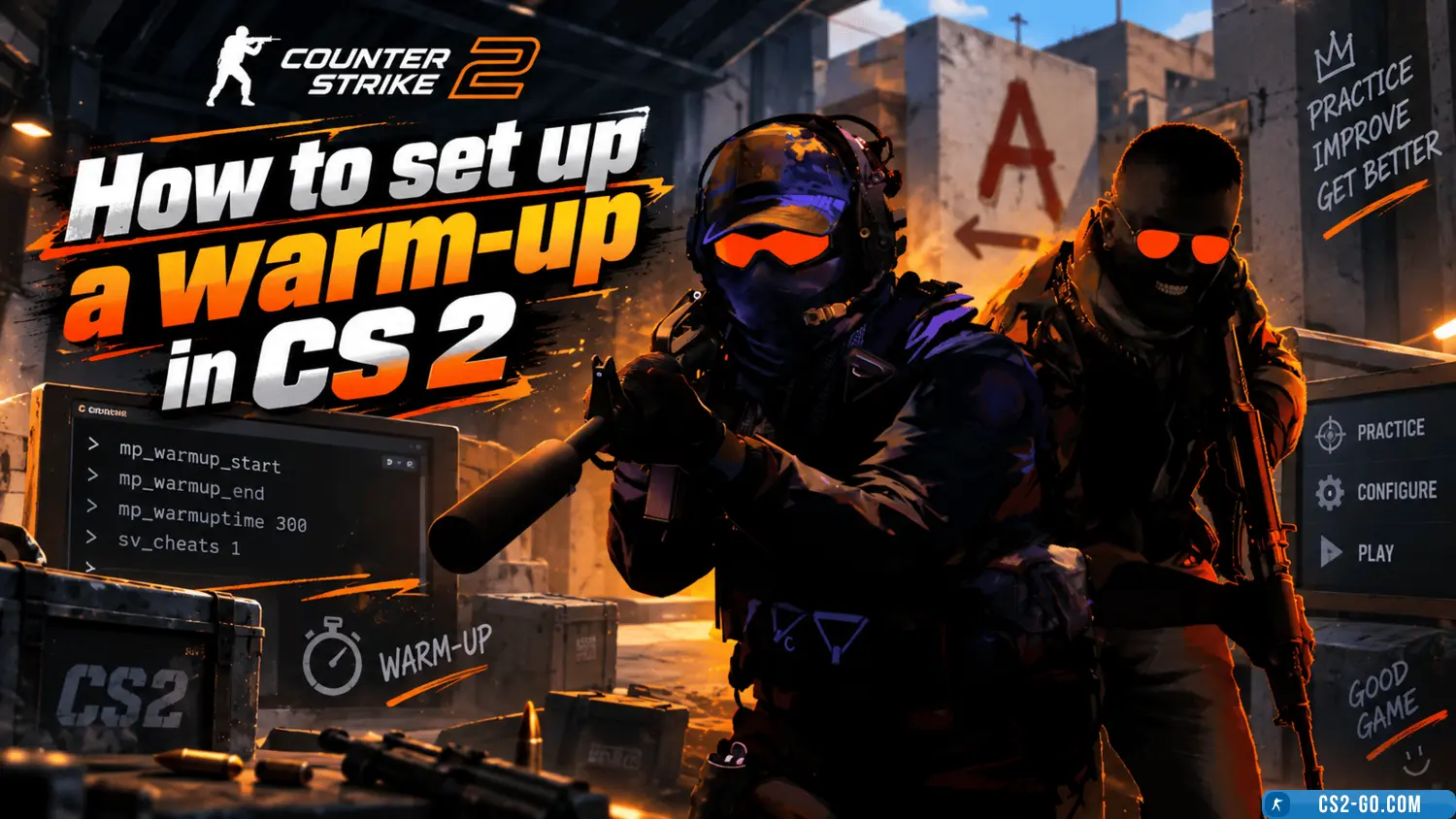
Learn how to organize a warm-up in CS 2 using console commands. Add bots, configure their behavior, and use maps to prac...
How to enable the microphone in CS 2 (Counter-Strike 2) – Voice Chat
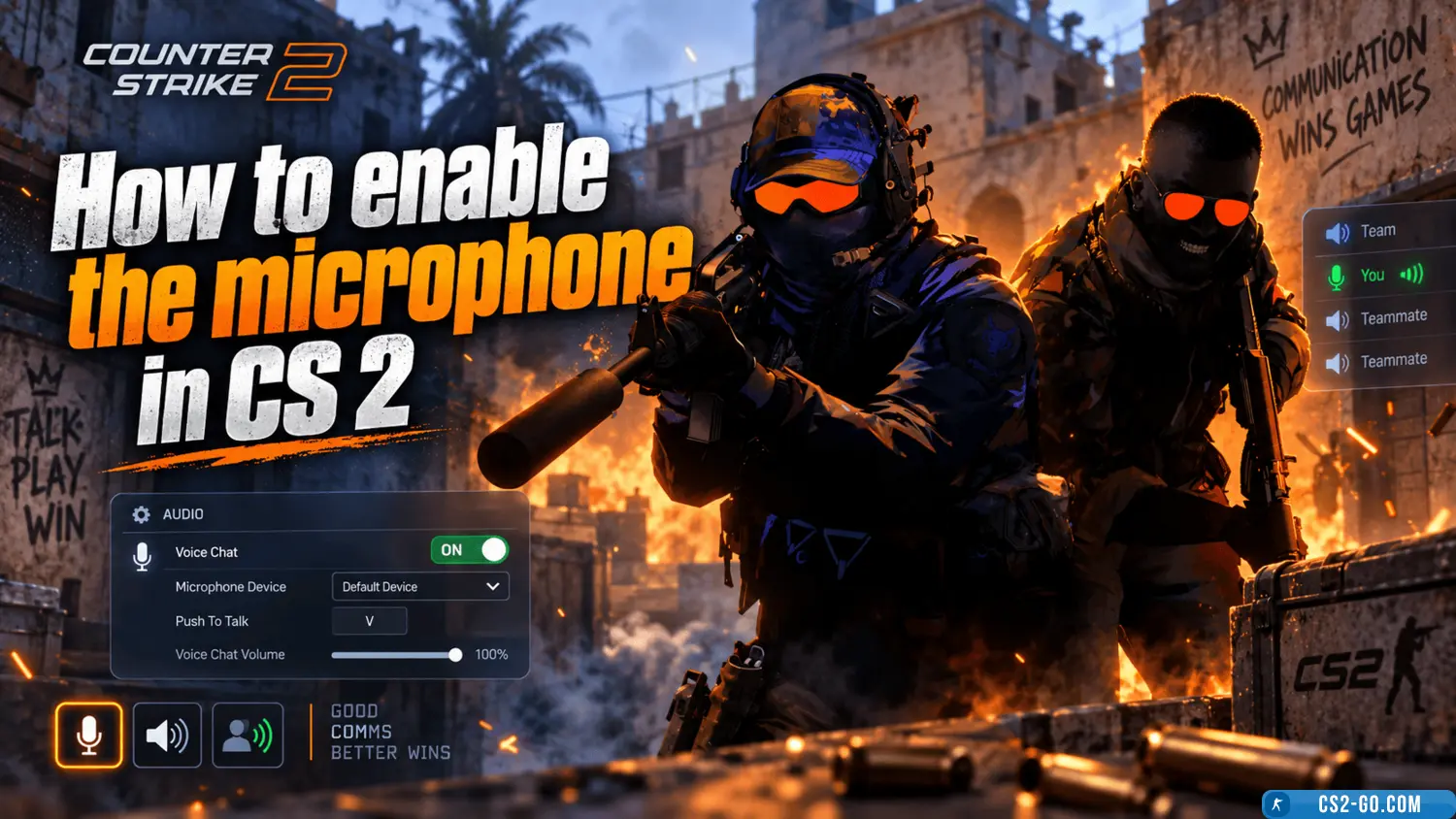
Learn how to enable the microphone in CS 2 using the command voice_enable 1 in the console. Adjust the microphone volume...
The complete history of CS 1.6 — creators of Counter-Strike
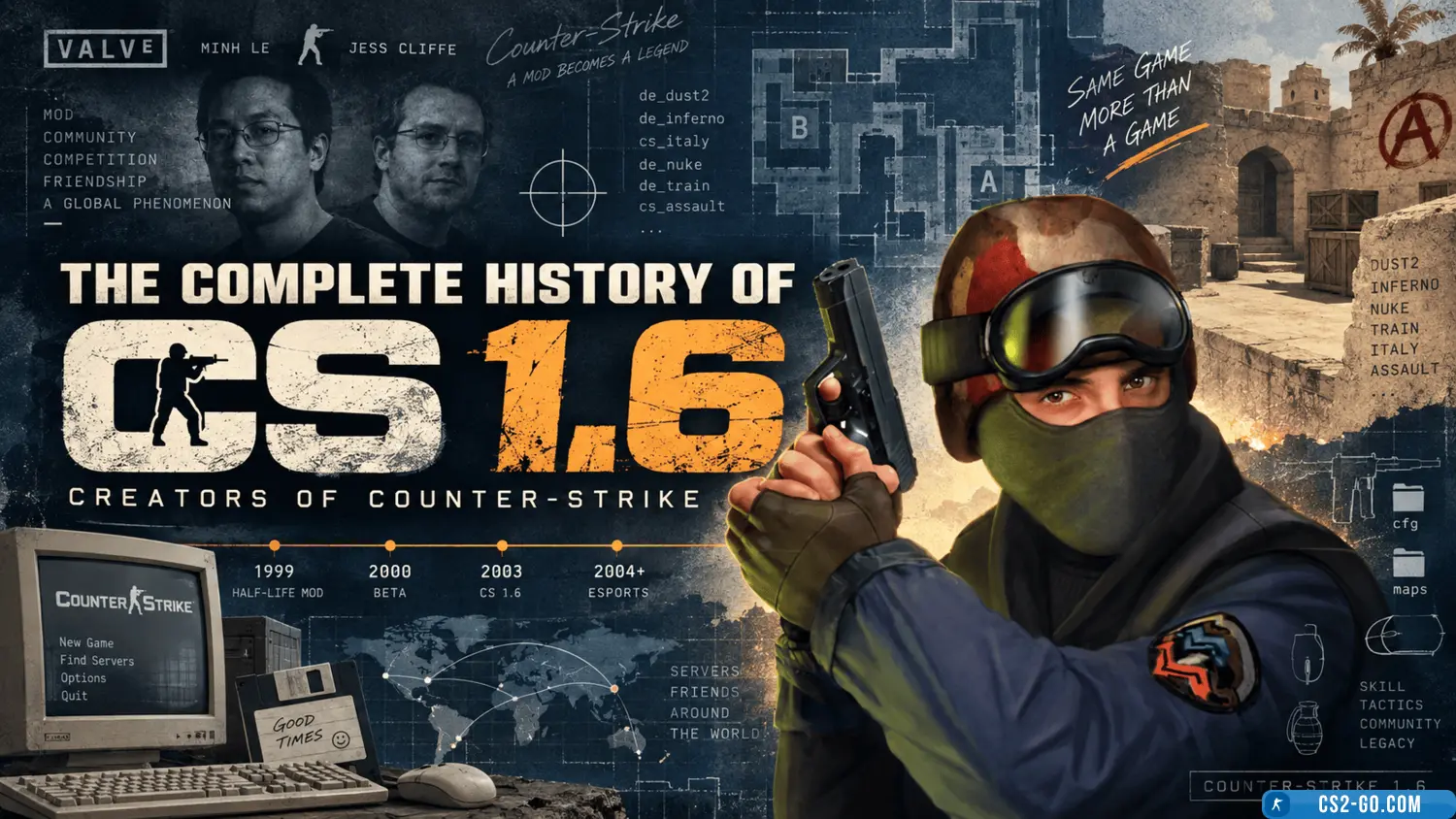
The history of the creation of “Counter-Strike” and who created it.
How to bind keys in CS 2
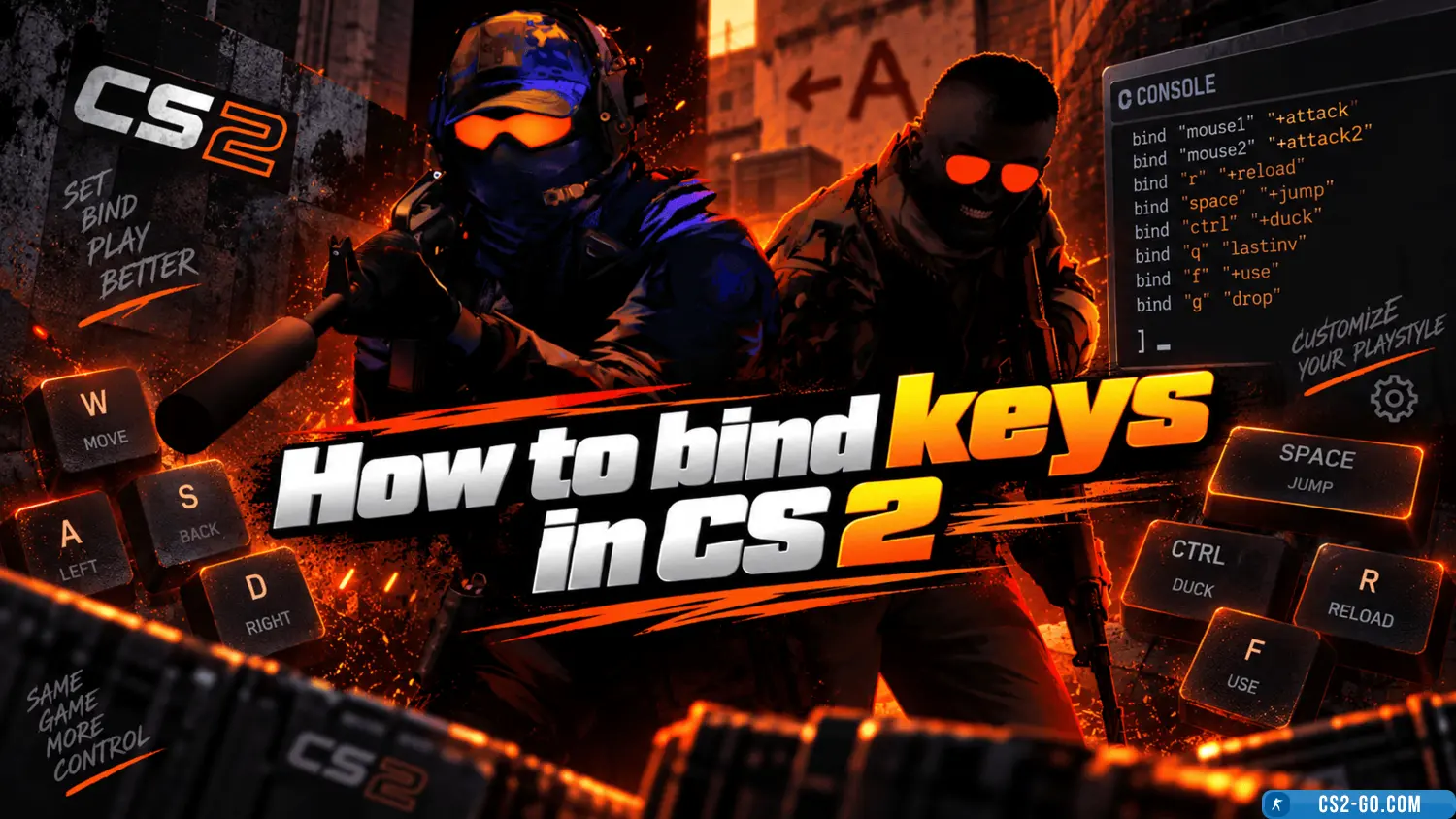
In CS 2 (Counter-Strike 2), configuring controls is an important part of game preparation, making gameplay more convenie...
Bind jump to the mouse wheel in CS2
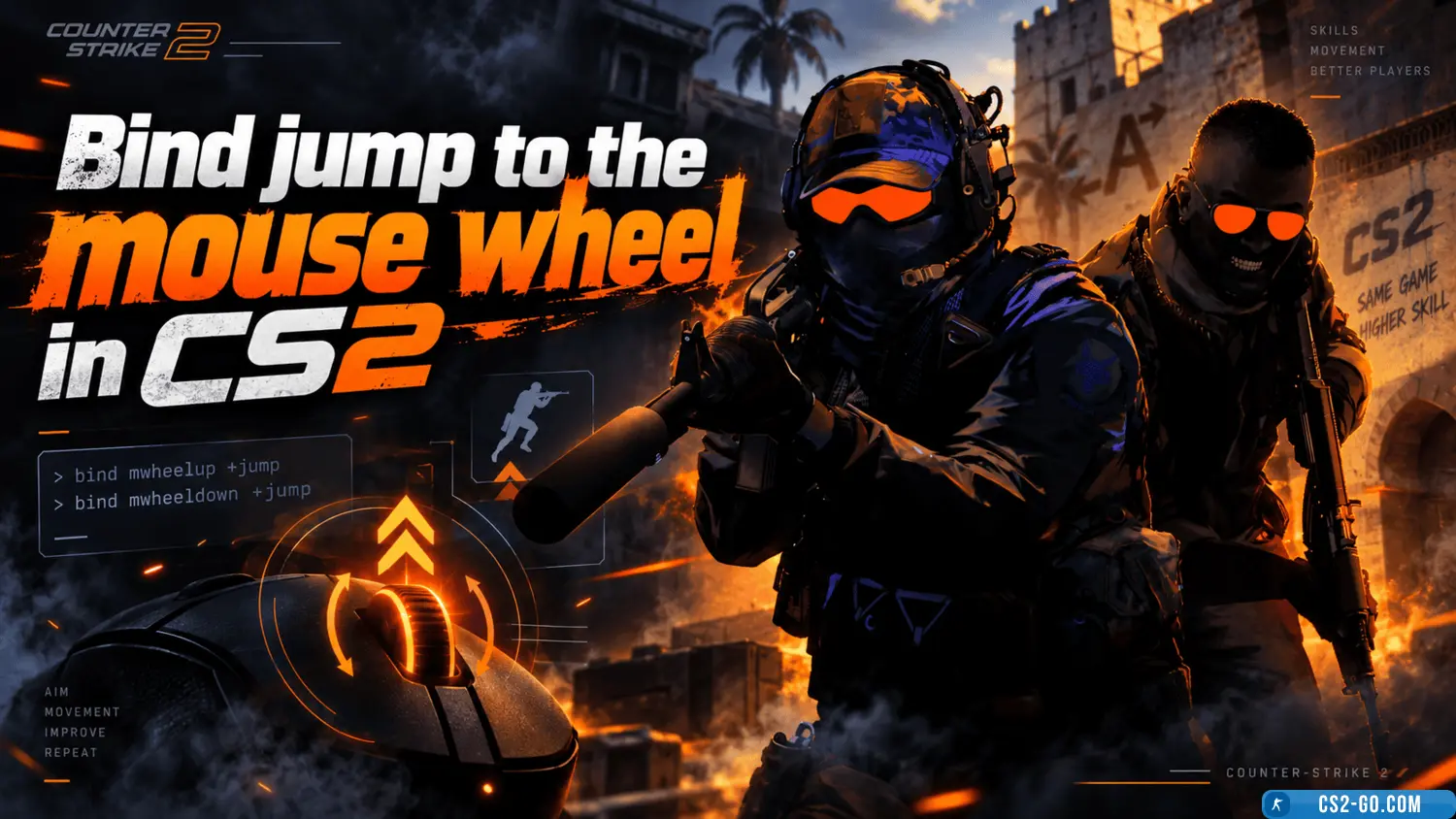
Using the mouse wheel for jumping significantly simplifies gameplay in Counter-Strike 2. Here's how to set up this bind.