How to create a CS:S v92 server (Counter-Strike: Source v92)
  • 👨‍🦱 Добавил: admin 📆 14.02.2025 ⏰ 15:43


You can create a Counter-Strike: Source v92 server in two ways:

  • Local server – for playing on a local network or via Hamachi.
  • Public server (on hosting) – for playing over the Internet.

1. Local CS:S v92 Server

This method is suitable for playing with friends on the same network.

Step 1: Server Installation

  1. Download SteamCMD

    • Official tool from Valve for installing servers.
    • Can be downloaded from the official website.
    • Extract to a convenient folder, for example, C:\SteamCMD.
  2. Install the server via SteamCMD

    • Open steamcmd.exe and enter the commands:

      login anonymous force_install_dir C:\CSS_Server app_update 232330 validate quit

    • After completion, the server will be in the folder C:\CSS_Server.
  3. Configuration setup (server.cfg)

    • Go to C:\CSS_Server\cstrike\cfg.
    • Open server.cfg and add:

      hostname "My CSS v92 Server" sv_lan 1 mp_freezetime 3 mp_roundtime 2 sv_cheats 0

    • If you want to make the server accessible via the Internet, set sv_lan 0.
  4. Starting the server

    • In the folder C:\CSS_Server, create a file start.bat and insert:

      srcds.exe -console -game cstrike -tickrate 100 -maxplayers 12 +map de_dust2 -port 27015

    • Run start.bat.
  5. Connecting

    • Find your local IP address (ipconfig in the command prompt).
    • In CS:S v92, enter in the console:

      connect [your_local_IP]:27015


2. Public CS:S v92 Server (on hosting)

This method allows playing 24/7 without relying on your home PC.

Step 1: Choosing Hosting

For creating a server, we recommend the game hosting MyArena.Ru

Or VPS/VDS with Windows or Linux.

Step 2: Installing the server on hosting

  1. If the hosting supports CS:S v92, just select the version and install.
  2. If using VPS, set up the server via SteamCMD (as in the local installation).
  3. Configure server.cfg, adding:

    hostname "Public CSS v92 Server" sv_lan 0 sv_region 3 rcon_password "mypassword"

Step 3: Opening ports (if VPS)

Open ports for connection:

iptables -A INPUT -p udp --dport 27015 -j ACCEPT iptables -A INPUT -p tcp --dport 27015 -j ACCEPT

On Windows Server, add a rule in the firewall.

Step 4: Starting the server

  1. In the hosting panel, click "Start Server".
  2. Find out the IP address.
  3. Connect via CS:S v92:

    connect [your_IP]:27015


Conclusion

  • Local server – for playing with friends.
  • Public server – for continuous online operation.
  • VPS requires setting up SteamCMD, configs, and ports.

Категория: Статьи по серверу CS:S v92
    CS:S v92 (CSS v92) – How to play with a friend over the network
    CS:S v92 (CSS v92) – How to play with a friend over the network
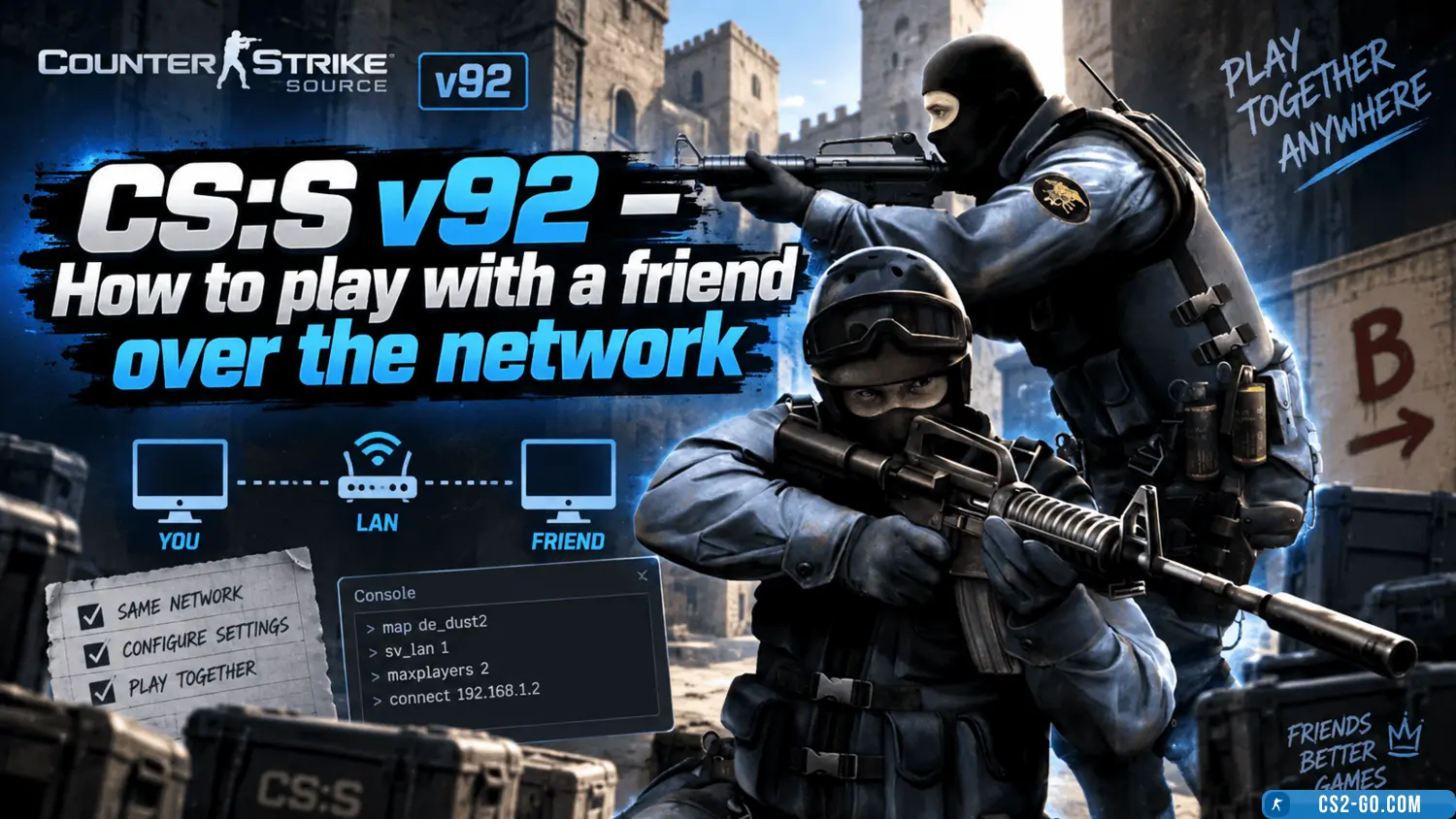
    Counter-Strike: Source v92 (CSS v92) is a popular version of the classic shooter that is still supported by players. If you want to play with a friend over a local network or the internet, there are several ways. In this article, we will explain how to set up network pl...