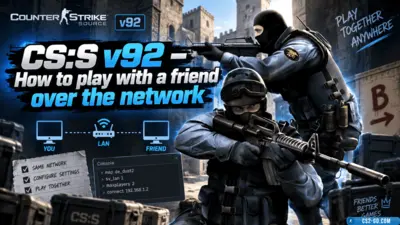
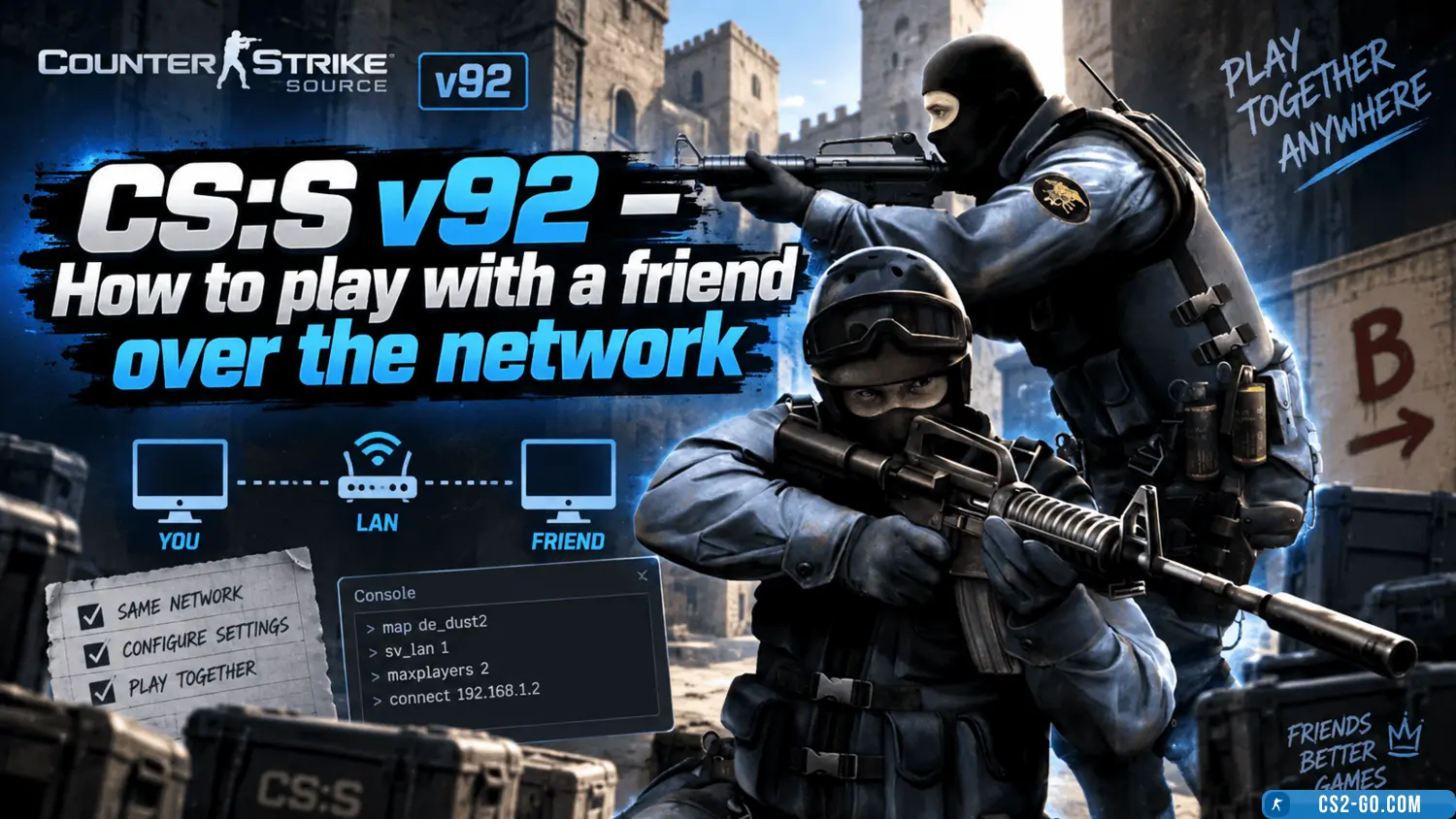
CS:S v92 (CSS v92) – How to play with a friend over the network
  • 👨‍🦱 Добавил: admin 📆 24.04.2025 ⏰ 21:49


1. Playing over a Local Network (LAN)

If you and your friend are on the same network (via Wi-Fi or cable), connecting is simple:

Steps:

  1. Launch CSS v92 on both computers.

  2. Go to "Play Multiplayer""Find Servers".

  3. One player creates a server:

    • Click "Create Server".

    • Select a map, mode (e.g., de_dust2), and settings.

    • Start the game.

  4. The second player looks for the server in the LAN list or enters the IP manually ("Add Server" → enter the host’s local IP).

How to find your local IP:

  • Windows:

    • Open cmd → type ipconfig → find the IPv4 Address (e.g., 192.168.1.5).

  • Mac/Linux:

    • In the terminal, type ifconfig (or ip a).


2. Playing over the Internet (Hamachi, Radmin VPN, Evolve)

If you are in different locations, use programs that emulate a local network.

Method 1: Hamachi

  1. Download and install Hamachi (from LogMeIn).

  2. Create a network ("Create a new network"), give it a name and password.

  3. Your friend connects via "Join an existing network".

  4. Now play as in LAN:

    • One creates a server in CSS.

    • The other connects via Hamachi IP (displayed in the program).

Method 2: Radmin VPN

  1. Install Radmin VPN (free).

  2. Create a network ("Network" → "Create Network").

  3. Your friend joins via "Connect to Network".

  4. In CSS, use the Radmin IP to connect.

Method 3: Evolve (alternative)

  1. Install Evolve (available on the official site).

  2. Create a party (Party) and invite your friend.

  3. Launch CSS and play as in LAN.


3. Direct IP connection (without programs)

If you have a public IP (not behind NAT), you can connect directly:

  1. Find your external IP (e.g., via 2ip.ru).

  2. One player creates a server in CSS.

  3. The other enters the IP in "Add Server""Connect".

Important:

  • Make sure your firewall and router allow the connection (port 27015 may need to be forwarded).

  • If your IP is dynamic, it may change after restarting the router.


4. Playing via Steam (if using a licensed version)

If you have the Steam version of CSS:

  1. Add your friend to Steam Friends.

  2. Through "Friends" → "Invite to Game", you can start a network match.


Conclusion

You can play Counter-Strike Source v92 with a friend in several ways:
LAN — if on the same network.
Hamachi/Radmin VPN — if far apart.
Direct IP connection — if you have a public IP.
Steam — for licensed versions.

Choose the most convenient method and enjoy the game!


Additional tips:

  • Make sure both players have the same CSS v92 version.

  • If the game lags, try reducing ping (choose the closest server).

  • For more players, you can set up a dedicated server.

Have fun playing!


Категория: Статьи по игре CS:S v92
    How to create a CS:S v92 server (Counter-Strike: Source v92)
    How to create a CS:S v92 server (Counter-Strike: Source v92)
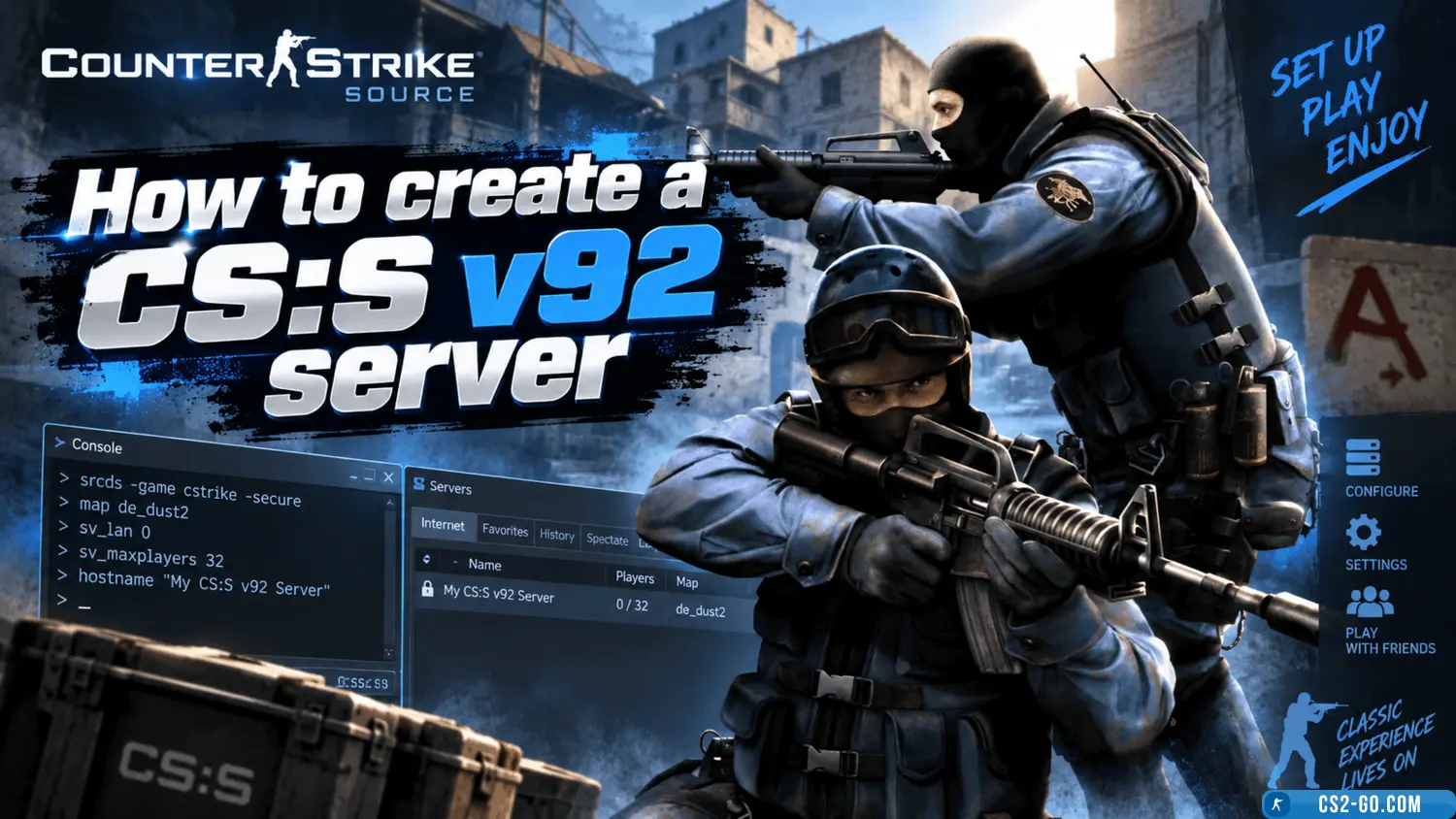
    Create a CS:S v92 server for local or online play. Install SteamCMD, configure server.cfg, and open the ports. Run the server on a PC or hosting service for stable 24/7 gameplay.