KNOWLEDGE BASE / ARTICLE
How to remove hand and screen shake in CS 1.6 (CS1.6)
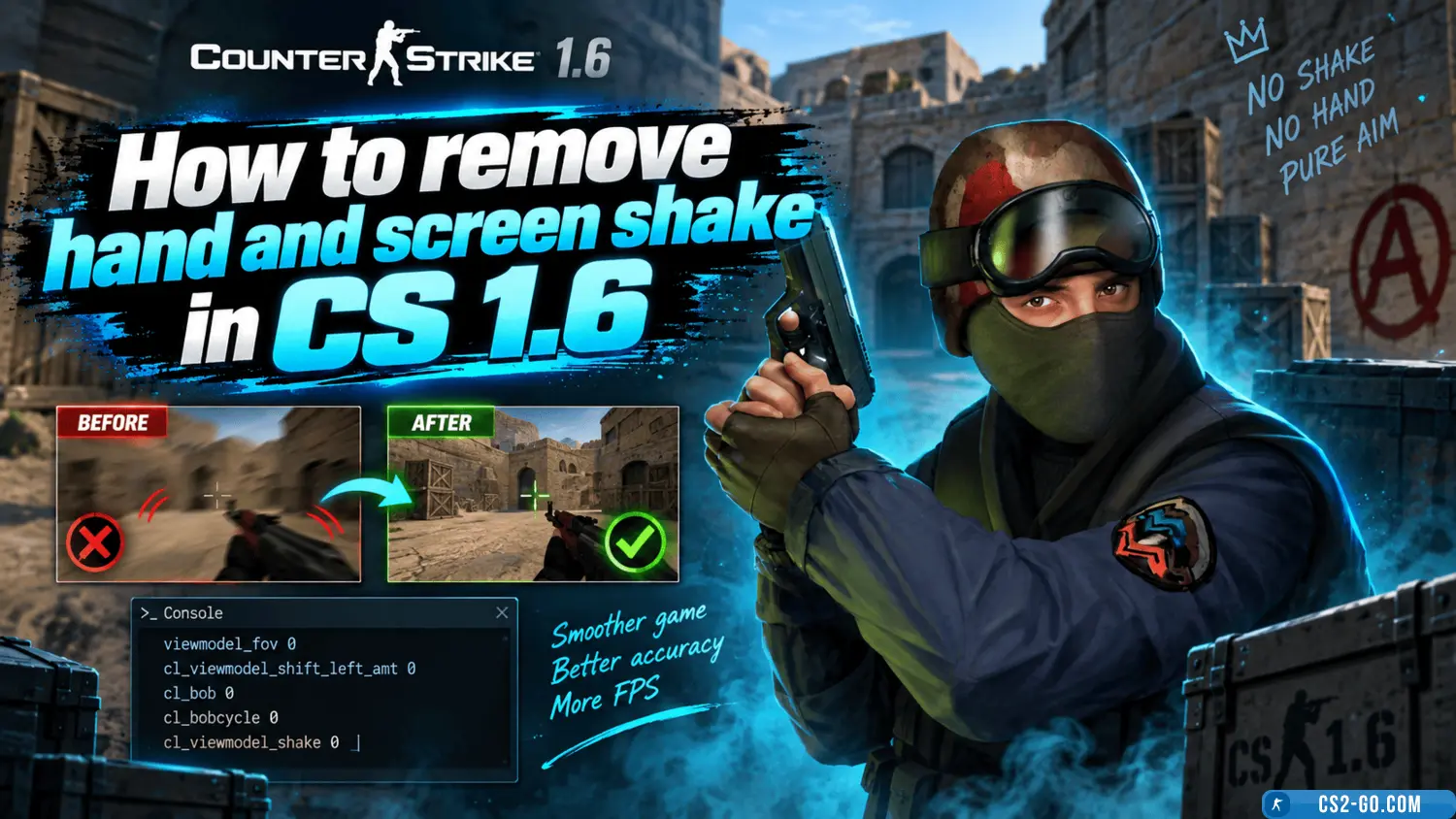
Video review of How to remove hand and screen shake in CS 1.6 (CS1.6)
 |
How to remove hand and screen shake in CS 1.6 (CS1.6) has been checked for viruses by our site administration and is completely safe for installation and use on your PC. |
How to make a console in CS 1.6 (CS 1.6)
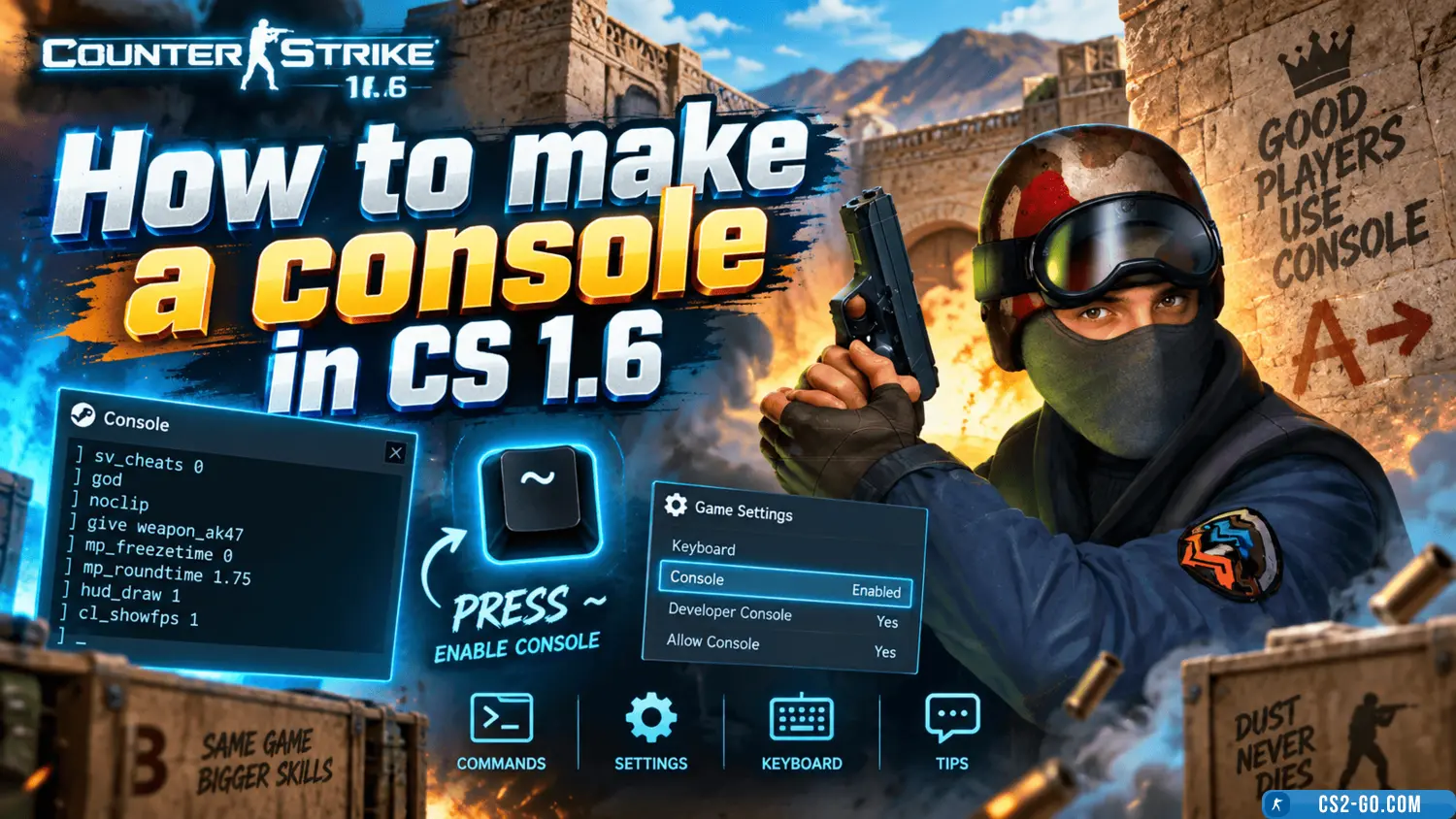
How to activate and use the console in CS 1.6: open the game settings, enable the "Enable Developer Console" option, and...
How to remove weapons in CS 1.6 (CS1.6)
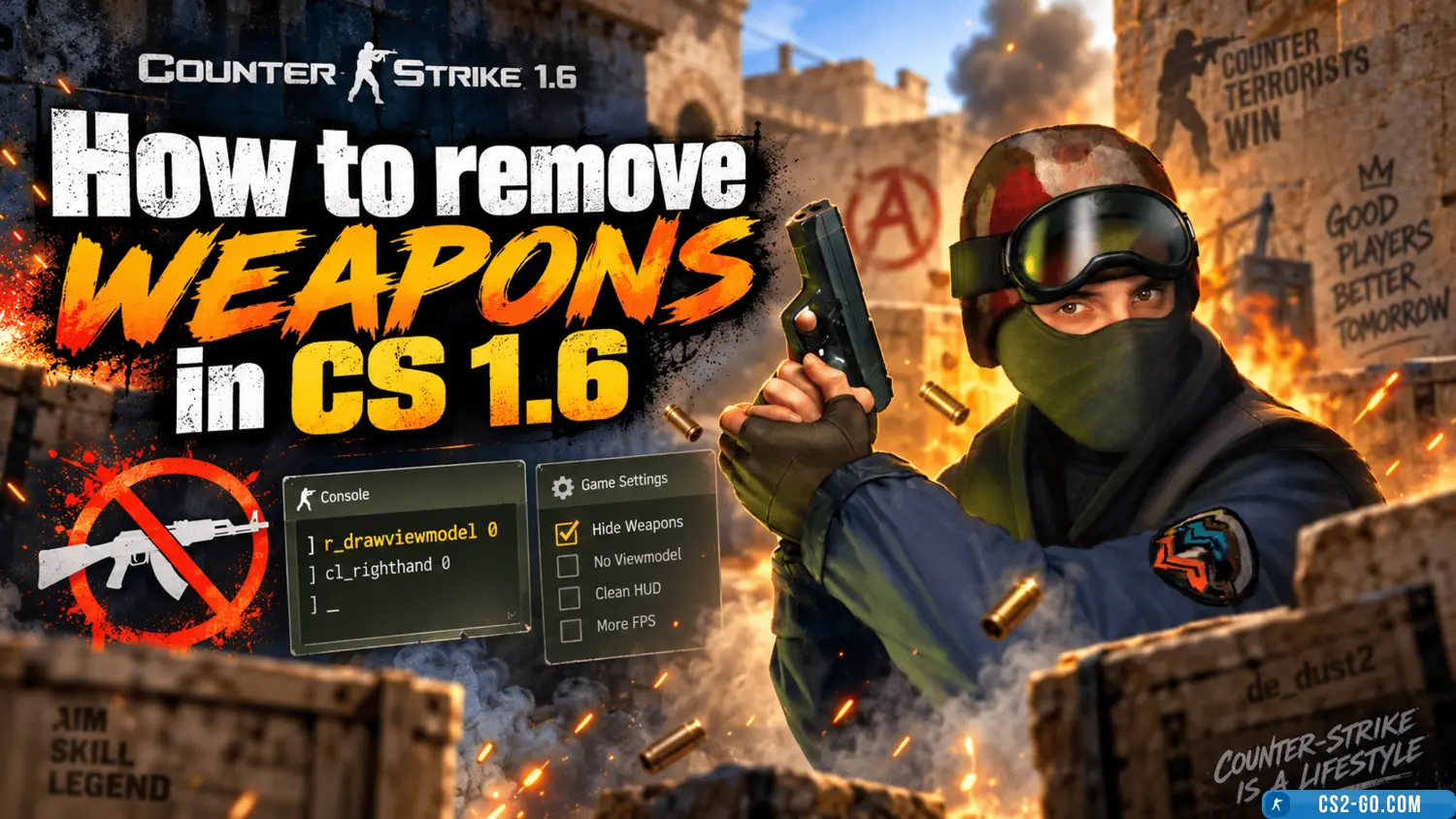
To remove the weapon from the screen in CS 1.6, use the command `r_drawviewmodel 0`. This will hide the weapon while kee...
How to install weapon and C4 models on a CS 1.6 server
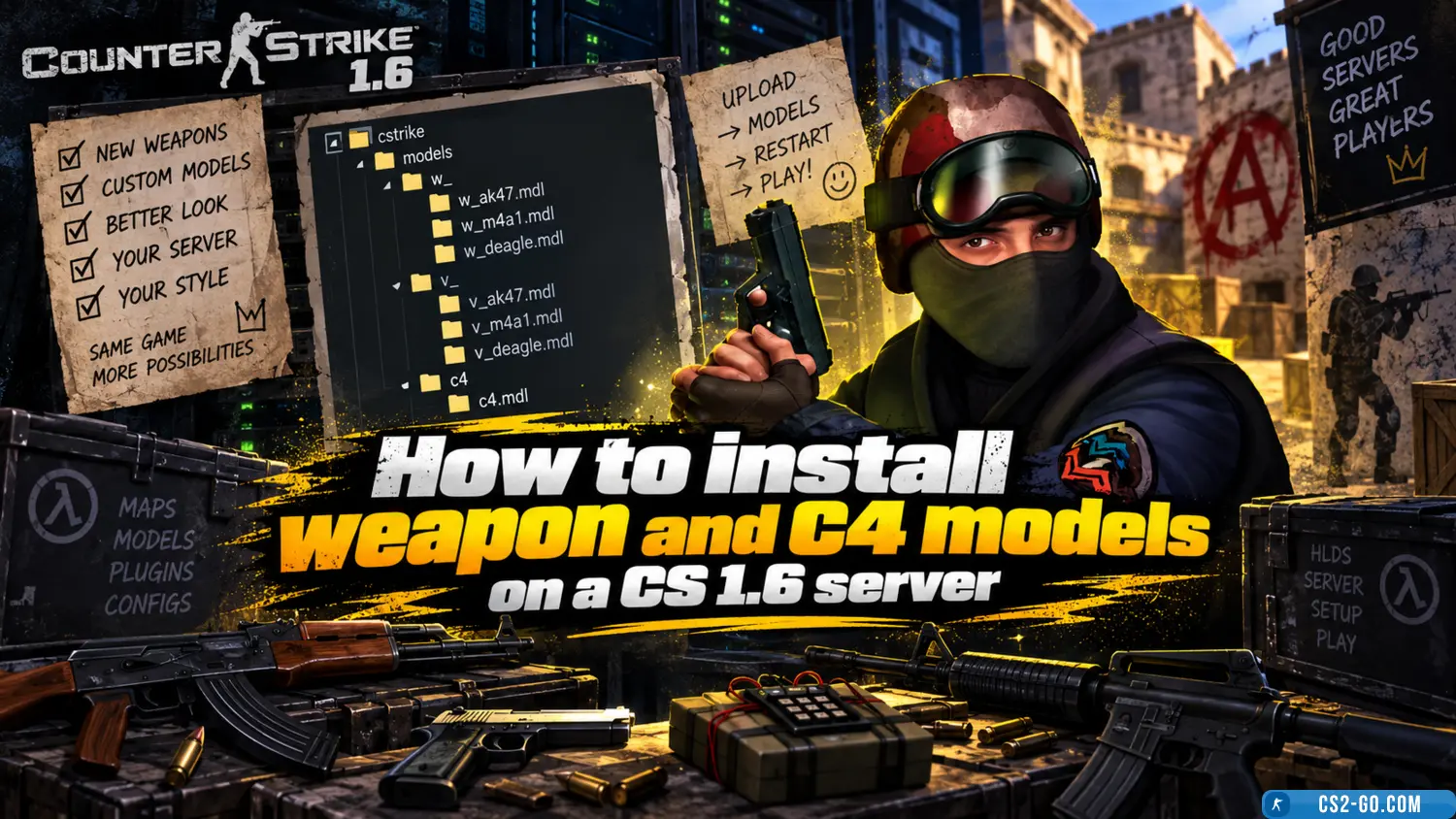
In this manual, we will look at how to install weapon models for all players, as well as how to set up weapon skins for ...
How to install a map on a CS 1.6 server
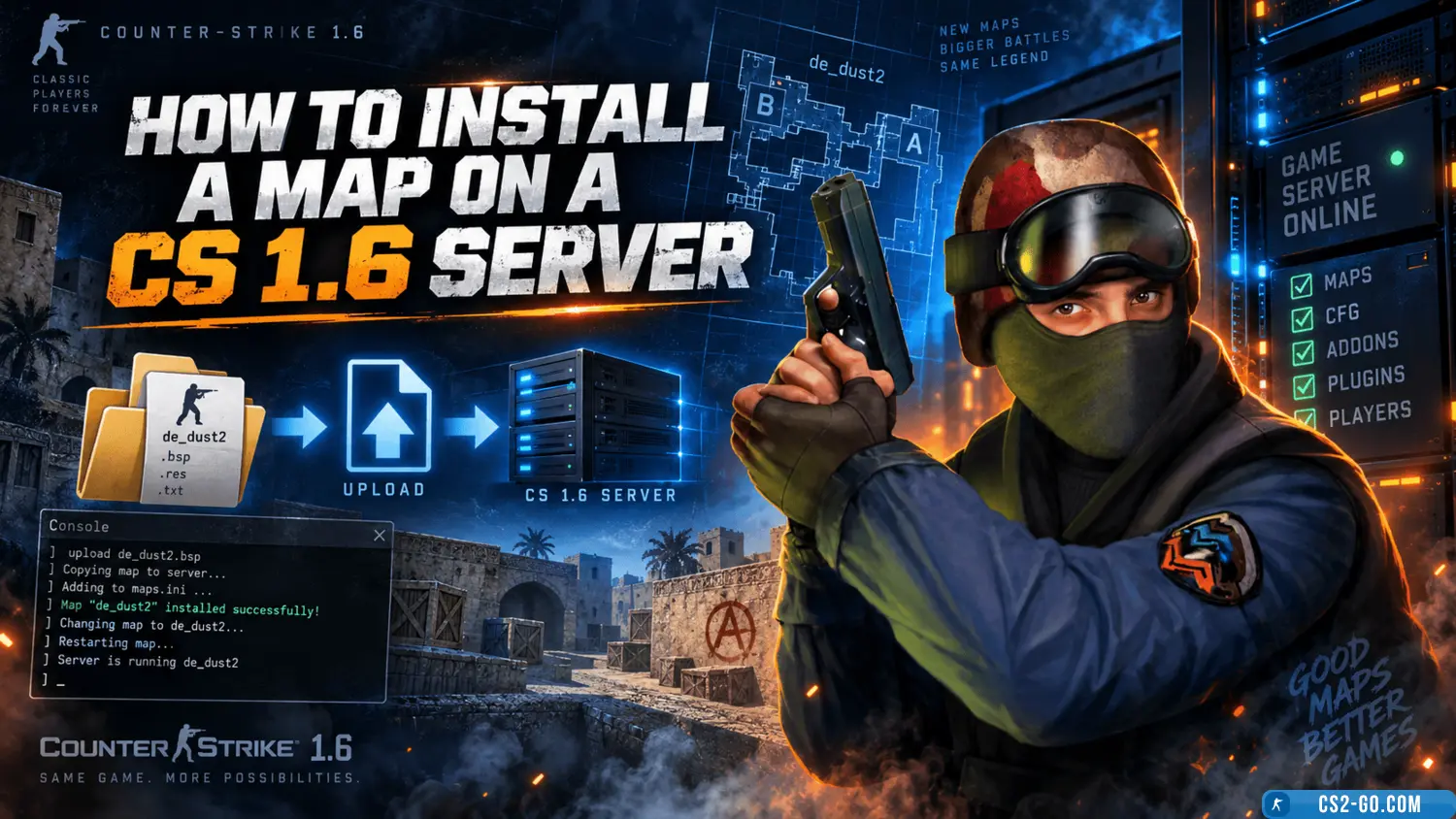
In this article, we will take a detailed look at how to correctly install a map on a CS 1.6 game server. We will go over...
System requirements for CS 1.6
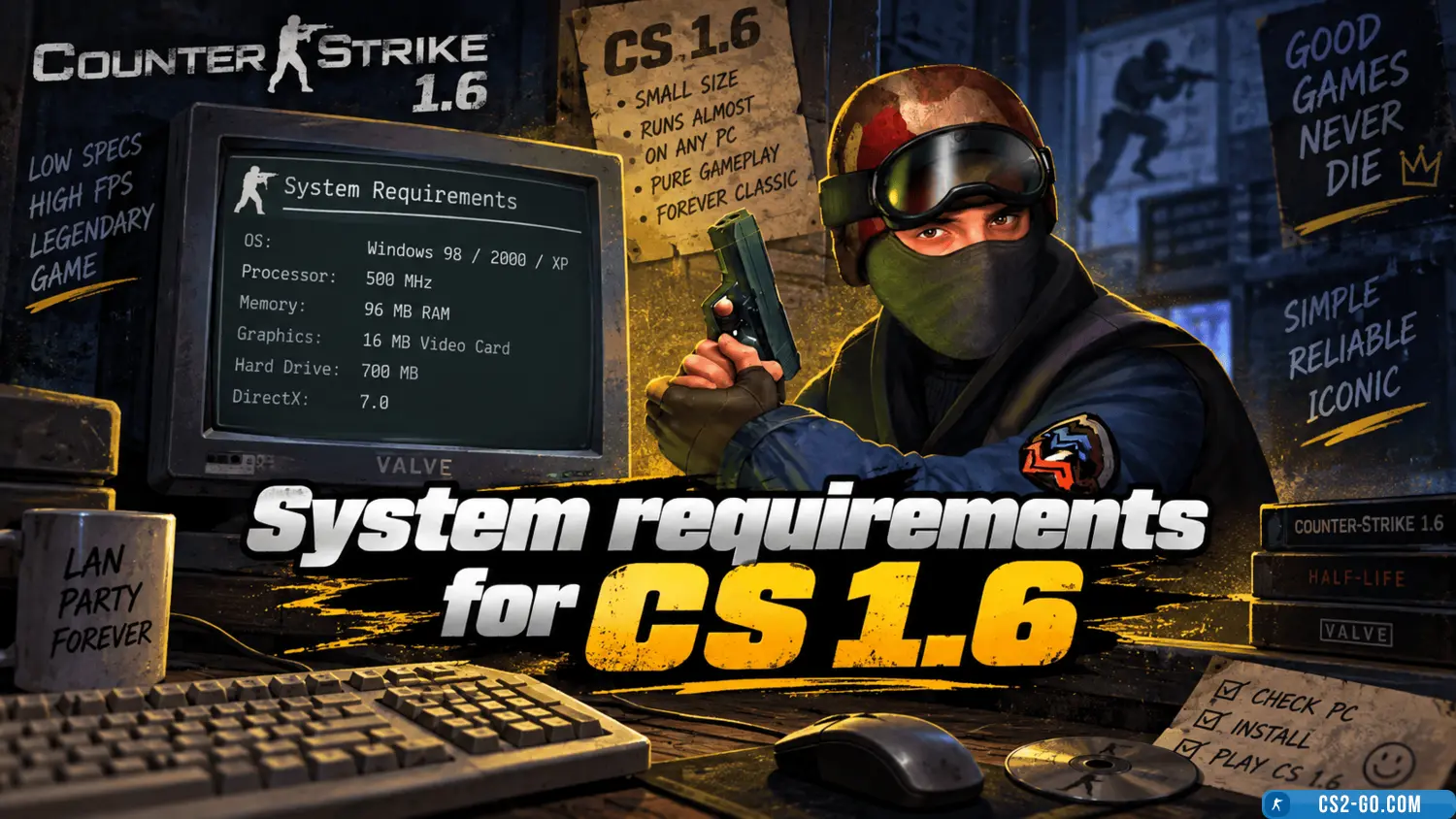
This article provides a description of the system requirements for Counter-Strike 1.6.