KNOWLEDGE BASE / ARTICLE
How to play Faceit in CS 2 (CS 2)
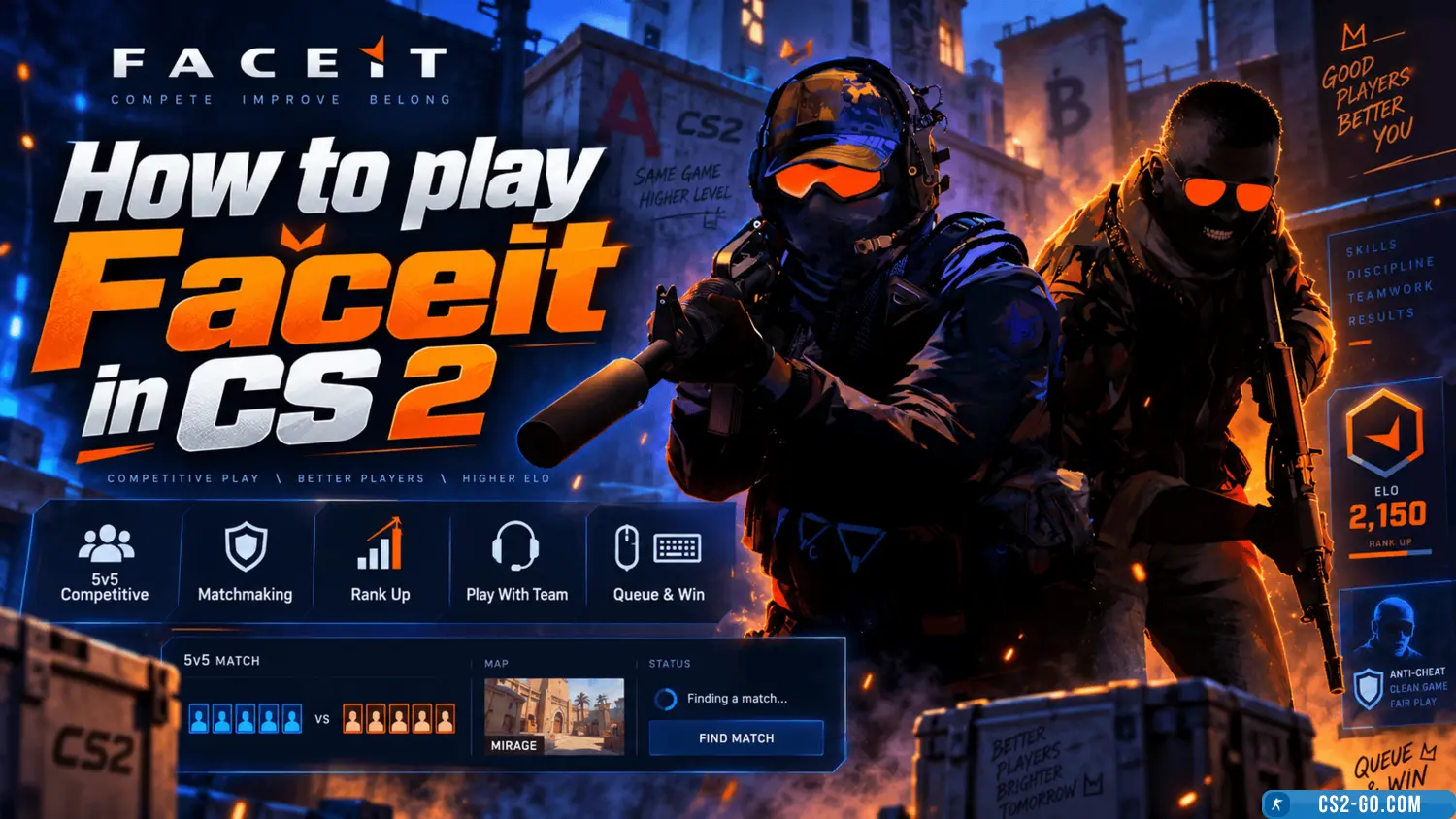
Video review of How to play Faceit in CS 2 (CS 2)
 |
How to play Faceit in CS 2 (CS 2) has been checked for viruses by our site administration and is completely safe for installation and use on your PC. |
The complete history of CS 1.6 — creators of Counter-Strike

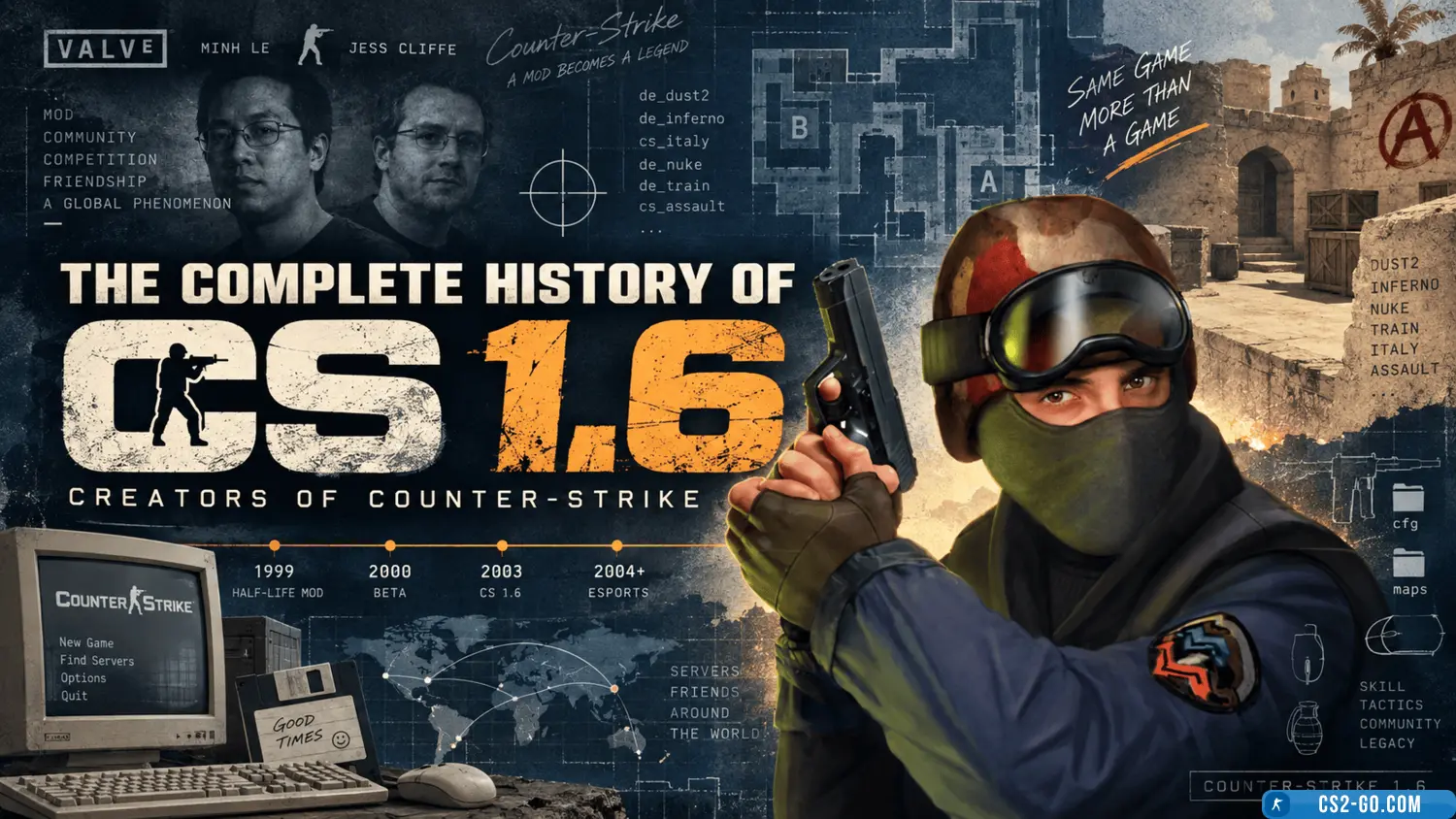
The history of the creation of “Counter-Strike” and who created it.
How to bind keys in CS 2
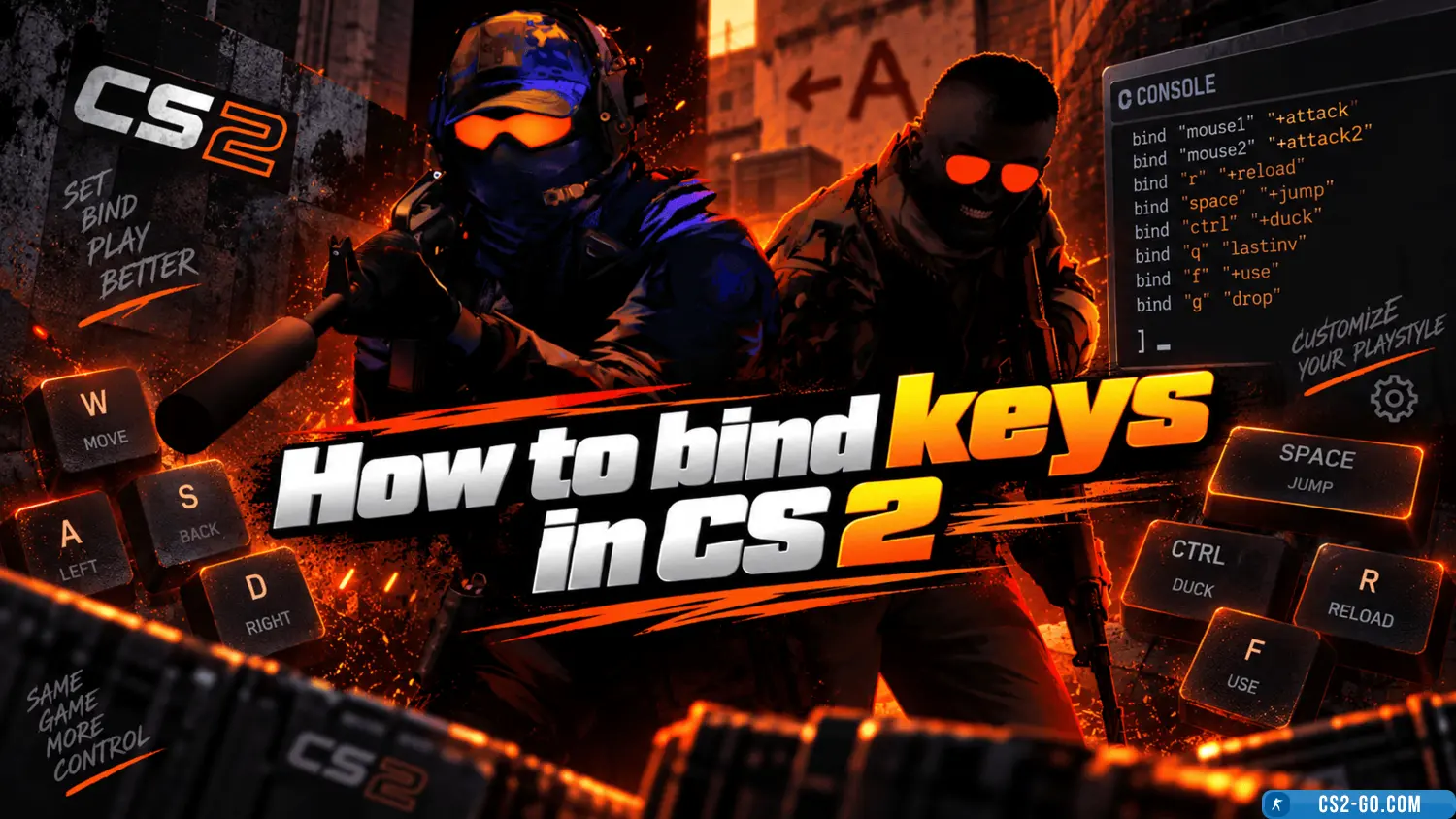
In CS 2 (Counter-Strike 2), configuring controls is an important part of game preparation, making gameplay more convenie...
Bind jump to the mouse wheel in CS2
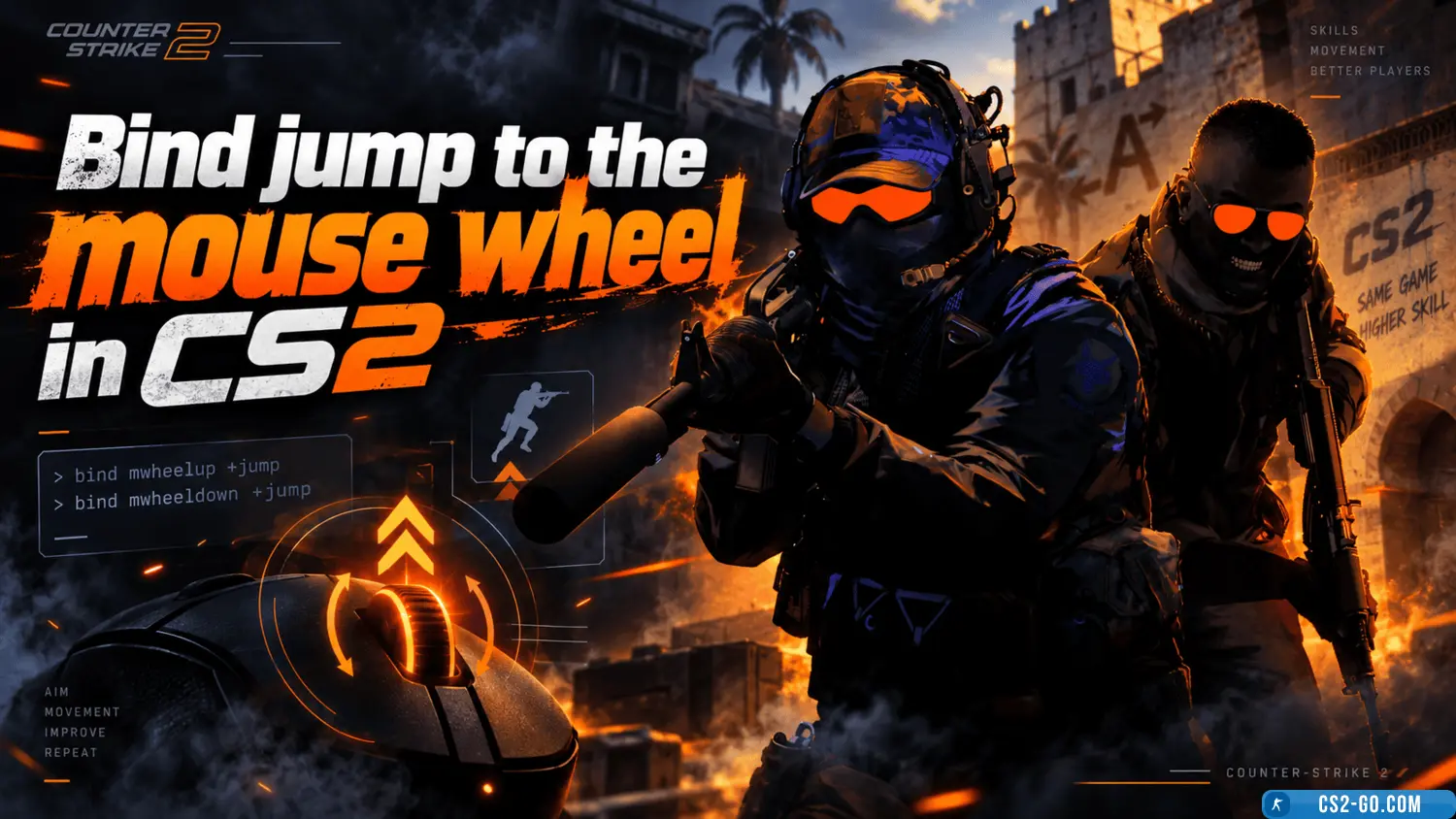
Using the mouse wheel for jumping significantly simplifies gameplay in Counter-Strike 2. Here's how to set up this bind.
How to stretch the screen in CS 2 (CS 2)
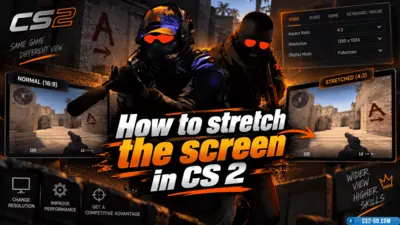
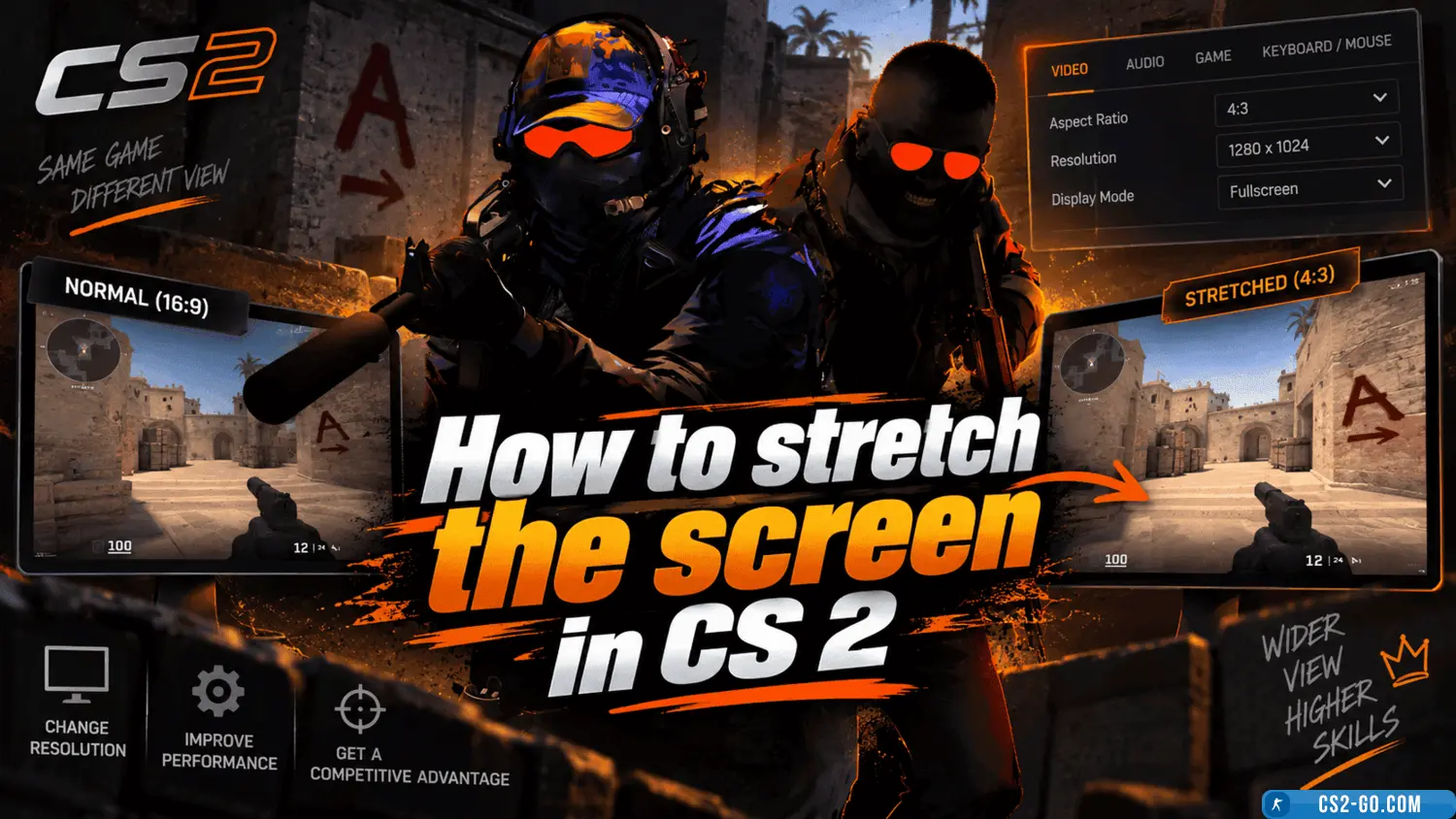
Screen stretching in *CS 2* (Counter-Strike 2) is a popular setting that improves in-game visibility. This adjustment he...
How to bind noclip in CS 2 (CS 2)
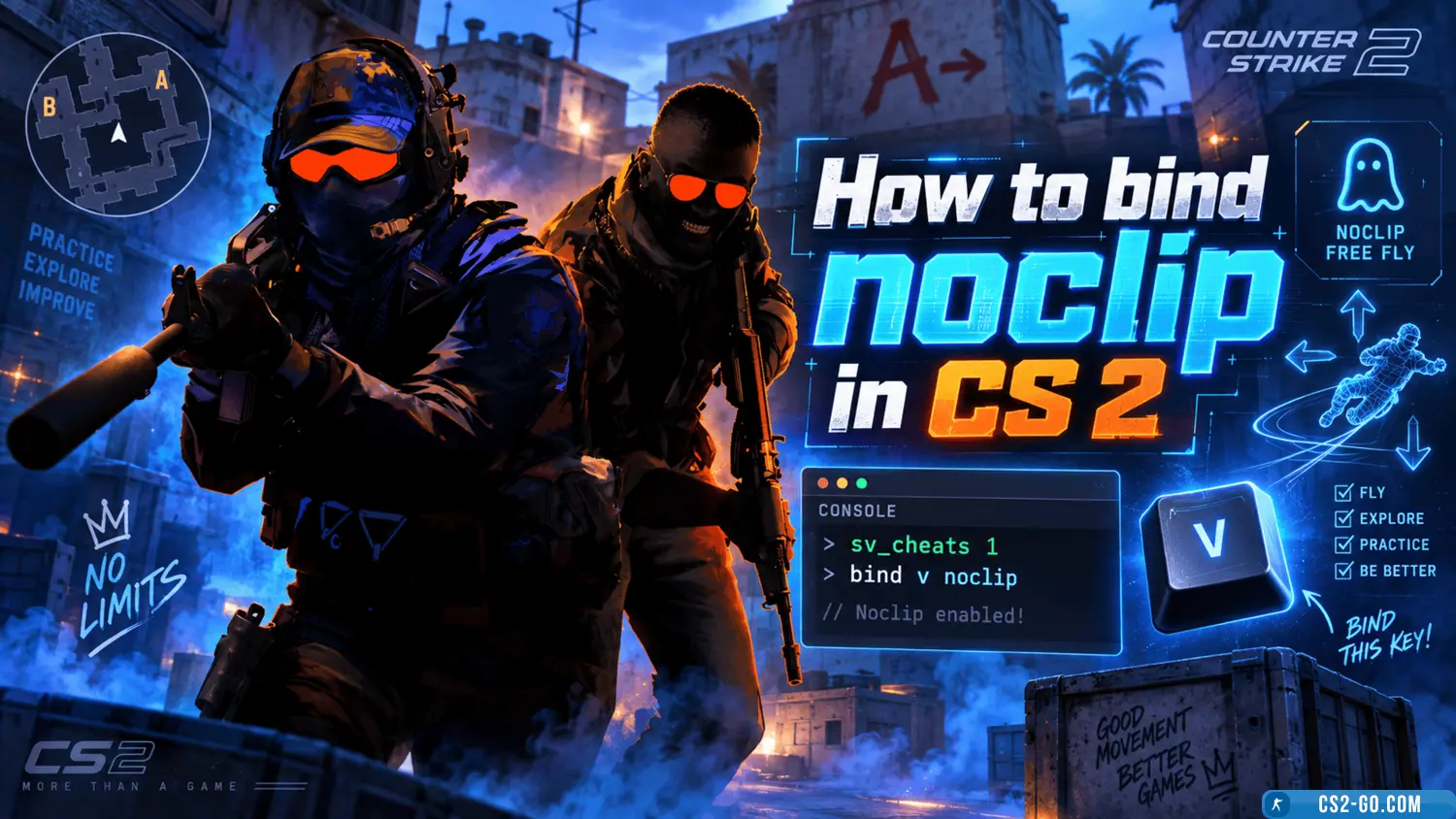
Noclip is a special command in CS 2 (Counter-Strike 2) that allows you to move around the map and pass through walls and...