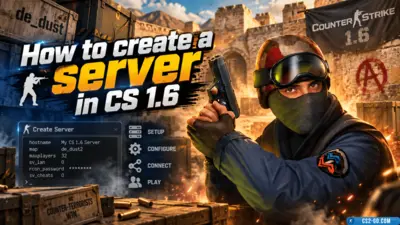
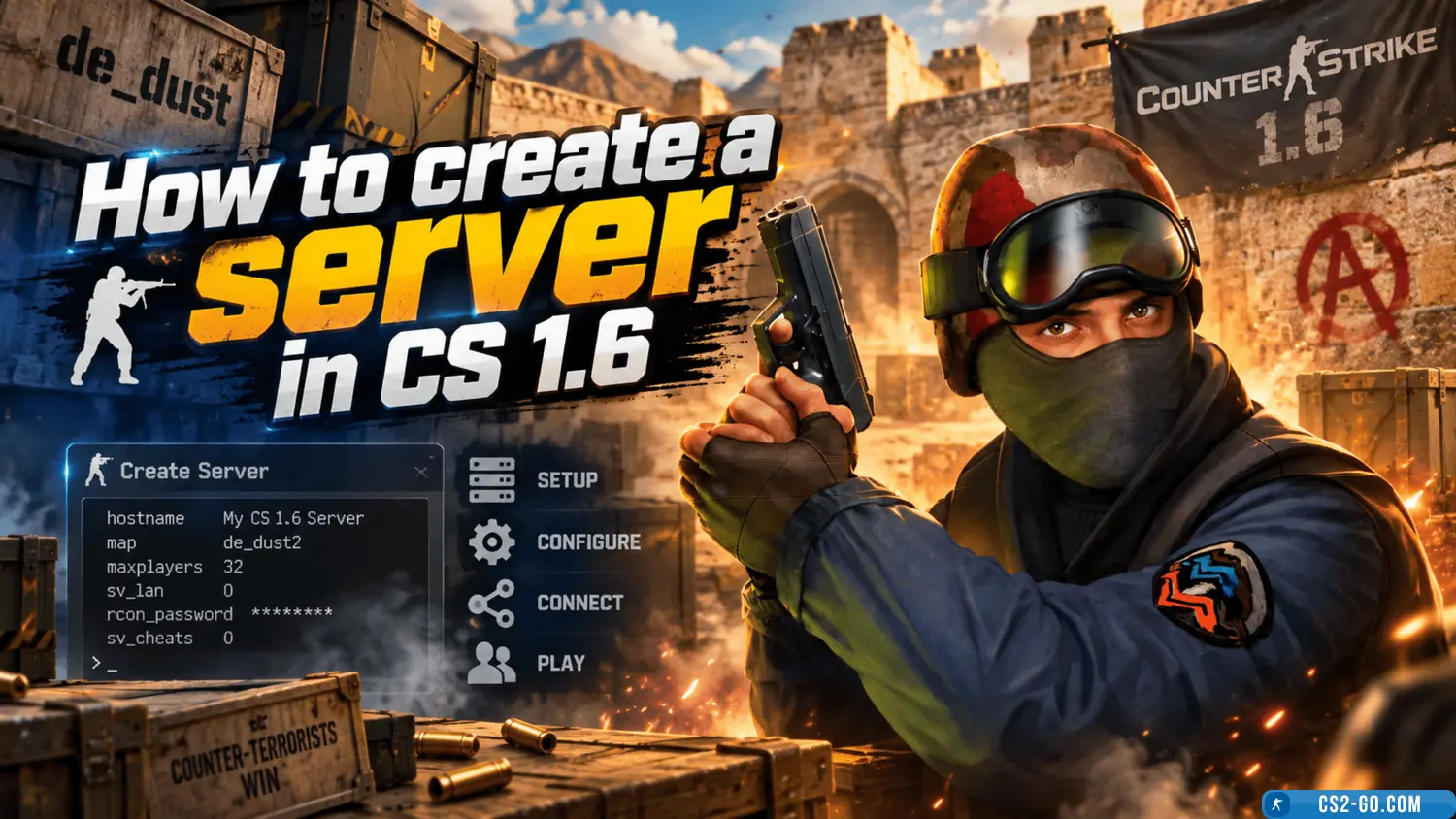
How to create a server in CS 1.6 (Counter-Strike 1.6)
  • 👨‍🦱 Добавил: admin 📆 20.01.2025 ⏰ 16:31


To create a server in CS 1.6 not only locally but also on hosting, follow these steps:

1. Creating a local server:

  • Open CS 1.6, select "Network Game", then "Create Server".
  • Configure server settings (map, number of players, etc.).
  • Click "Start Server" and play with friends over a local network or via IP.

2. Creating a server on hosting:

To create a server on hosting (for public play or more stable connections), follow these steps:

1. Choosing a hosting provider:

  • Find and choose a reliable provider for renting a server. Popular hosting services for CS 1.6 include GameServers, HostHorde, OVH, and others. Make sure the hosting offers dedicated servers with CS 1.6 configuration options. We recommend Game Hosting MyArena.Ru.

2. Registration and renting a server:

  • Register on the chosen hosting site and rent a server with suitable specifications (choose server location, number of slots, available resources).
  • After renting, the hosting provider will give you the server IP address and login details (FTP access, username, and password).

3. Installing and configuring the server:

  • The hosting server may already have CS 1.6 server installed, or you may need to install it manually via FTP. This is usually possible through the hosting control panel.
  • Upload the hlds file (Half-Life Dedicated Server) if not already installed and follow the hosting instructions to set up the server.

4. Server configuration:

  • In the server control panel or via FTP, open configuration files (e.g., server.cfg) to set server parameters:
    • Set the server name: hostname.
    • Set the maximum number of players: maxplayers.
    • Set the default map: map.
    • Set passwords if needed: sv_password.
    • Allow cheats if necessary: sv_cheats 1.

5. Starting the server:

  • After configuring the server via the control panel or console, start the server and check its operation.
  • Use the start command in the hosting control panel or start the server manually through the console.

6. Connecting to the server:

  • You can connect to the server using the IP address provided by the hosting. Enter the IP in the "Network Game" menu to connect.

Additional tips:

  • Server management: Some hosting platforms provide web panels to manage the server, allowing you to change settings without editing configuration files.
  • Mods and plugins: Install plugins and modifications to enhance gameplay (e.g., Anti-Cheat or various maps).

Категория: Статьи по серверу CS 1.6
    How to install weapon and C4 models on a CS 1.6 server
    How to install weapon and C4 models on a CS 1.6 server
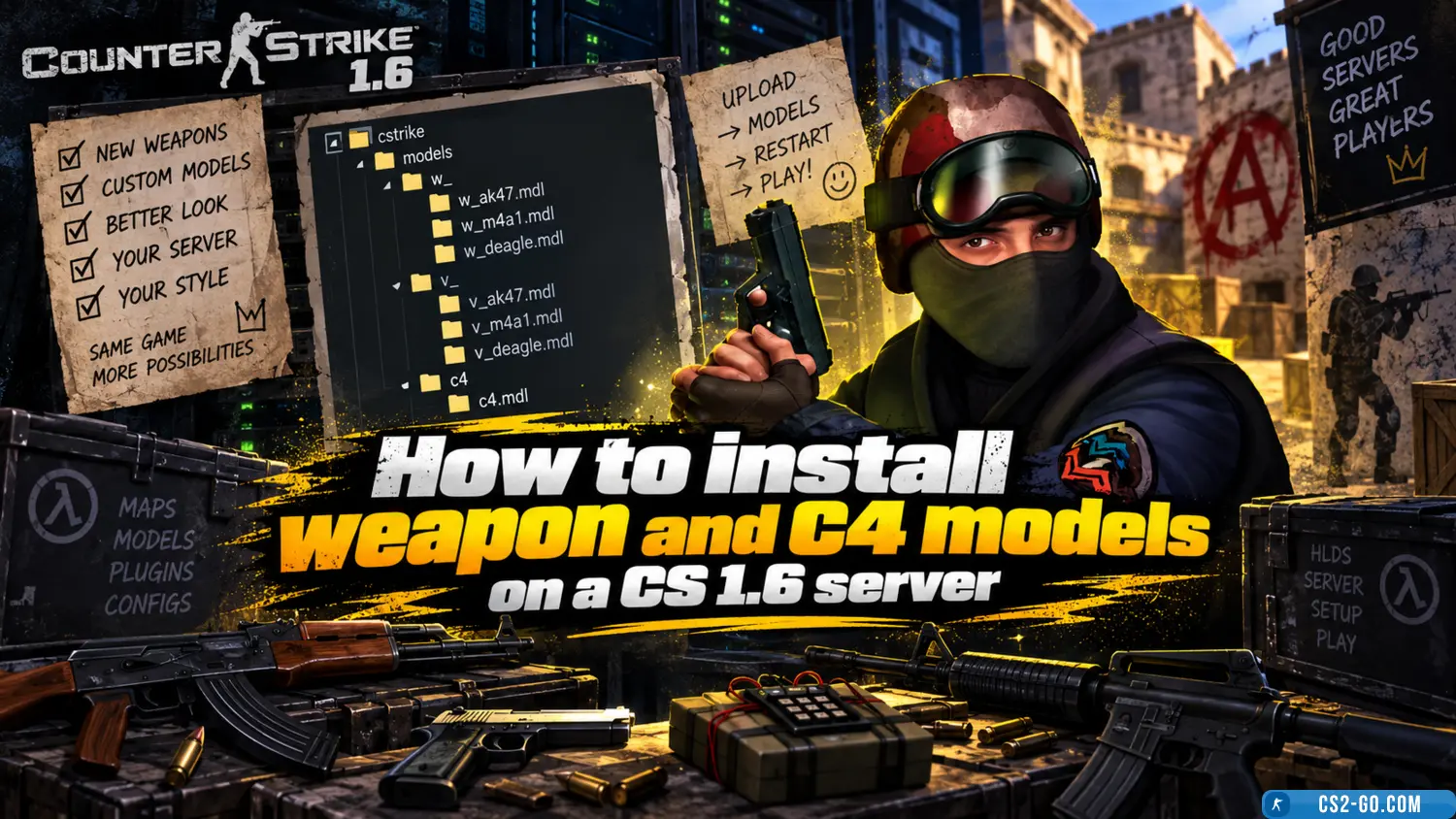
    In this manual, we will look at how to install weapon models for all players, as well as how to set up weapon skins for admins and VIPs. You will be able to customize all skins for yourself. Weapon skin installation is done using various plugins – all of them are availa...

    How to install a map on a CS 1.6 server
    How to install a map on a CS 1.6 server
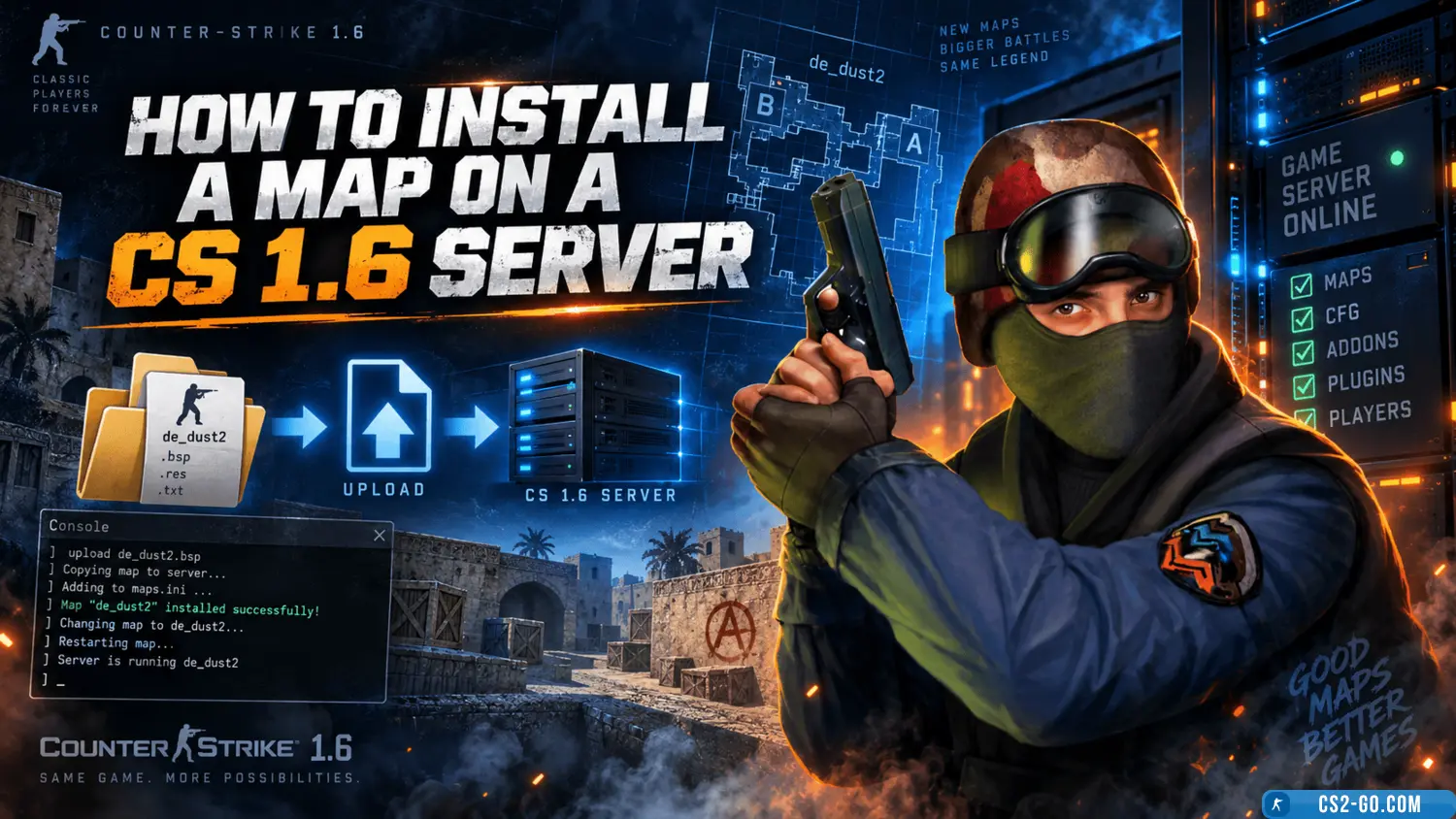
    In this article, we will take a detailed look at how to correctly install a map on a CS 1.6 game server. We will go over all file formats and which folders they should be placed in, as well as how to display the map list in AMX Mod Menu and organize the map cycle on the...

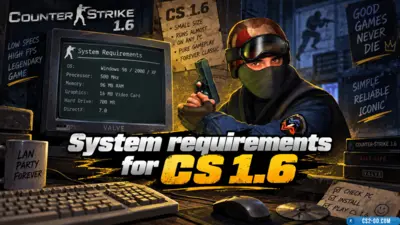
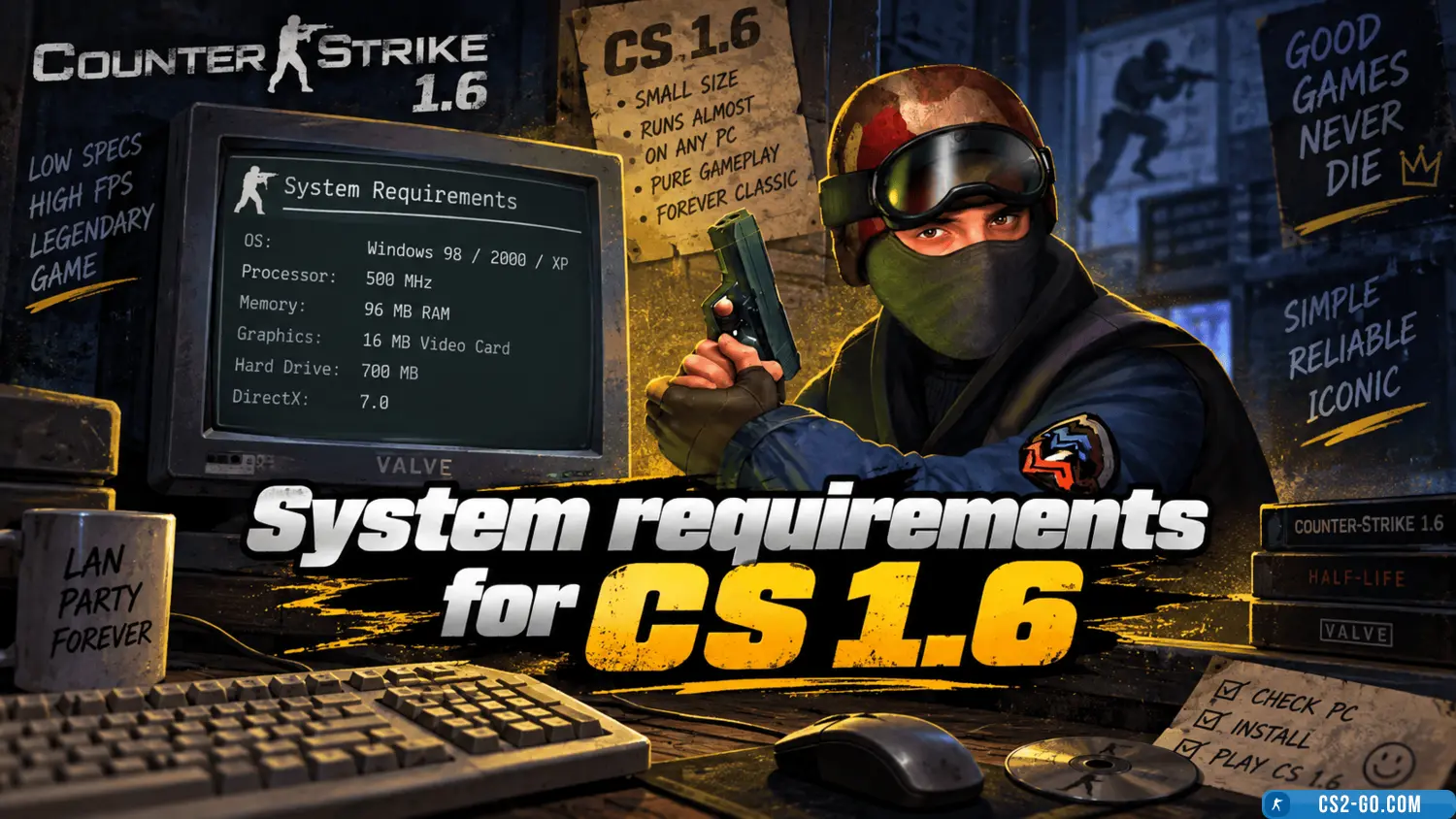
    System requirements for CS 1.6
    System requirements for CS 1.6
    This article provides a description of the system requirements for Counter-Strike 1.6.

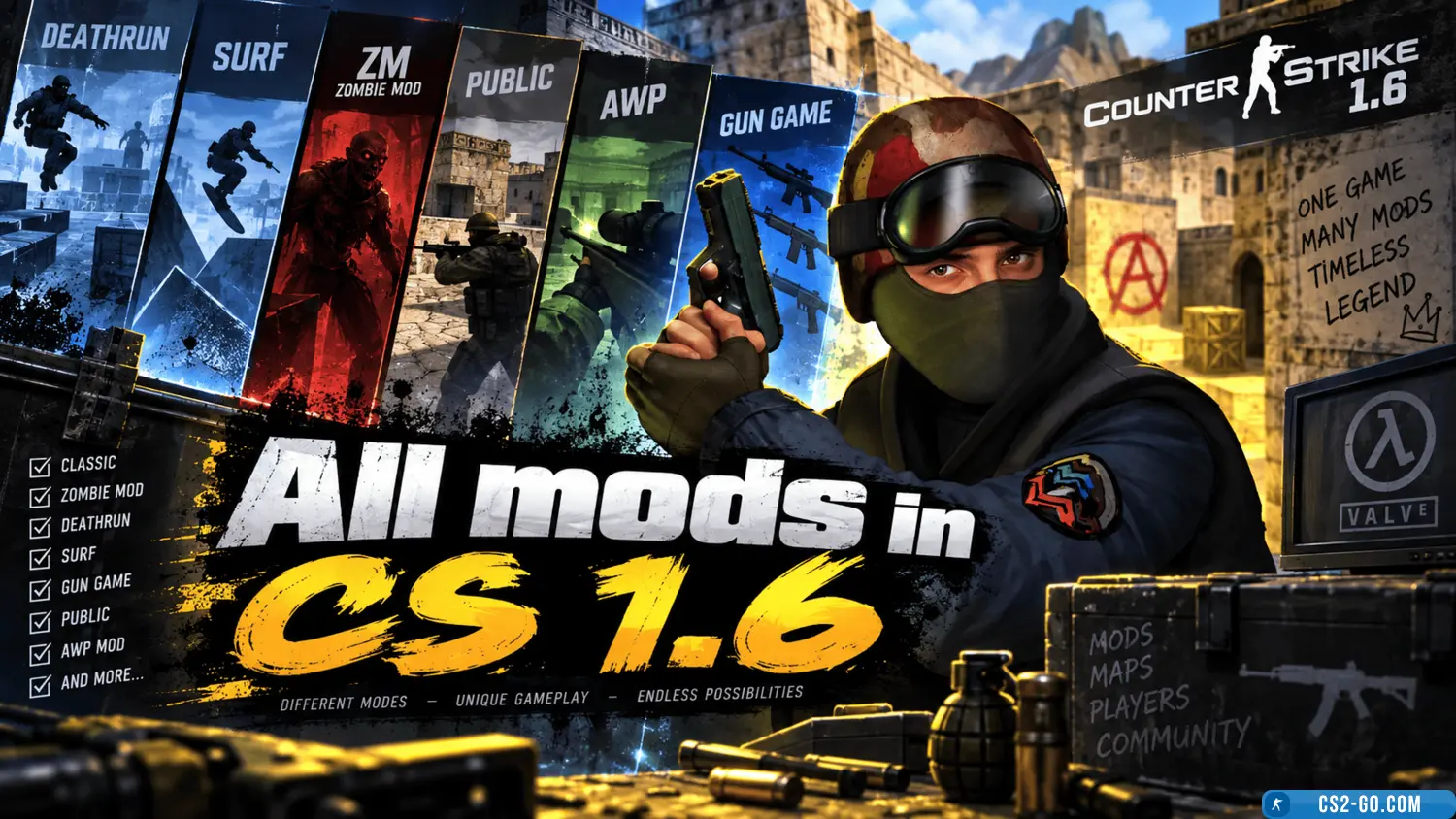
    All mods in CS 1.6
    All mods in CS 1.6
    A list and description of all Counter-Strike 1.6 mods.

    The complete history of CS 1.6 — creators of Counter-Strike
    The complete history of CS 1.6 — creators of Counter-Strike
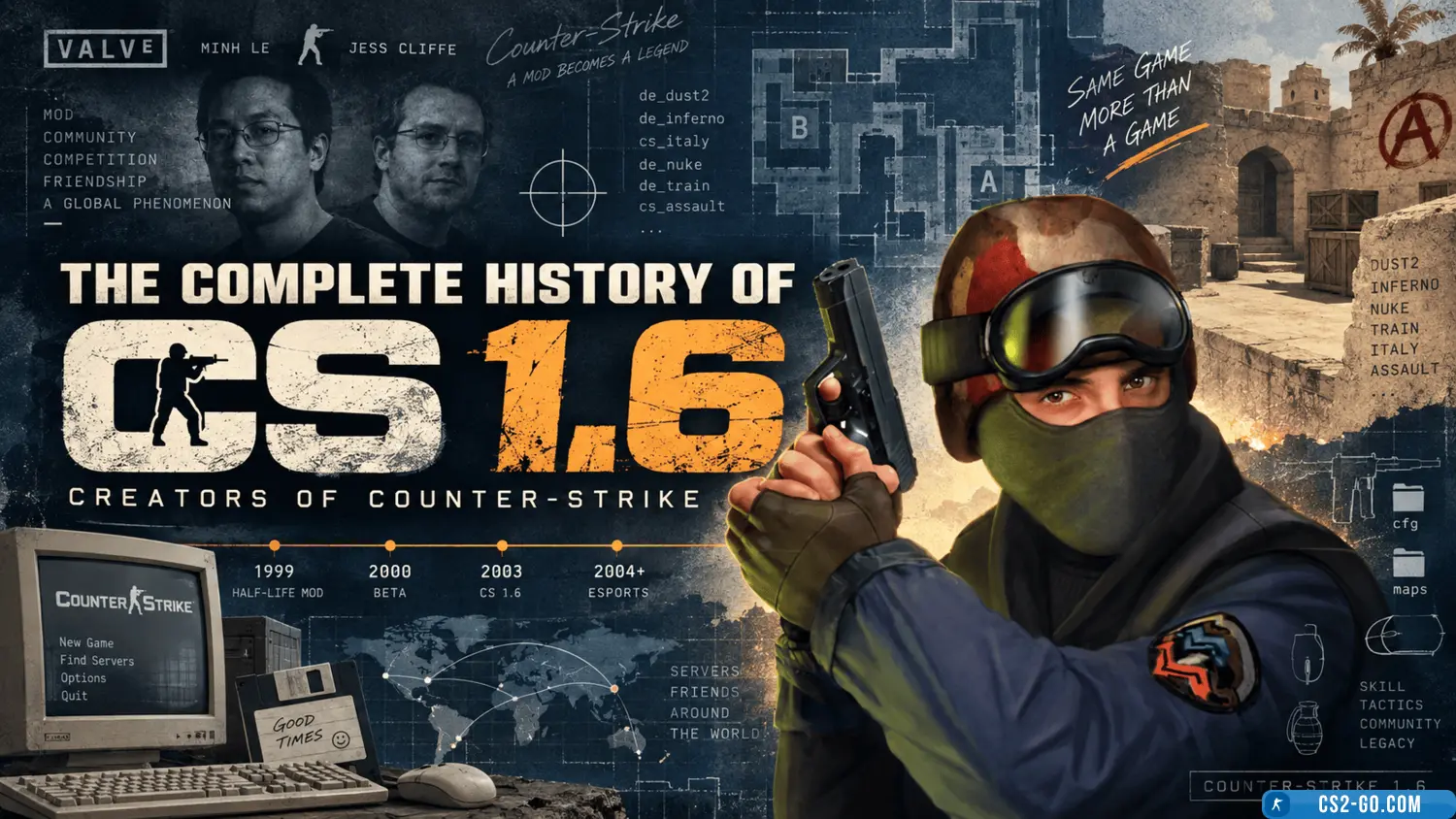
    The history of the creation of “Counter-Strike” and who created it.

    Counter-Strike 1.6: a classic that remains relevant — game description
    Counter-Strike 1.6: a classic that remains relevant — game description
    This is a cult classic game that was released back in 2000. Despite its age, it is still very popular among gamers.

    Mouse settings in CS 1.6 (CS 1.6)
    Mouse settings in CS 1.6 (CS 1.6)
    Mouse settings in CS 1.6 are one of the key aspects that directly affect the quality of your gameplay. Proper mouse configuration helps improve shooting accuracy, reaction speed, and overall effectiveness on the battlefield. Here are the main parameters you should adjus...